
Gyred
A native Android client for running AI agent sessions from a phone. See what is waiting for a decision, answer quickly and write to a session away from the desk. Designed around what a phone is actually for in this workflow.
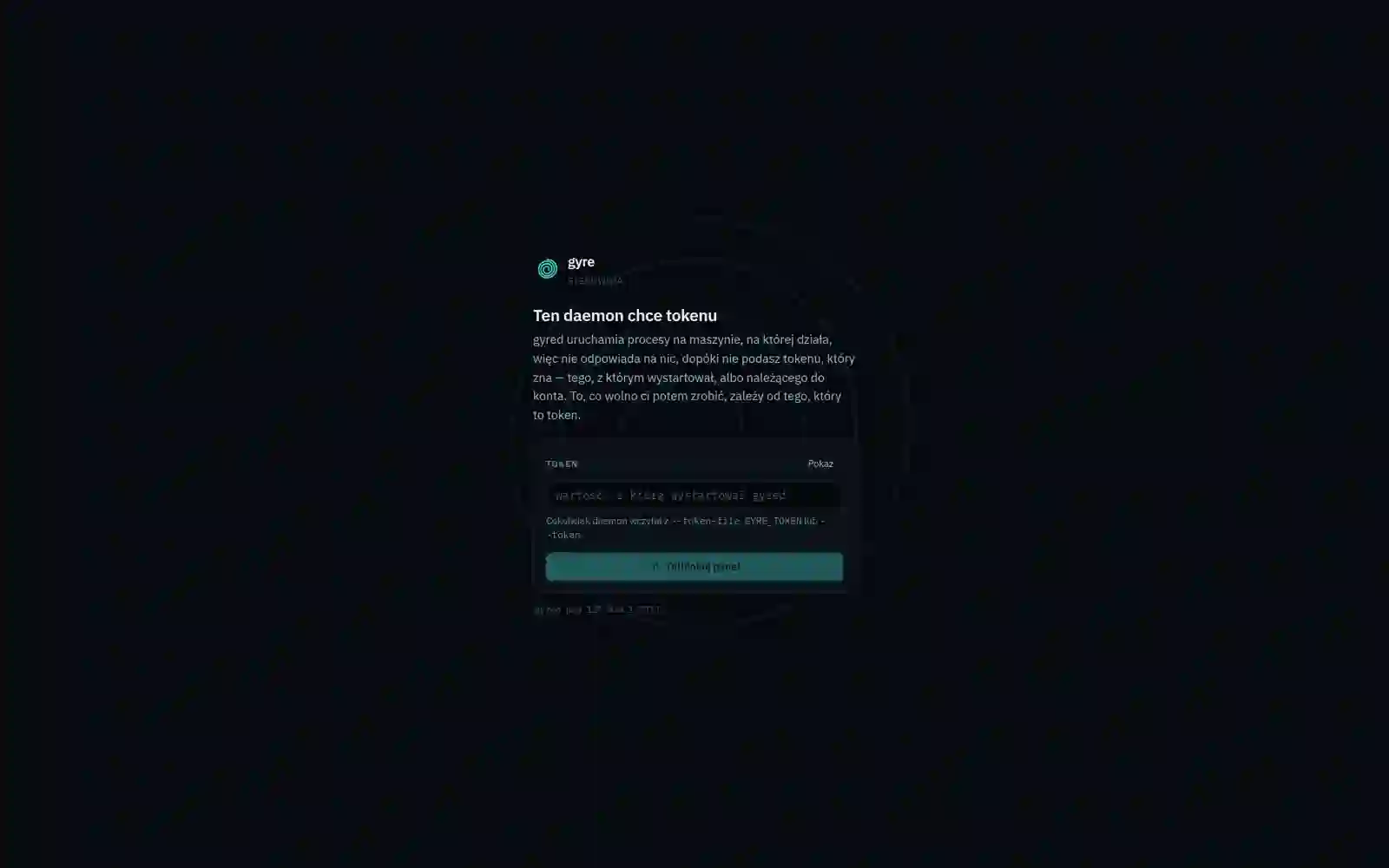
Gyred manages AI agent sessions. An agent can stall on a decision it will not make on its own - and it waits. The phone does not need to do everything the desktop version does; it needs to let you see what is stuck and answer in seconds away from the desk. We built a native Android client for exactly that one moment.
Overview
Gyred manages AI agent sessions. When you set an agent on a longer task, it rarely just runs and finishes by itself. Every so often it hits a fork it will not cross without a human: "delete this directory?", "which of the two versions do I deploy?", "commit or wait?". The session stops and waits.
The Gyred panel keeps these sessions in one place and shows which is working, which has finished and which is waiting on your decision right now. The desktop version is for running many sessions at once, with density and a keyboard at the desk. The mobile version has one narrower job and deliberately does not pretend to do more.
That job is to unblock what is stuck when you are away from the computer. We built a native Android client for that one moment - not a port of the whole desktop, but a tool for one specific thing.
The bottleneck is called the human
The whole point of an agent is that it works without you. But the moment it stalls on a decision it will not make on its own, all that autonomy turns into waiting. The agent does not move on until you say "yes" or "no" - and if you happen to be away from the desk, that wait drags on for hours.
This is the paradox that ruins the gain: a tool meant to save time wastes it, standing still and waiting for one tap. The longer the path from the agent's question to your answer, the less its independence is worth.
We narrowed the mobile scope on purpose. Instead of cramming the whole desktop into a phone, we picked the actions you really do on the move: scan the decision queue, read the context, reply. The rest stays where it is more comfortable - on a big screen.
A phone is not a shrunken desktop
It is tempting to just move the whole panel to the phone and have "the same, only smaller". That is the wrong answer. Running a dozen sessions at once on a small screen is awkward and nobody works that way - the density that is a strength on the desktop turns into chaos on the phone.
So mobile Gyred and the desktop version are not two copies of the same thing but two tools for two different situations. One is for running the work, the other for unblocking it. The table below shows where that line runs.
Desktop and phone: two roles
| Situation | Desktop | Phone |
|---|---|---|
| Running many sessions at once | yes, that is its role | no, on purpose |
| Scanning the decision queue | yes | yes, the home screen |
| Answering an agent's question | yes | yes, in seconds |
| Working on the move, off the desk | no | yes, that is its role |
The decision queue on one screen
The heart of the app is one screen: a list of the sessions waiting on a human, sorted so the most urgent are on top. You do not have to dig through every session to find the three that want something from you - they surface on their own.
For each decision you see the context: what the agent is asking and what it did just before. The point is to answer knowingly, not blind - a "yes" tapped without looking is worse than no answer. Once you know what it is about, you approve, reject or write your own instruction to the session, all from the phone.
one screen with the sessions waiting on a human, the most urgent on top.
for each decision you see what the agent is asking and what it did just before.
approve, reject or write your own instruction straight from the phone.
a session stopped on a question, you get a signal and land straight on that session.
An event waiting for your yes
A session waiting on a decision is simply an event the app shows and sends an answer back to. It has a clear state, the text of the question and a set of possible answers - nothing more is needed for the phone to know what to display and what to do with your tap.
That simplicity is deliberate. The less the app has to know about the session itself, the easier it runs fast and the fewer places there are where something can drift between the phone and the server.
A session waits as long as pulling out a phone
Agent autonomy only pays off when the human decision is not the bottleneck. Mobile Gyred removes that bottleneck: a session that used to wait hours for your return to the desk now waits as long as it takes to pull out a phone and read one question.
Session wait for a decision (illustrative, minutes)
That is all this moment needs - and, on purpose, nothing more. We did not try to make the phone a second desktop. We made a tool for the one thing that makes sense on a phone, and it does that one thing well.
The agent was meant to work for you. The phone's only role is to keep your "yes" from making it wait until evening.
More projects
More work from the same category - see how we tackle similar challenges.

Have a similar project?
Get in touch - a quote is free and comes back within an hour.