
studio
A desktop tool for moodboards, cuts and sessions on a shared core (Rust + Tauri). Where file access, offline work and native speed matter. One repo, a shared core, separate apps.
A desktop developer tool for working with moodboards, cuts and sessions, built on Rust + Tauri. Fast file access and offline work, native speed instead of a browser tab, and on top of that one repo and a shared core instead of separate code per platform.
Overview
studio is a desktop developer tool that handles work with moodboards, cuts and sessions - the kind of work where constant, fast access to files on disk matters. This case study covers how to build such a tool natively without multiplying the code for every operating system.
The premise was two-sided. On one hand the tool has to feel like a native program: files at hand, working without a network, smooth even on a big session. On the other, it has to stay one repository and one core, not three separate apps that then have to be maintained three times over.
What a browser cannot give
Working with moodboards and cuts means reaching for disks constantly: hundreds of files, project directories, previews that must appear instantly. A browser keeps all of it behind a sandbox wall. Every file access is a dialog, no network means no app, and on a larger session the interface starts to choke.
We wanted a tool that has files at hand like a native program, works without a network and does not slow down on a big session. But without the trap that is easy to fall into when writing natively: separate code for Windows, macOS and Linux that then drifts between platforms and multiplies the work on every change.
Why Tauri, not Electron
Tauri inverts the layout known from Electron. You write the interface once, on the web, but you do not carry a whole browser with you - the window uses the system's rendering engine, while all the heavier work, file access and logic sit in a Rust core. The result is a binary measured in megabytes, not hundreds of megabytes, and real system access that a wrapped page never had.
The difference is not cosmetic. Electron ships its own copy of the browser engine with every app, so each tool pays for the same Chromium anew. Tauri uses what the system already has and adds only a thin layer of its own. For a tool meant to be fast and light, that is the difference between works and works instantly.
Tauri vs Electron
| Trait | Tauri | Electron |
|---|---|---|
| Rendering engine | the system's | its own copy of Chromium |
| Binary size | megabytes | hundreds of megabytes |
| Logic core | Rust | Node.js |
| System access | native, via commands | through the browser layer |
Web draws, Rust does
The split is clean, and it is what keeps the whole architecture in check: web draws, Rust does. The moodboard and cut views are written once, on the web, while file operations, indexing and everything that has to be fast and offline goes through Tauri commands to a core that knows nothing about how things look.
The Rust core is a standalone library: file loading, indexing, the session model. It does not depend on who draws it, so the same logic can be tested without an interface and exposed through the same contract on every platform. The view is a thin layer on top, not the place where knowledge about the project lives.
The boundary we guard
The clean split has one more advantage: there is only one place where errors have to be guarded seriously. Inside the core we trust our own types - if a session is loaded, its model is valid. But a file path arriving from the view is input from the outside. It may not exist, it may point at a corrupt file, it may be a leftover from a moved project.
So validation sits exactly at the boundary - at the Tauri command - and is not smeared across the whole core just in case. Where the web meets Rust, an error turns into a readable message for the user; deeper down we no longer have to check the same thing a second time.
The boundary between web and core is the only place where we guard errors seriously. Inside the core we trust our own types, but a file path from the view is input from the outside - and only here, at the Tauri command, does it turn into a readable message, instead of toppling the app deeper down.
file loading, indexing and the session model as a library independent of the interface.
moodboard and cut views written once, wired to the core through Tauri commands.
data and files kept locally, sync is an option, not a condition for launching.
a build from the same source for Windows, macOS and Linux, with no separate code branches.
What the final result is
The tool starts fast, has files at hand and needs no network to work - and still does not multiply code per system. One repo, one Rust core, a thin view layer on top and separate apps on the way out, built from the same source.
For the person using it, that means the tool behaves like a native program, not a page pretending to be an app: you point at files straight from disk, work continues without a network, and the interface does not choke on a big session. For maintenance, it means a new feature added in the core reaches all three platforms at once, instead of being written and broken three separate times.
Files at hand like in a native program, one Rust core underneath, three platforms from one source.
More projects
More work from the same category - see how we tackle similar challenges.
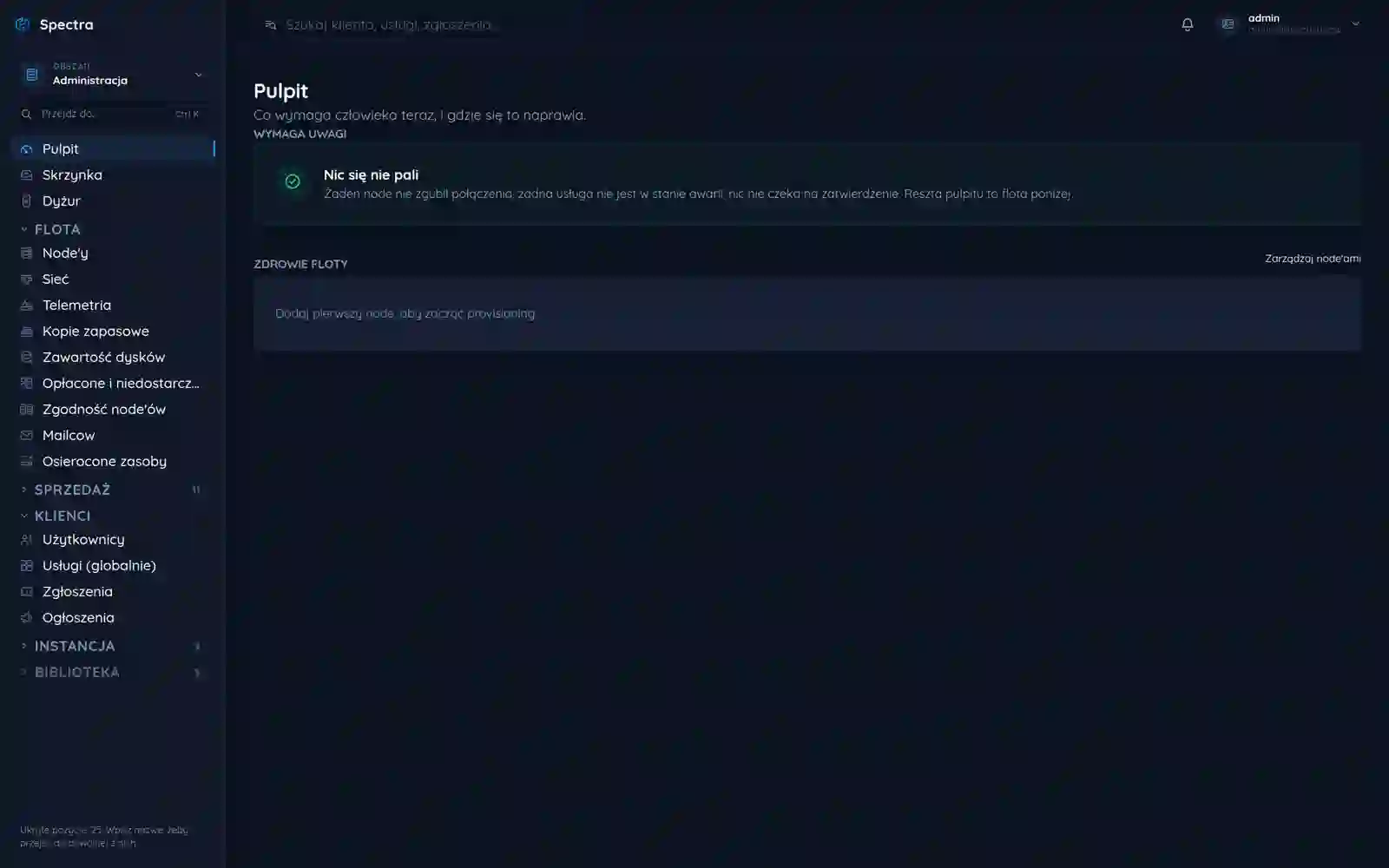
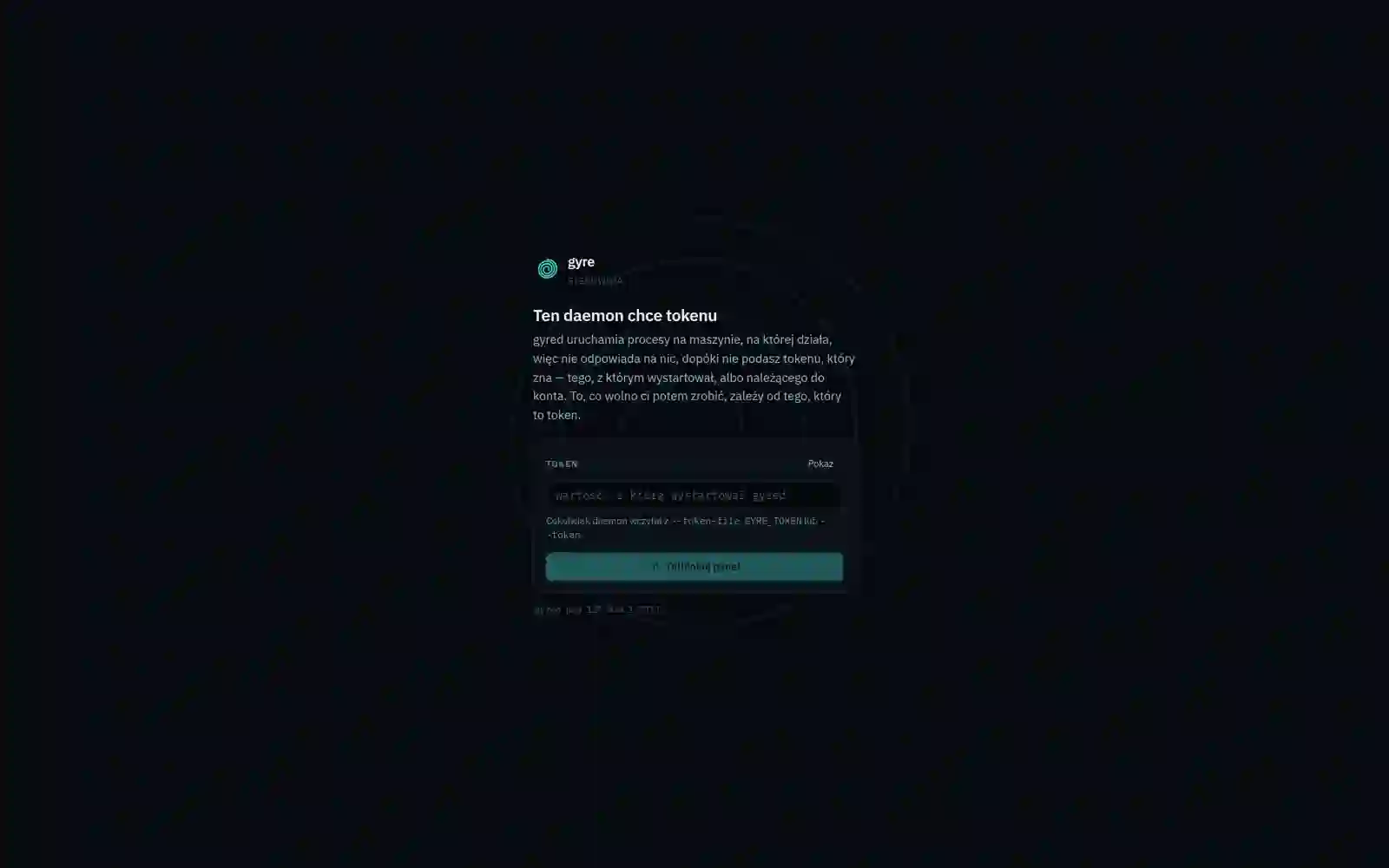
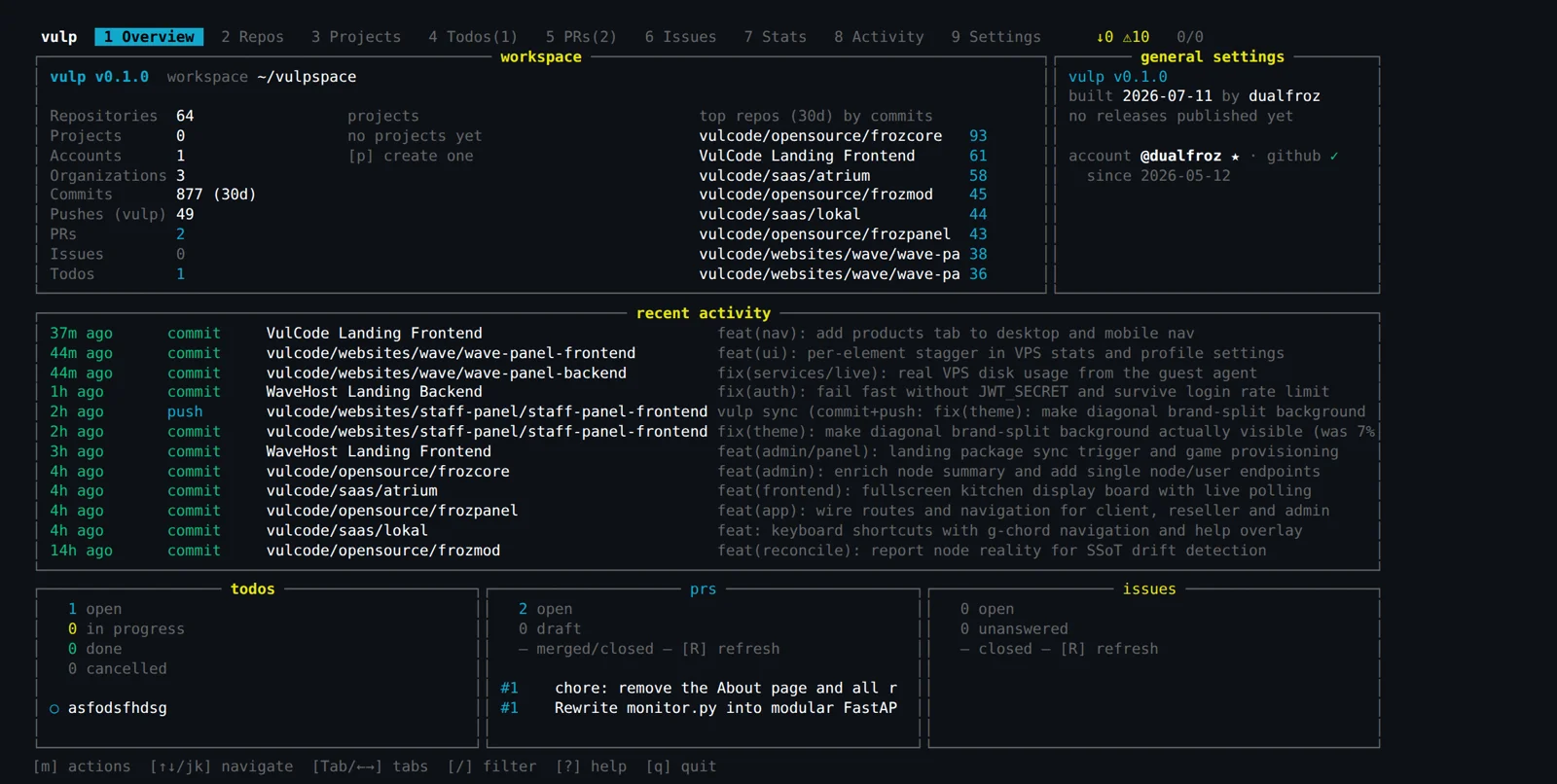
Have a similar project?
Get in touch - a quote is free and comes back within an hour.