
Payments in stages: what you pay for and when
You pay for a project in stages written into the order: part before the start, the rest after acceptance, and on bigger projects in milestones tied to accepting each stage. Every stage has an outcome you can see on the test version.
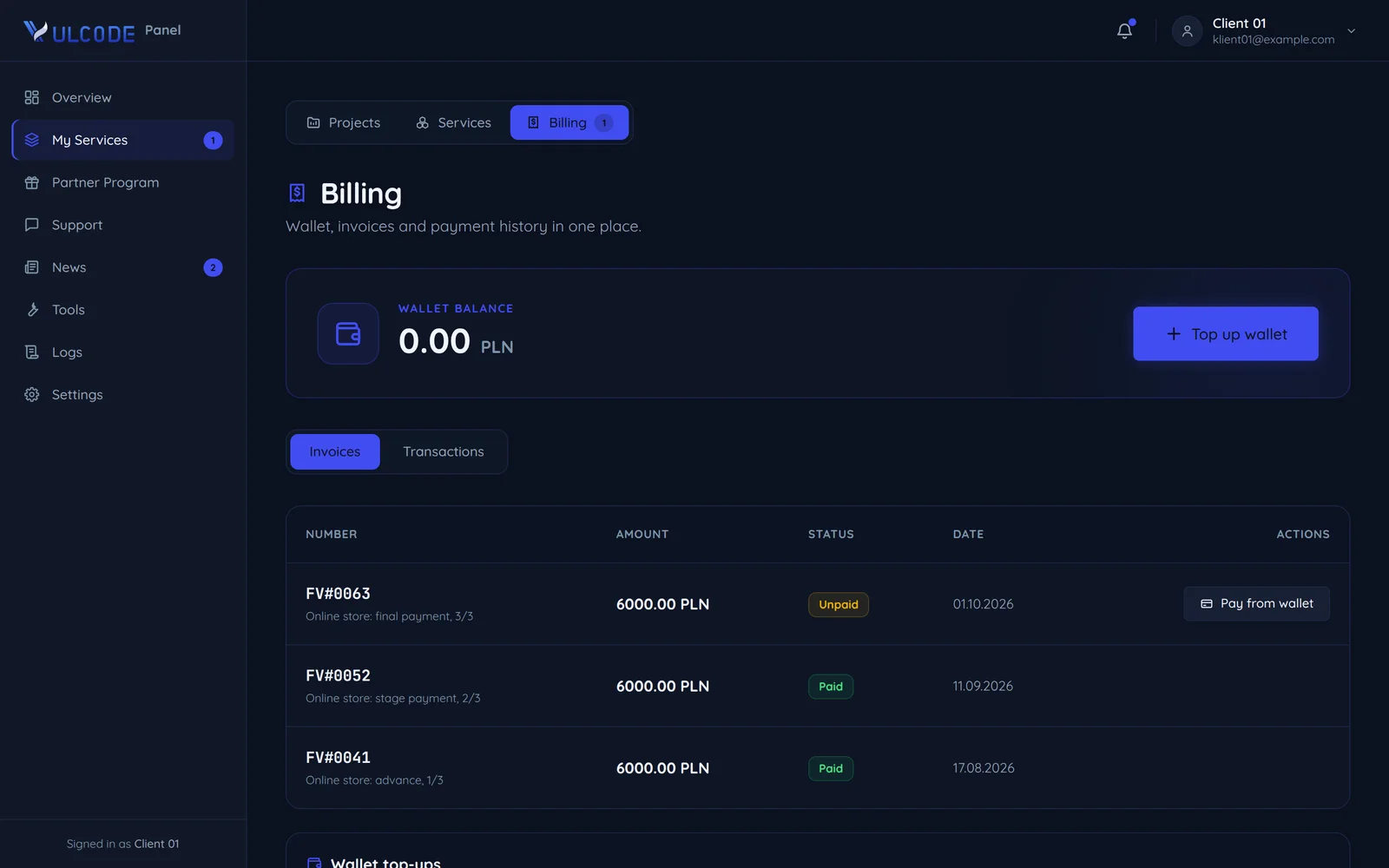
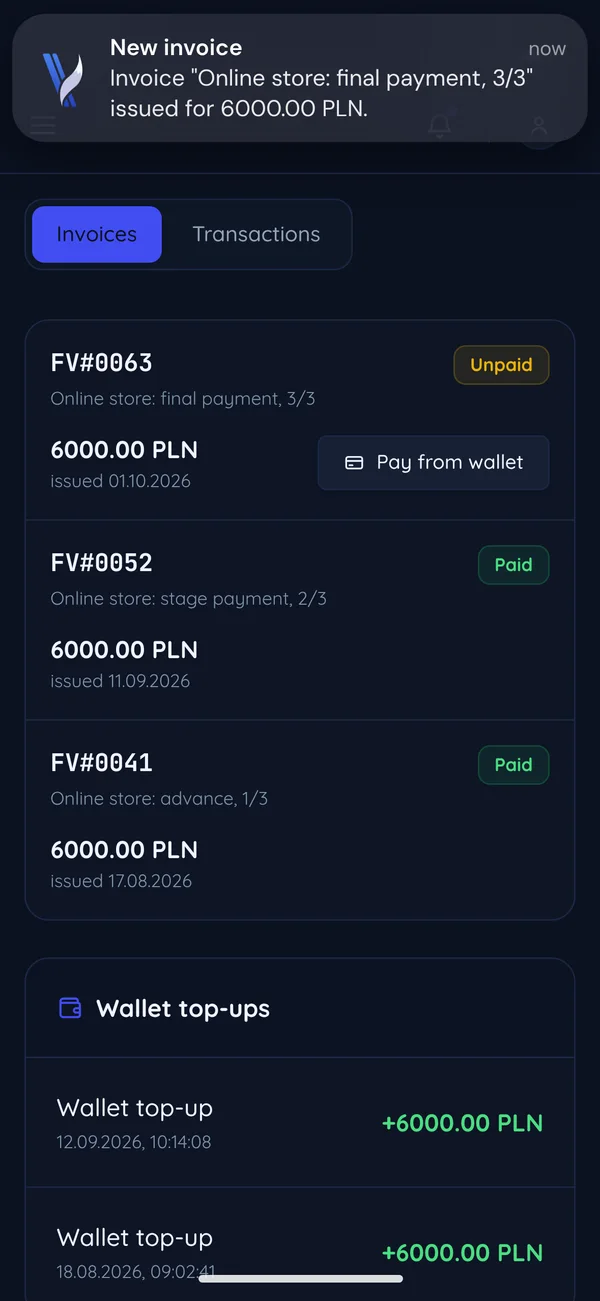
The payment schedule in the order
Payments follow the project's progress. Stages, amounts and dates go into the order before any work starts.
Most often: three equal parts
The advance makes the agreement (cl. 3.1), and you pay each next part only after accepting it on the test version.
before work starts
once you accept the stage on the test version
after final acceptance
pass to you once everything is paid (cl. 6.1)
When the order says nothing else
Our terms then assume half before the start and half after final acceptance (cl. 5.2).
before work starts
after final acceptance
Longer work
More stages, each with its own scope, amount and date in the order.
before work starts
after each accepted stage
after final acceptance
What you pay for at each stage
Most often three equal parts, each for something you can already see. A small project keeps only the advance and the final payment, and a longer one has more stages.
- 1
Advance
When you payAfter you accept the quote, before we start work.What you pay forMaking the agreement and reserving time for your project (cl. 3.1).What you getWork begins, a project channel and a test version where you see progress from day one. - 2
Stage payment
When you payOnce you have checked the stage on the test version and accepted it.What you pay forThe accepted stage, such as the design, the first version or an integration.What you getThe next stage of work and a short summary every week of where things stand. - 3
Final payment
When you payAfter final acceptance, once everything works as scoped.What you pay forThe last stage and the whole project checked on the test version.What you getThe code rights and documentation (cl. 6.1), and the warranty runs from the day of acceptance (cl. 7.1).
A small project or a bigger one
The number of payment stages grows with the project. The size of the order also decides how long the warranty and support last after acceptance.
A small project
A landing page, a business card site, a bot or a single integration.
One acceptance: you check the whole thing on the test version before you pay the rest.
- 30 daysvery small orders
- 90 daysthe standard
Very small orders can have 30 days instead of the standard 90.
A bigger project
A store, a platform, a panel or several integrations.
You accept each stage on its own on the test version, and its amount and date go into the order.
- 90 daysthe standard
- 180 daysbigger projects
- 365 daysbigger projects
Bigger projects can have 180 or 365 days.
What if things go differently
Four situations our terms decide: what the schedule looks like then, the wording of the clause and what it means for you.
A scope change
cl. 3.3A new part joins the schedule only once both sides agree.
Any changes to the scope of an Order require the written consent of both parties and may result in an adjustment of the remuneration and delivery timeline.
We confirm a change in writing before we start on it, and a new amount or date applies only with your consent.
A late payment
cl. 5.3The work and access to what was delivered wait for the overdue invoice.
Invoices are issued within the timeframe agreed by the parties. Overdue unpaid invoices may result in suspension of work or suspension of access to delivered products.
Work may stop, and access to what we have delivered may come back only once the overdue invoice is paid.
Cancelling midway
cl. 5.4You pay for the work done up to the withdrawal, and the rest is not built.
In the event that the Client withdraws from the Order after work has commenced, VulCode is entitled to retain the advance payment and any remuneration for work already performed.
We settle the work done up to the moment you withdraw, and the advance stays with us.
Incomplete payment
cl. 6.4The code rights pass to you only with the last payment.
Until full settlement of remuneration, all rights to the code and materials produced remain with VulCode.
Until the last payment the rights to the code and materials stay with us, and they pass to you together with it (cl. 6.1).
Billing in the client panel
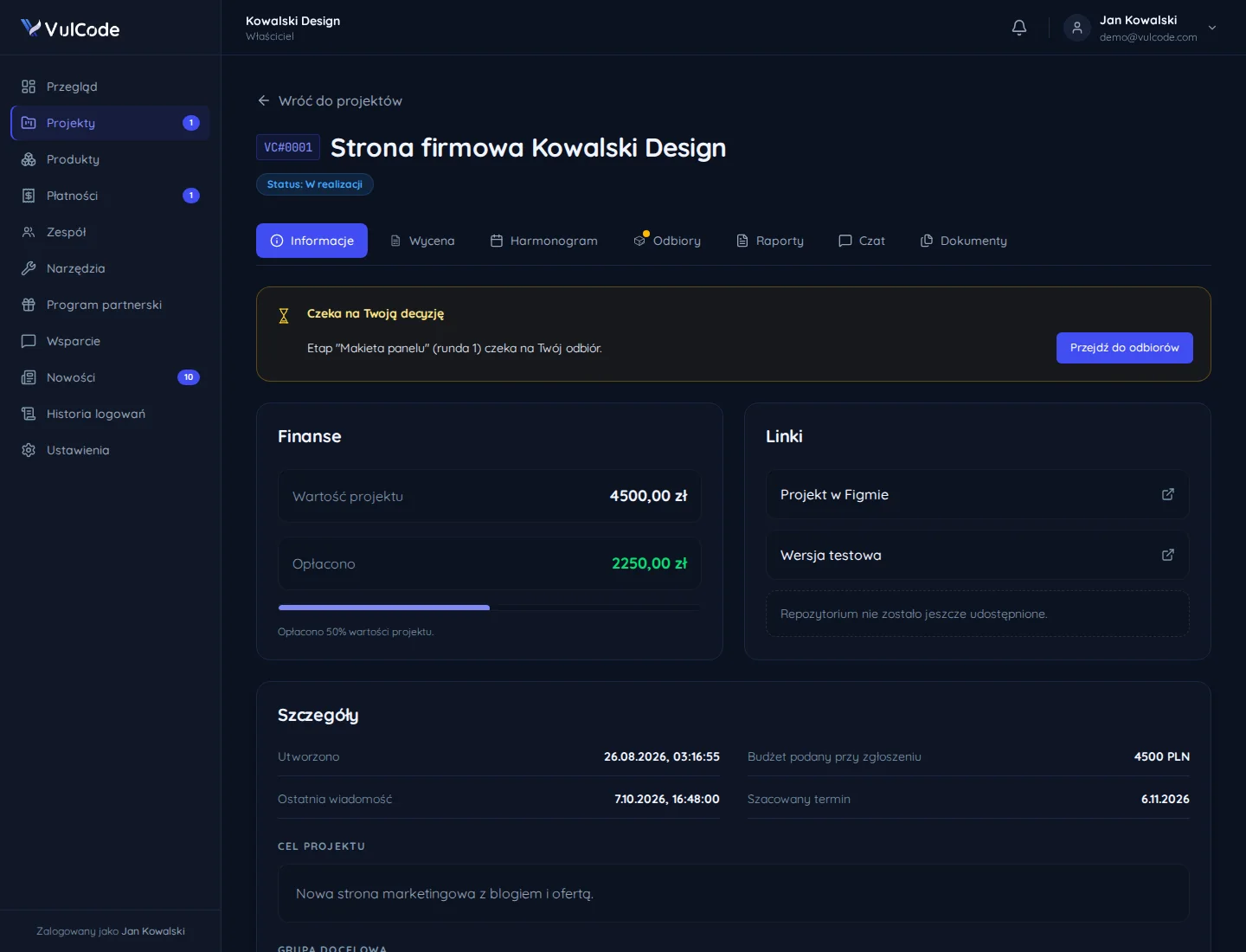
Invoices, payments and project details are in the client panel, on the same account as your tickets and project conversations.
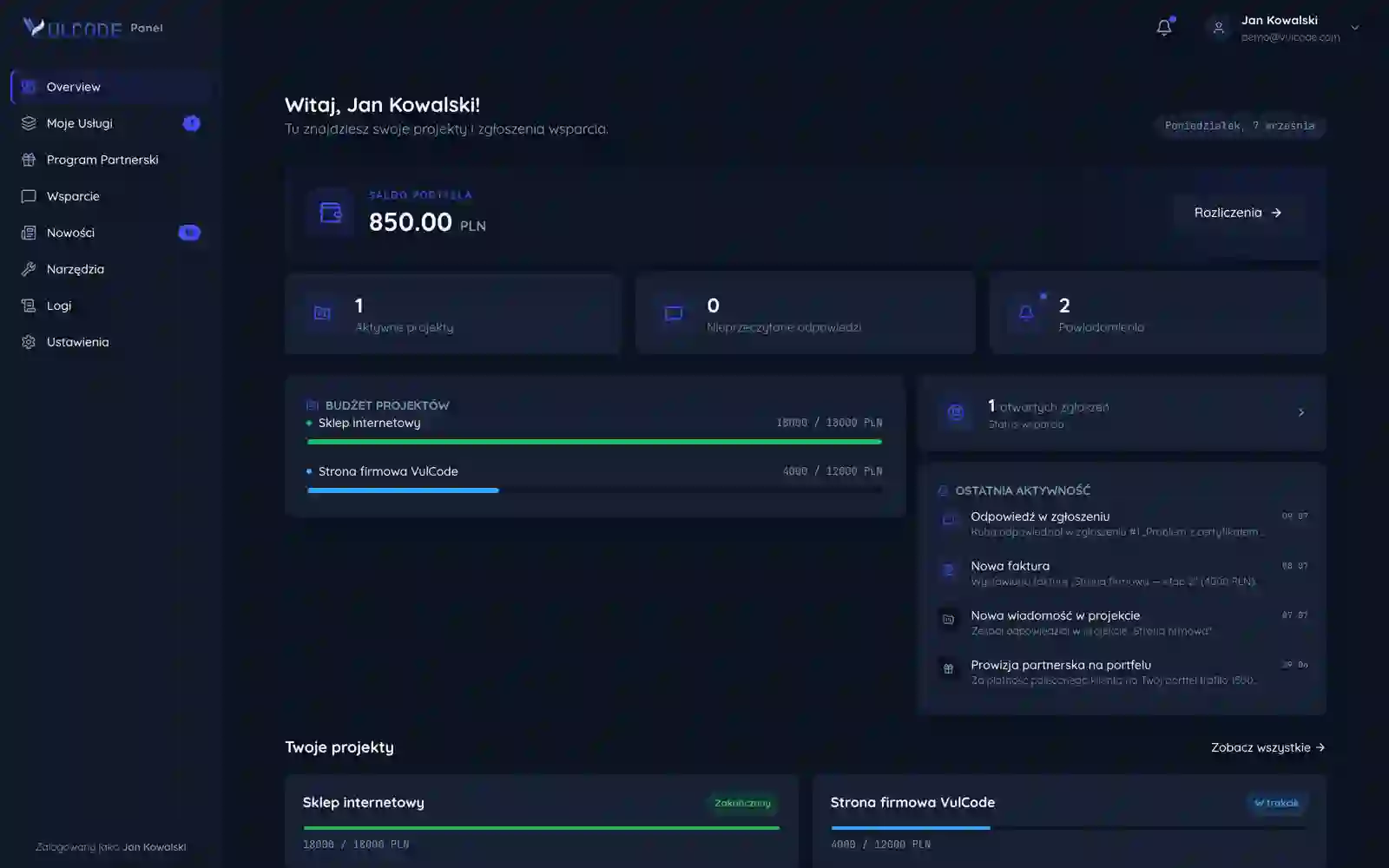
Each project shows how much of its value is paid, and a new invoice appears in the recent activity.
A project's tab shows its value and the amount paid.
Next to it is the link to the test version, where you accept each stage.
Before you pay the advance
The things that should be clear before the first payment. Each of them is in the order or in our terms before any work starts.
- The scope in writingThe list of features, pages and integrations; what is not on it is not in the quote.order, cl. 3.3
- Payment stagesEach payment names its stage, its share of the value and its due date.order
- DatesThe dates in the order bind; those from a call are only estimates.order, cl. 4.4
- Materials from youYou deliver content and access in the agreed time, and a delay on your side moves the date.terms, cl. 4.2
- What acceptance coversYou check a stage on the test version against the scope in the order.order
- Rights and warrantyThe rights pass once everything is paid, and the warranty runs from final acceptance.cl. 6.1 and 7.1
Common questions about payments
Answers based on our terms and on how we write payments into the order.

Read next
What to read alongside the payment rules.
A question about payments?
Tell us what it is about and we will answer concretely, usually within an hour.