VulCode

Desktop Apps

VulCode builds desktop software for Windows, macOS and Linux from a single codebase instead of three separate projects. The app gets full system access: files, devices and background work, which a browser cannot give you, plus an installer and background updates.

from PLN 4,999

The figure for your scope comes in a free quote.

Your company · Warehouse
Orders6StockLabelsReportsSettings
Devices
Label printerUSB, ready
Barcode scannerready
Today's orders
Thursday, 8 October
Search an order or a codePrint labels (4)
OrderClientItemsStatus
ZL-2041Klient 0824 boxesTo pack
ZL-2040Klient 032 palletsLabel printed
ZL-2039Klient 116 boxesShipped
ZL-2038Klient 051 palletShipped
ZL-2037Klient 0212 boxesShipped
ZL-2036Klient 093 boxesShipped
Last scan
5901234123457
Box 14 of 24, order ZL-2041
XLSXReport savedreport-october.xlsxDocuments / Reports
Offline · 3 changes waitingSynced · 10:42Version 2.4.0
Update 2.4.1 downloadedIt installs on the next start.

What is custom desktop software?

An application installed on the computer, not opened in a browser, with full access to the operating system.

Where a website stops at a browser tab, desktop software reaches the file system, printers, peripheral devices, or runs in the background with nothing open. We write one codebase for Windows, macOS and Linux instead of three separate projects, so the UI looks and behaves consistently on every one of them.

One codebase for 3 systems

Windows, macOS and Linux from one project instead of three separate builds.

Native system access

Files, devices, background processes - what a browser will not expose.

Native performance

No browser overhead, for heavy data operations and local files.

Who is desktop software for?

Where a browser is not enough: system access, files or offline work are required.

Analytics tool

Processing large local datasets, with no browser limits and no server upload.

Industry software

Systems for manufacturing, warehouses or labs, integrated with local hardware.

Offline-first app

Work without internet, with data sync once the connection is back.

Developer tooling

Internal team applications: a builder, configurator, or offline admin panel.

Hardware integration

Fiscal printers, barcode scanners, peripheral devices connected directly to the app.

Data that stays in-house

The program runs on your computers and server, and the data never goes to someone else's cloud.

What's included?

App foundation

We build Windows, macOS and Linux apps in Electron or Tauri from a single codebase, choosing the technology to fit your performance requirements.

4 items
  • One codebase for three systemsYou develop Windows, macOS and Linux as one project instead of three, and users on every system get the same version.
  • Tray, notifications and shortcutsThe app runs in the system tray, sends native notifications and responds to global keyboard shortcuts.
  • Sign-in and licensingSign-in connected to a license server lets you sell the app as paid software or release it only to selected people.
  • Interface from laptop to monitorThe layout scales from a small laptop screen to a large monitor, and text and controls stay readable on each.

Data & sync

The app works on locally stored data and syncs with the cloud in the background whenever a connection is available.

4 items
  • Local SQLite databaseWe store data on the user's own disk, so the app stays fast even without an internet connection.
  • Cloud sync (optional)We send local changes to the server in the background, so the same data is available on several computers.
  • Data import and exportCSV, JSON, Excel and PDF let you bring in data from the tools your team used before and export it back out.
  • Encryption and backupsSensitive data on disk is encrypted, and after a reinstall you can restore a backup of data and settings on a new computer.

Performance

Desktop software often runs all day next to other tools, so we measure startup time, memory usage and smoothness.

4 items
  • Startup under 2 secondsWe aim for under 2 s from clicking the icon to the moment you can actually work in the app.
  • Low memory and CPU usageRunning in the background, the app doesn't take resources from the browser, messenger and other tools running next to it.
  • Virtualized long listsA list with thousands of items scrolls smoothly because we only render the rows visible at any given moment.
  • Computation on a separate threadFile processing and data parsing run in worker threads, so the interface doesn't freeze while they work.

Distribution

We sign the app with Apple and Microsoft certificates so installation goes through without system warnings about an unknown publisher.

4 items
  • Code signingA certificate for Windows and macOS removes the untrusted publisher message and antivirus alarms that block installation.
  • Installer and background updates.exe, .dmg and .deb packages install the app, and a new version downloads in the background and waits for the user to launch it.
  • Publishing in system app storesReleasing on the Microsoft Store or Mac App Store is optional and gives access to the store's built-in payments.
  • Crash reporting in SentryEvery unexpected error reaches Sentry with a full stack trace, so we start diagnosing before more people report it.

Bonuses on larger projects

With a wider scope or several specialists at once, we can include these items in the project price.

2 items
  • UI/UX design includedWe design Figma screens with the conventions of Windows, macOS or Linux in mind, whichever the app ships to.
  • Cloud backend includedWe build the server for sync, user accounts and licensing within the same project, if the app needs one.

How we build desktop software

From brief to the first installable build usually takes a few to several weeks.

First contact and a quote

You tell us what the program has to do and which systems it must run on. We send back a price and a date.

  • Features and how the user works
  • Windows, macOS, Linux
  • Price and date before we start

Onboarding and environment

We learn the hardware and systems the program must run on, and the data it will process.

  • The hardware users actually have
  • Data format and volume
  • Offline and network requirements

Data model and sync

We settle what the program keeps locally, what it syncs and what happens with no connection.

  • Local versus remote data
  • Behaviour with no connection
  • Resolving write conflicts

Interface prototyping

Mockups of the main windows for approval. Desktop software is used for hours, so ergonomics matter.

  • Main windows and the working layout
  • Keyboard shortcuts
  • Working with large amounts of data

Building the program

We build the program and ship test builds for every system it has to run on.

  • Builds for every declared system
  • Performance on large data sets
  • Automatic updates

System testing and a buffer

We test the program on each declared system separately. A buffer for your notes is in the deadline.

  • Each system tested separately
  • Behaviour on weaker hardware
  • In-scope fixes

Signing and distribution

We sign the program with a certificate and prepare installers so the system does not warn users at launch.

  • Digitally signed installers
  • A distribution and update channel
  • Handover of the certificates

Long-term support

We stay on for updates to new operating system versions and further features.

  • Updates for new system versions
  • Further features and releases
  • Technical care on subscription

Behind the curtain

Before you see the finished application, a lot of invisible work happens first.

System access mapped first

Before writing a line, we establish what the app truly needs to reach - files, a printer, a USB port, a local database. That system access is the very reason you choose a desktop app over a browser, so we treat it as the starting point, not an add-on.

One codebase for 3 systems

We treat Windows, macOS and Linux as one project, not three separate builds maintained in isolation. That way a fix or a new feature reaches all platforms at once, and you neither pay three times for the same work nor wait for one system to catch up.

Performance as a requirement

We measure large-file operations from the first version, not only after a user complains the app freezes. We treat performance as a requirement on par with features, because a program that grinds for a minute on every export is quickly abandoned for anything faster.

Tested on real hardware

We test the app on machines of different power, not just the developer's fast computer where everything runs smoothly. Your users work on the hardware they have, so only a test on a weaker machine tells us whether the program is genuinely usable in daily work.

The result: you stand out

All of this work happens in the background so the app is fast and reliable where a browser no longer keeps up. That level of polish is exactly what makes a tool part of a team's daily work, rather than one more program that hits the trash after a week.

Selected work

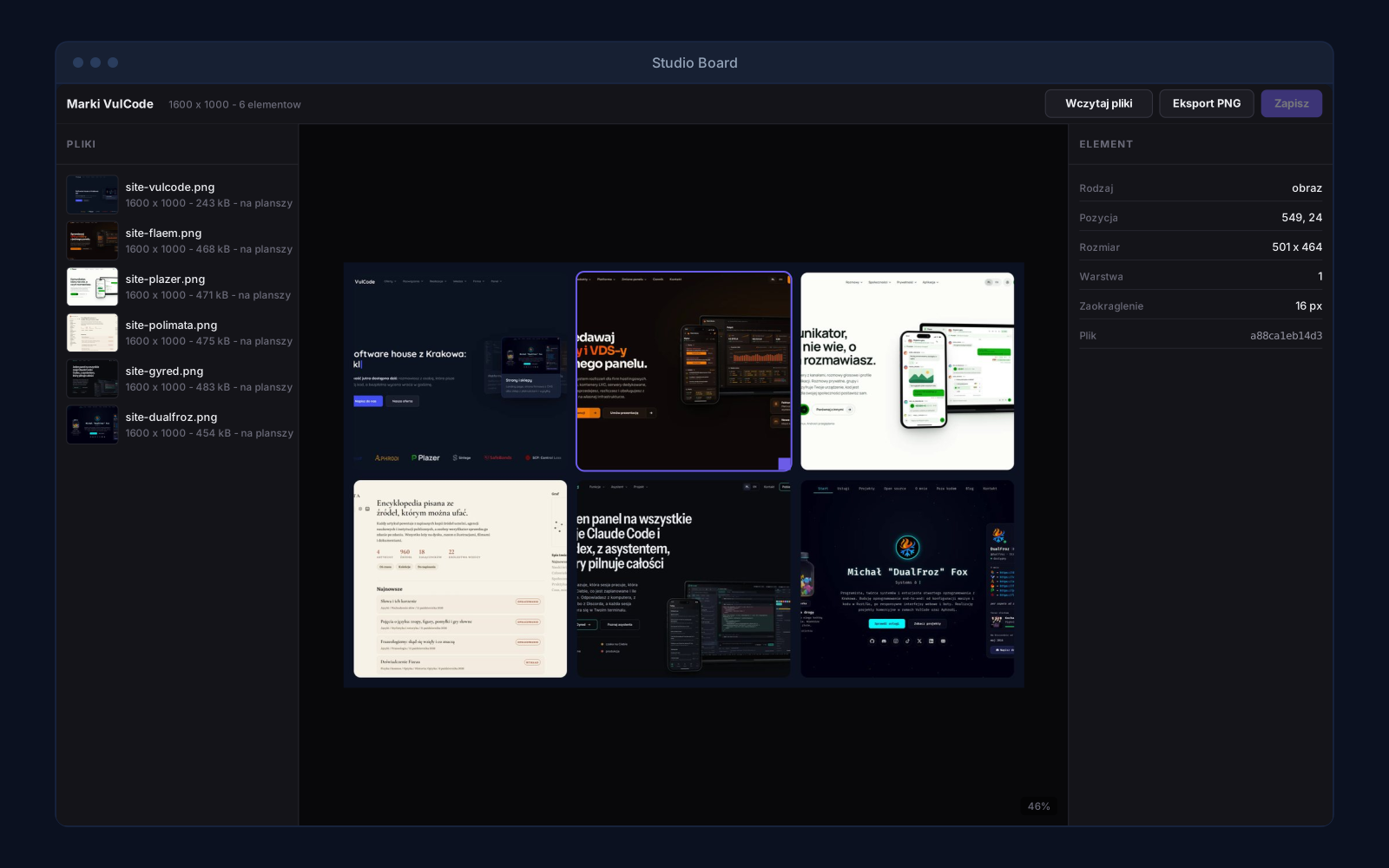
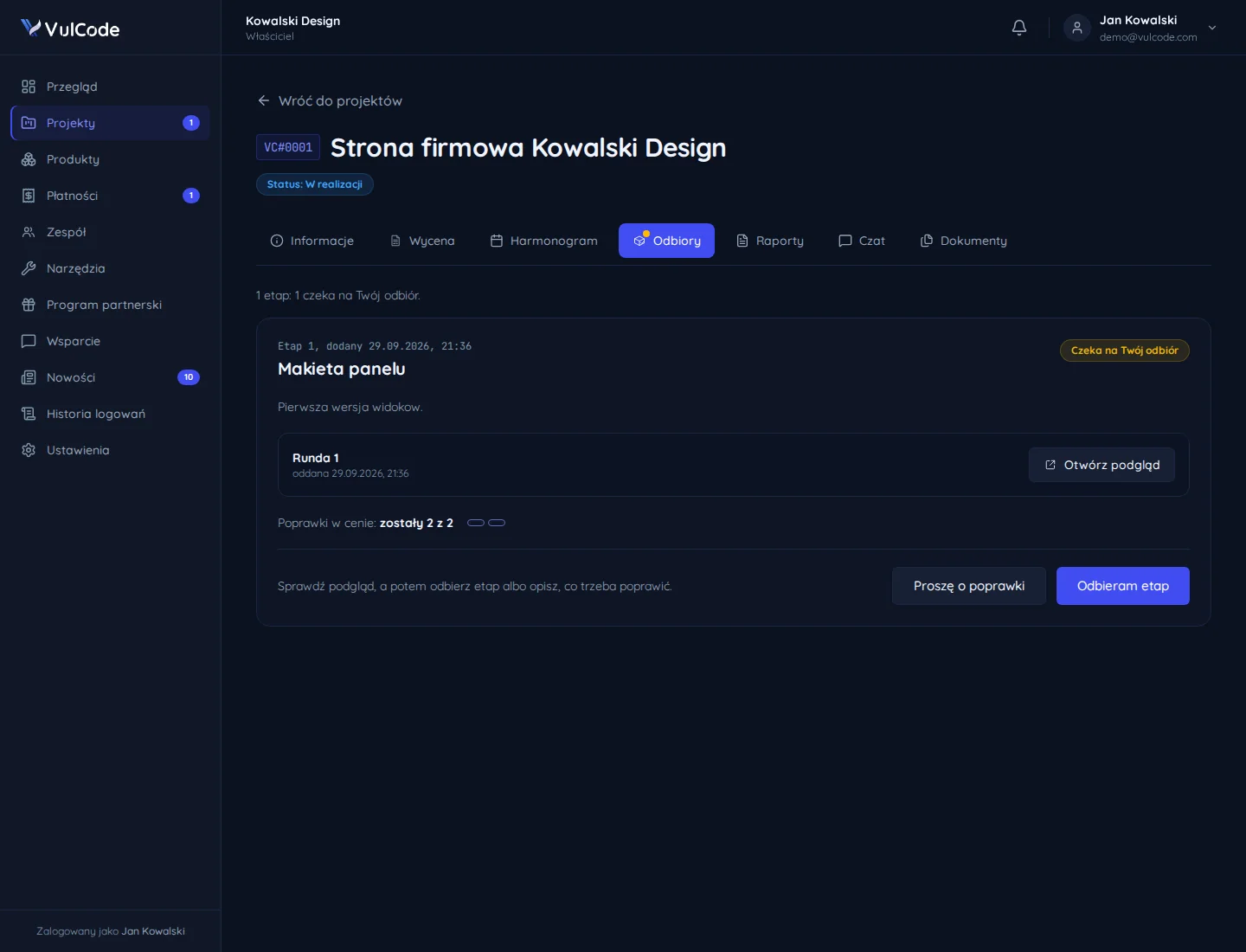
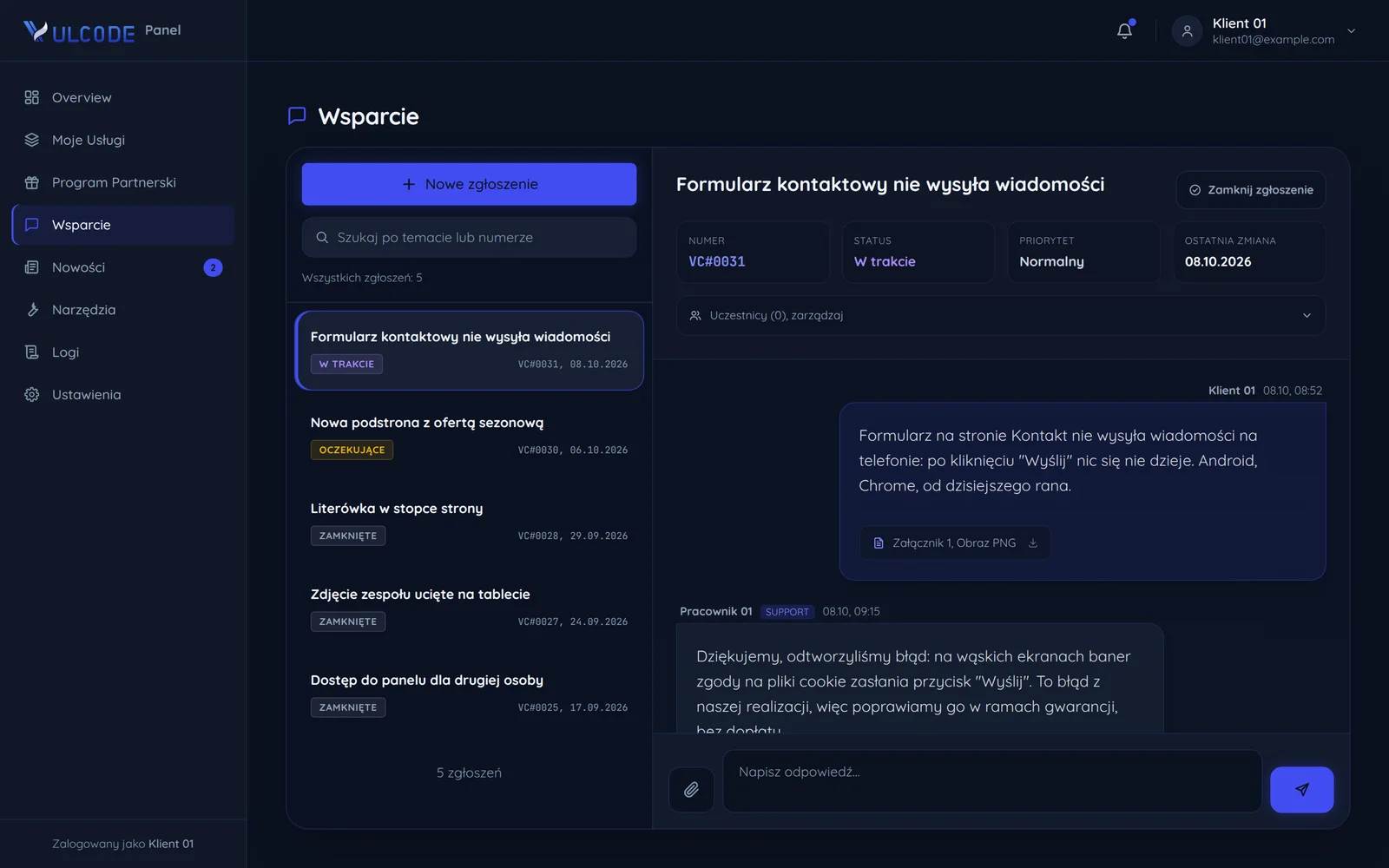
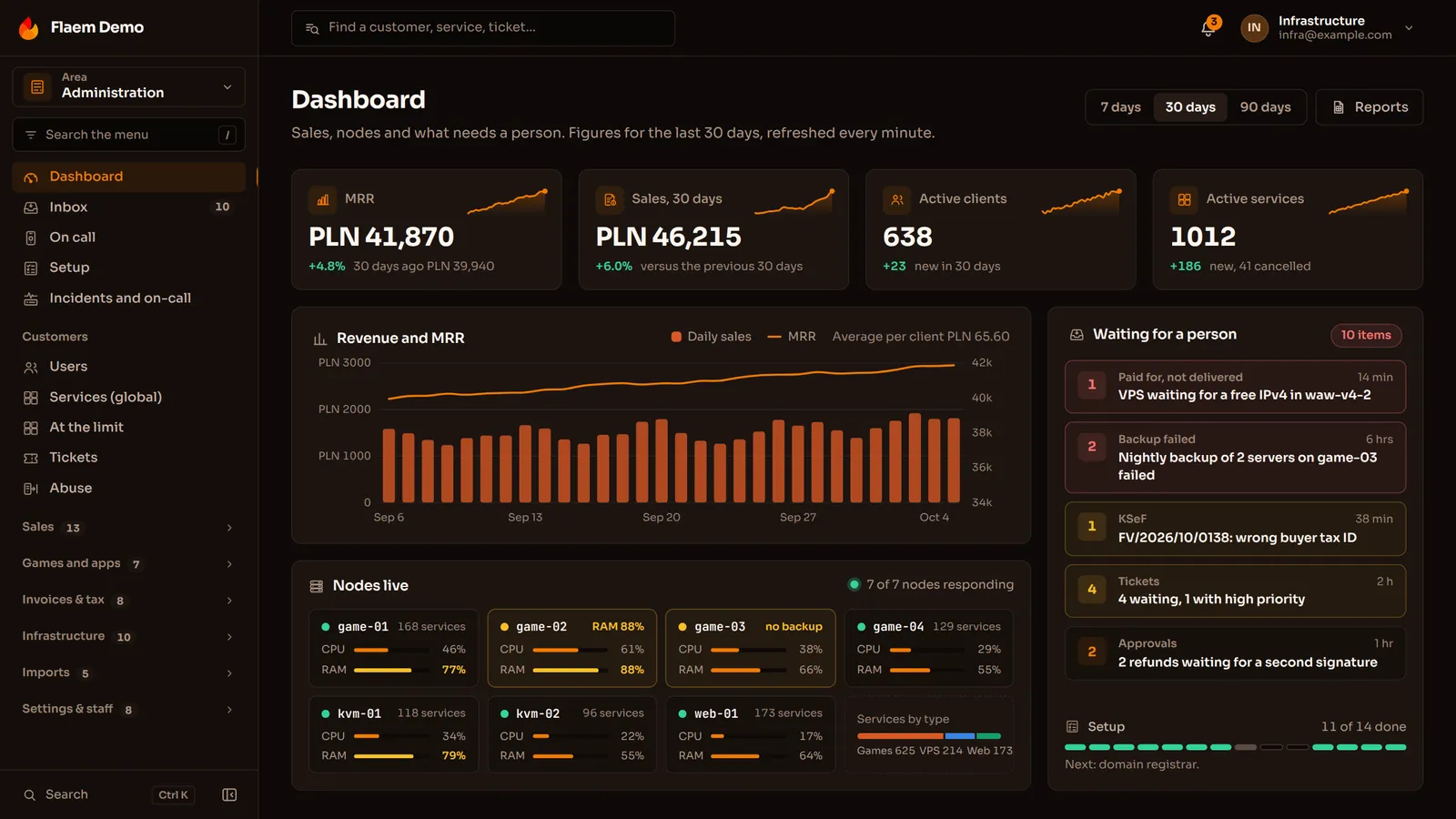
[Apps](page:service-desktop), desktop add-ons and editor extensions installed on the computer, where a window open all day, file access or offline work matter.

Flaem

A native client of the Flaem hosting platform for Windows and Linux, written in C# on Avalonia, with no browser inside.

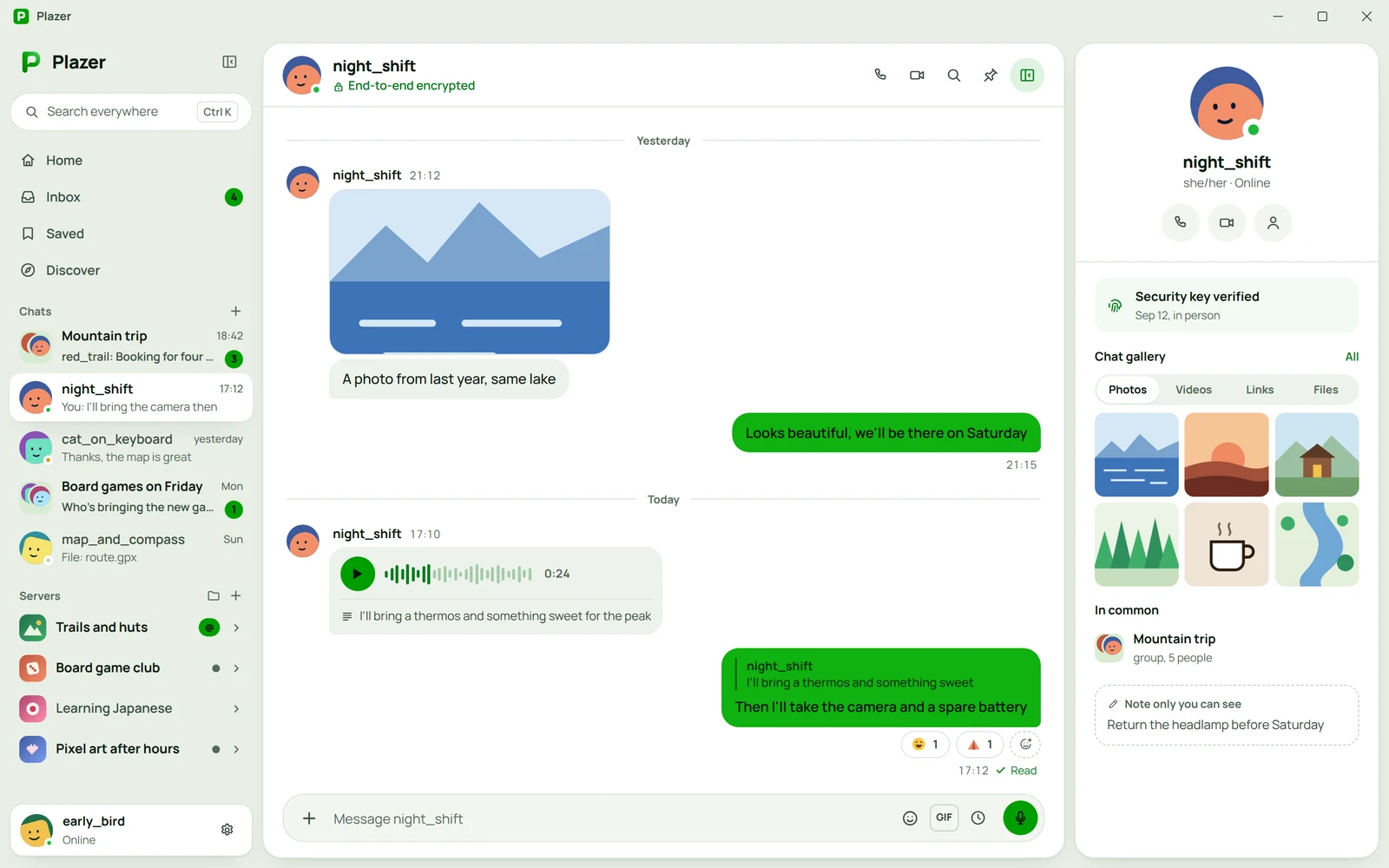
Plazer

A native app of the Plazer messenger for Windows, macOS and Linux, written in Rust on Slint, with no browser underneath and the encryption core built straight into the program.

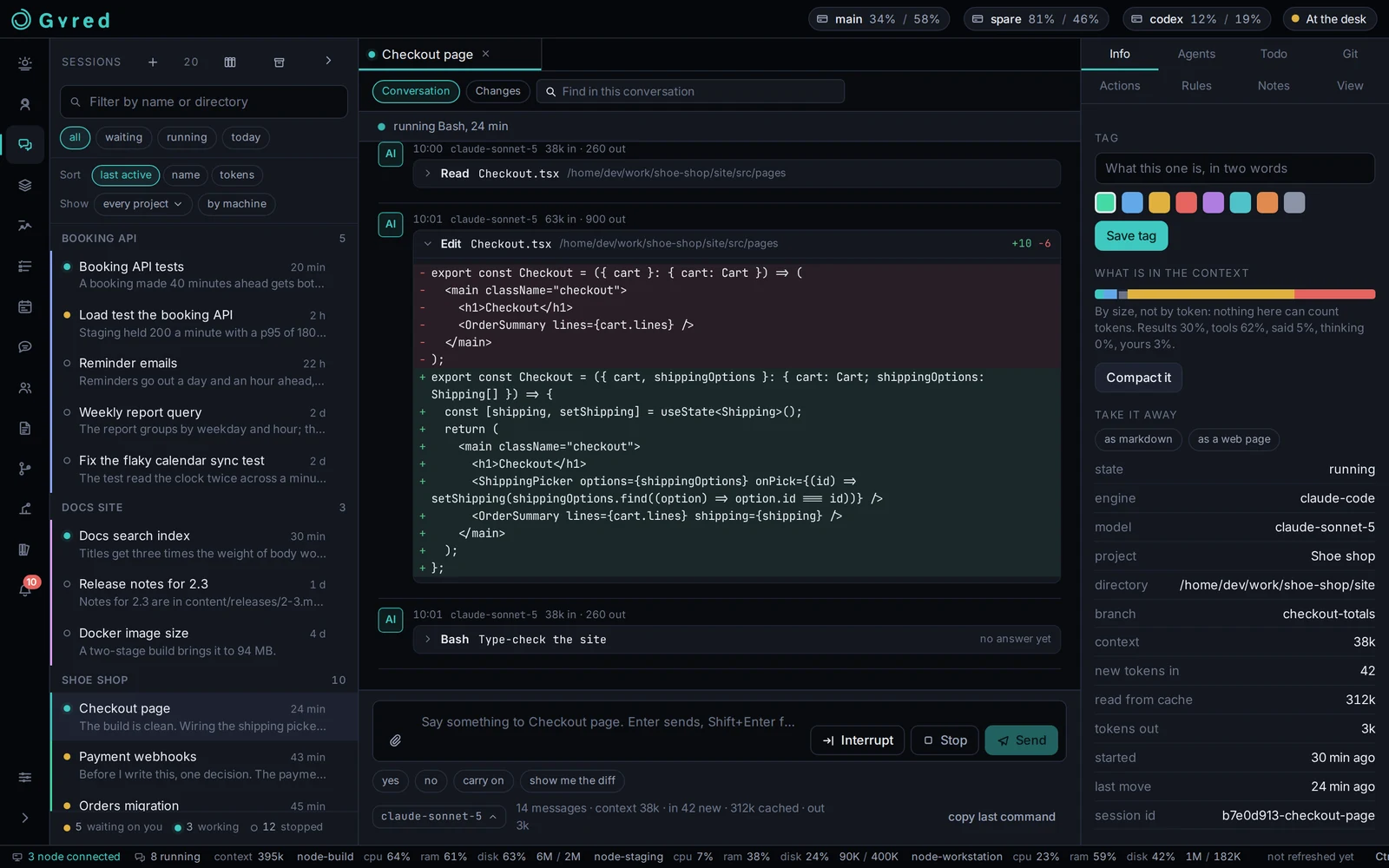
Gyred

An AI agent control room as a native desktop window, rendered without a browser (Rust + Dioxus).

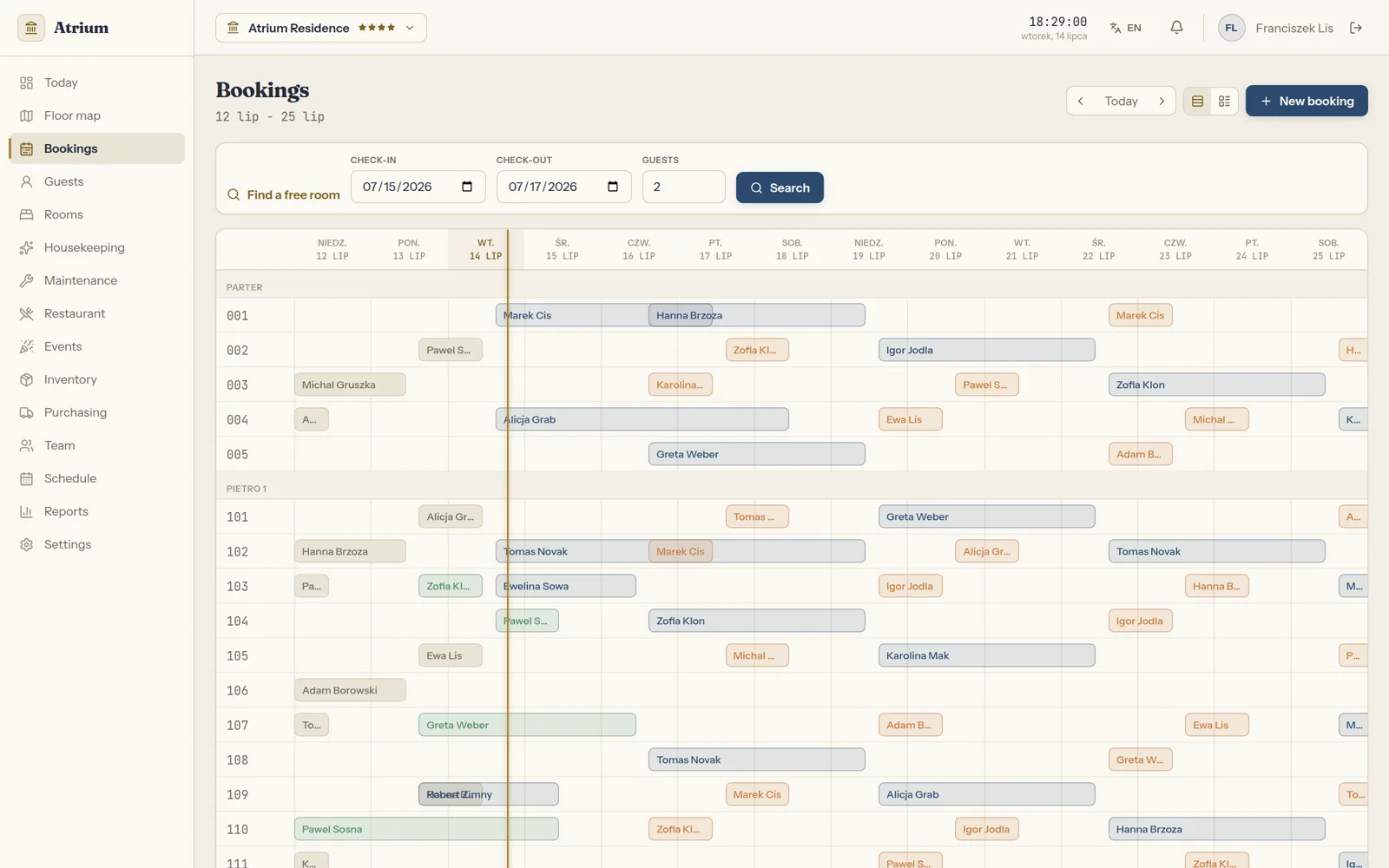
Atrium

Atrium as an app for the front desk computer: bookings on a timeline with a free room search, a floor map with room status, housekeeping, repairs, the restaurant and room service, inventory, the schedule and reports in one window that stays open for the whole shift.

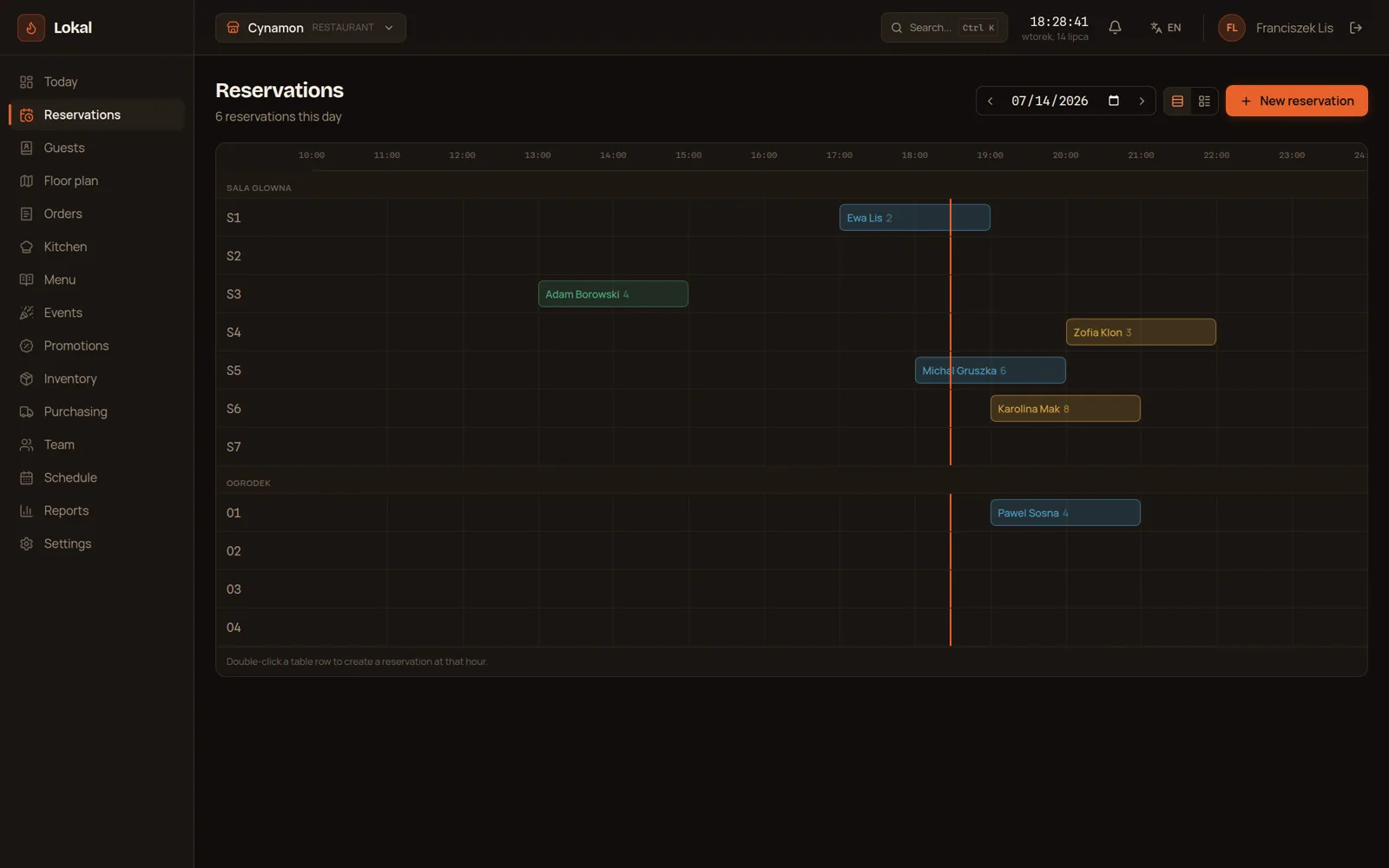
Lokal

Lokal as an app for the computer at the bar and in the office: reservations on a day timeline for every table, the floor plan, tabs, the kitchen screen, the menu, promotions, inventory with supplier orders, the schedule and reports.

studio

A desktop tool for moodboards, cuts and sessions on a shared core (Rust + Tauri).

Three ways to get the same project

The same project can be bought three ways. Below, the same eight things checked against each of them.

A template from an AI builder
a builder subscription

Cheapest and fastest, until the page actually has to sell.

  • A fixed monthly fee.
  • The page is up the same day.
  • The same set of blocks as a thousand other companies.
  • Generic copy, written for nobody in particular.
  • Heavy builder code slows things down and pushes the Google ranking with it.
  • Only whatever the builder happens to offer.
  • A help chat and a knowledge base.
  • The first serious change means starting over.
VulCode
from PLN 4,999

We price the actual scope and hold that number to the end.

  • Quoted before we start and unchanged to the end.
  • A launch date comes with the quote.
  • Design and code written for this one page.
  • You write straight to the person who runs your project.
  • We write for your audience and the questions it asks.
  • Loads in about a second, on a phone too.
  • Included, with no separate line on the invoice.
  • We stay on for fixes and further sections.
A full-process agency
a big budget upfront

A big team and a big budget, much of which pays for the process itself.

  • A design made from scratch.
  • A copywriter on the agency side.
  • Optimization usually fits inside the scope.
  • In scope, often as a separate item.
  • Continued work on a retainer.
  • Every scope change means an annex and a new number.
  • A schedule counted in months.
  • Contact goes through an account manager, not the team.

Tell us what your page has to do. A quote with a number and a date comes back within an hour.

Why choose VulCode?

Five things you see from the first message to the work after launch.

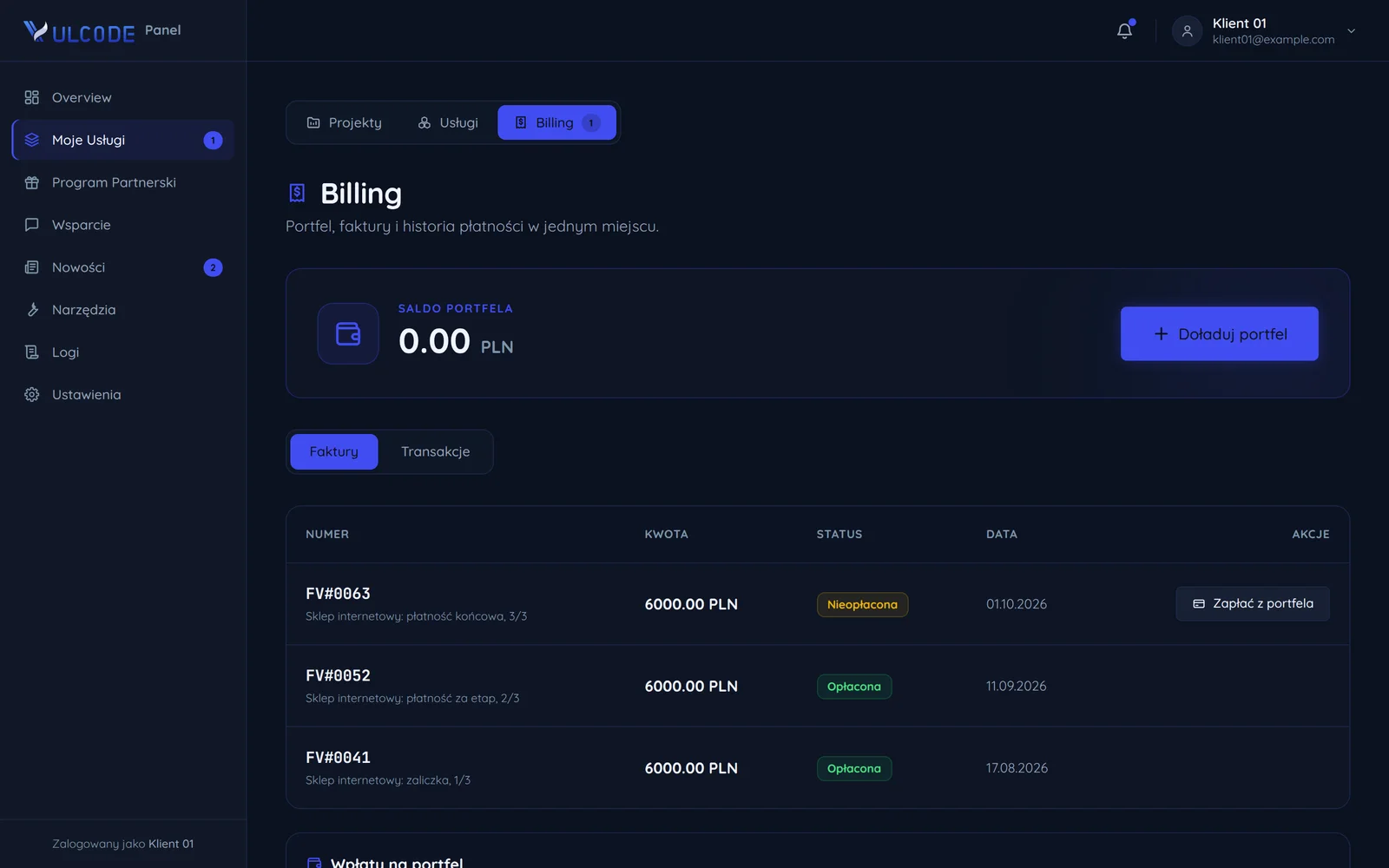
Payment stages with amounts and dates

Frequently asked questions

Common questions about this service and working together.

Want to discuss your project?

Every project is quoted individually - regardless of scale, technology or stage. Contact us and we will reply within an hour. The quote is free.