
MVP development for startups, ready for your first customers
A first product version with accounts, payments and an admin panel, containing only what tests your hypothesis. We built SafeBands' full system in two weeks.
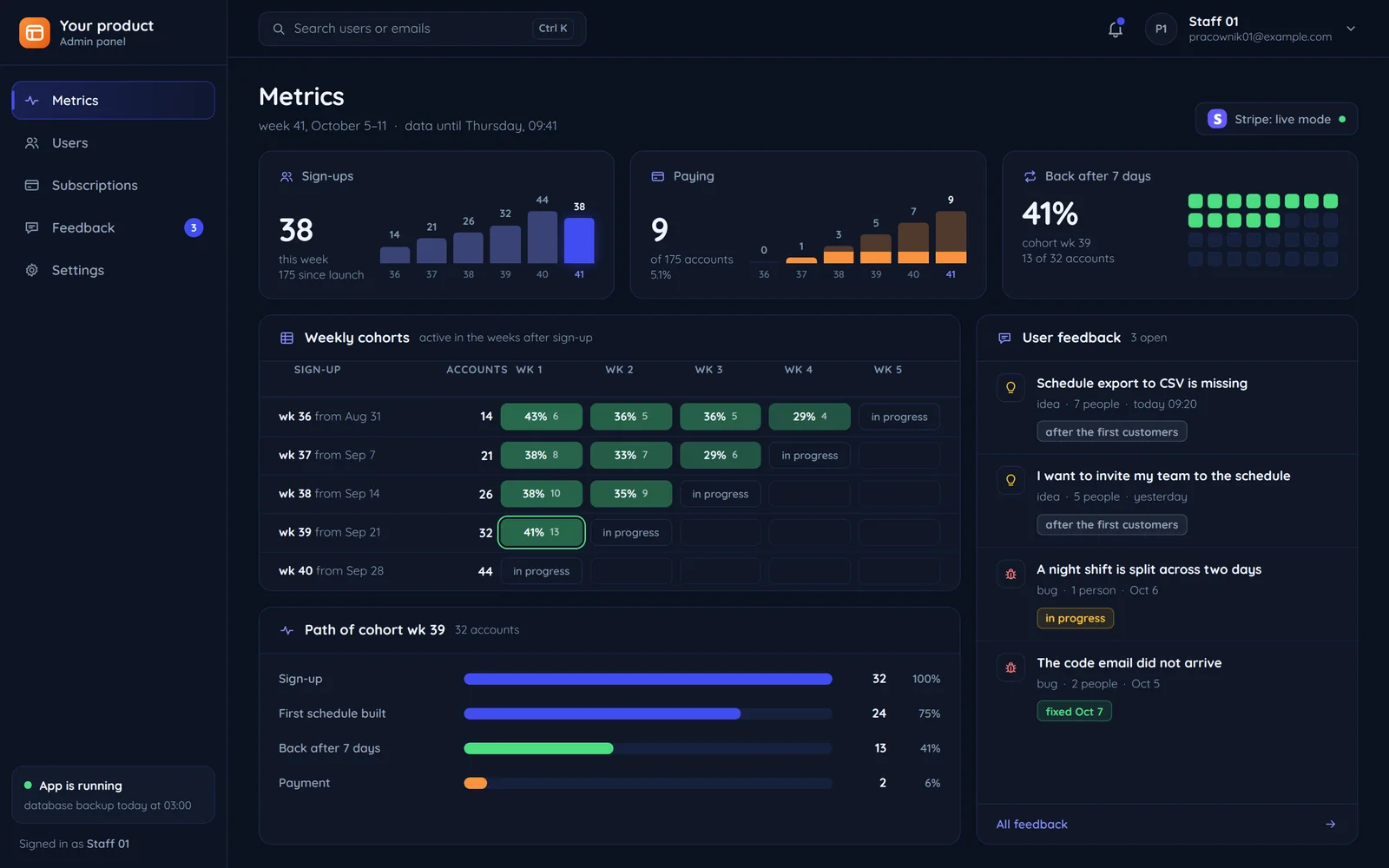
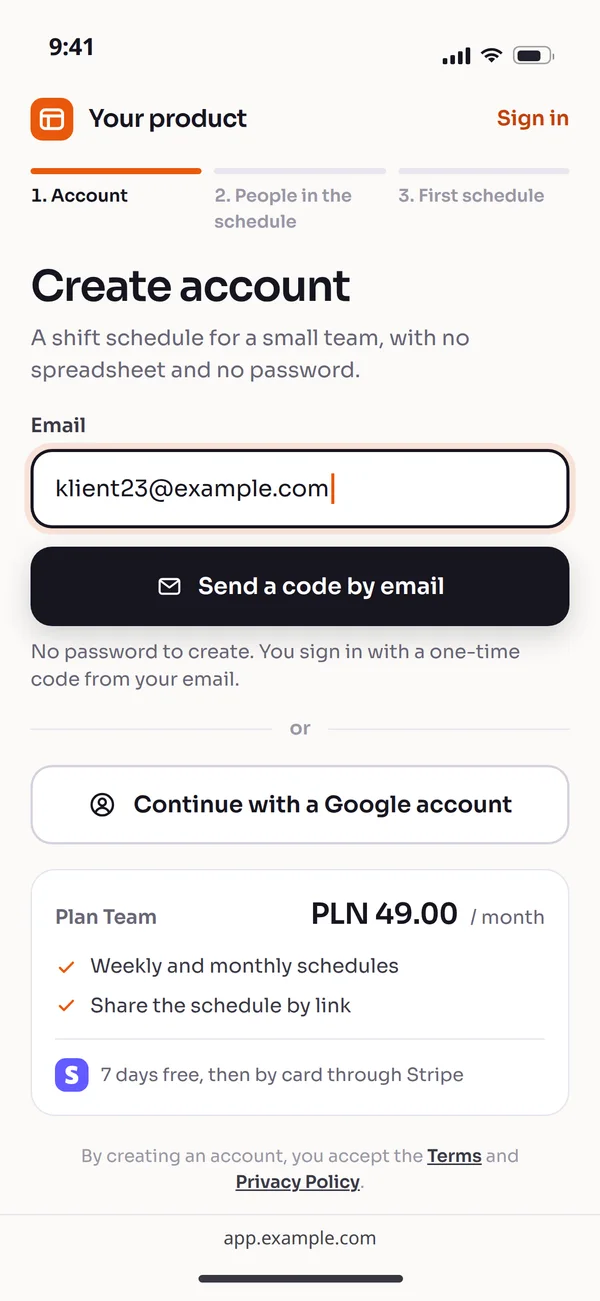
What to build in an MVP and what to postpone
An MVP is not a cheaper version of the full product. It is the smallest thing that shows whether someone will pay for it.
Hypothesis
- The feature you are testing and nothing more.
In the first version
- Accounts and sign-inEmail or Google
- PaymentsOne plan through Stripe
- Admin panelUsers, subscriptions, feedback
- Mobile appA web app that works on phones
- MeasurementSign-ups, payments, returns
- IntegrationsOnly those the product cannot work without
After the first customers
- Accounts and sign-inCompany SSO
- PaymentsSeveral plans, coupons, annual invoices
- Admin panelReports, exports, team roles
- Mobile appA native app when there is a reason
- MeasurementFull product analytics
- IntegrationsThe rest as customers ask
SafeBands: a full system in two weeks
A medtech startup building monitoring wristbands for rescuers. The bands were already in production; the software side was missing.
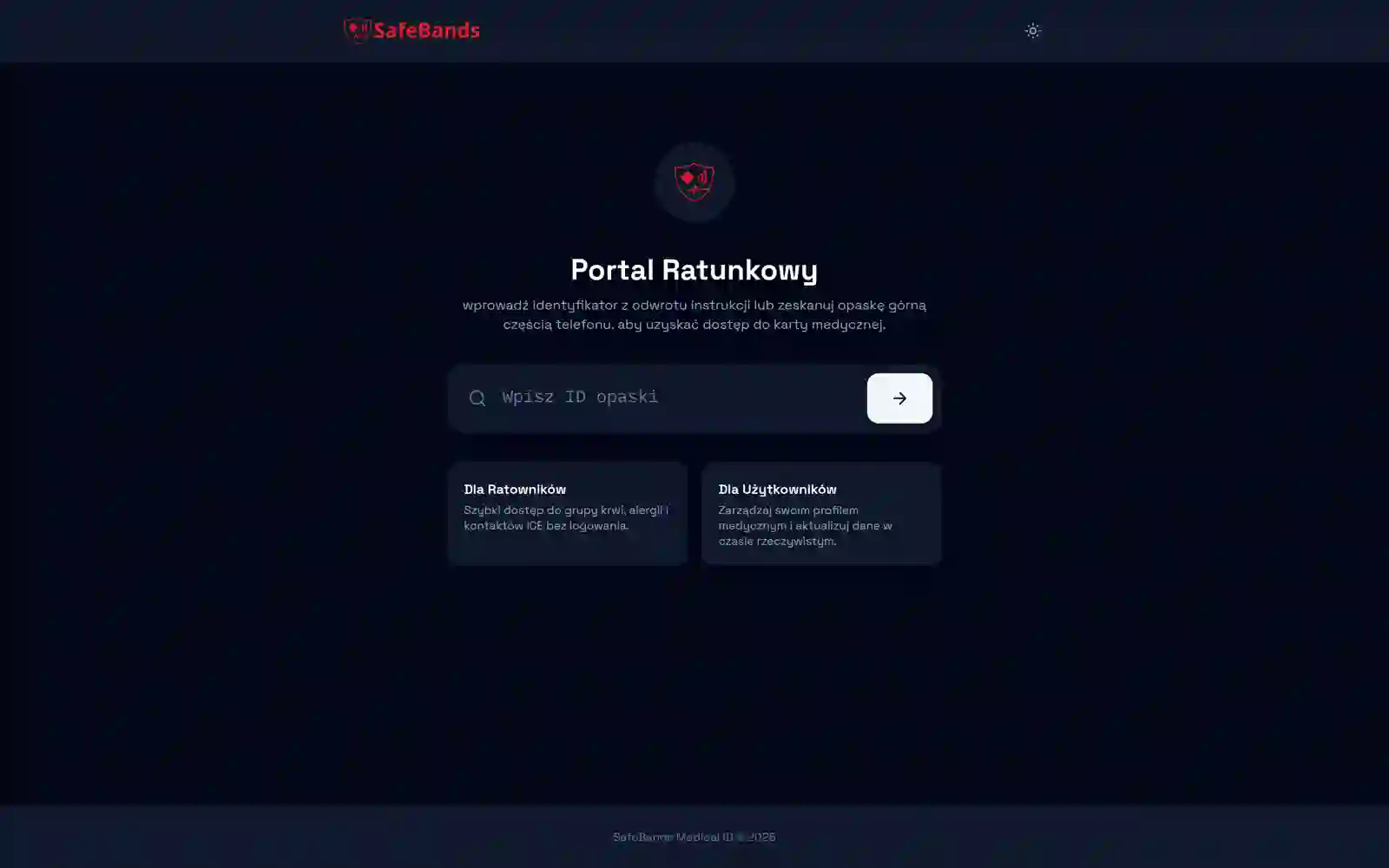
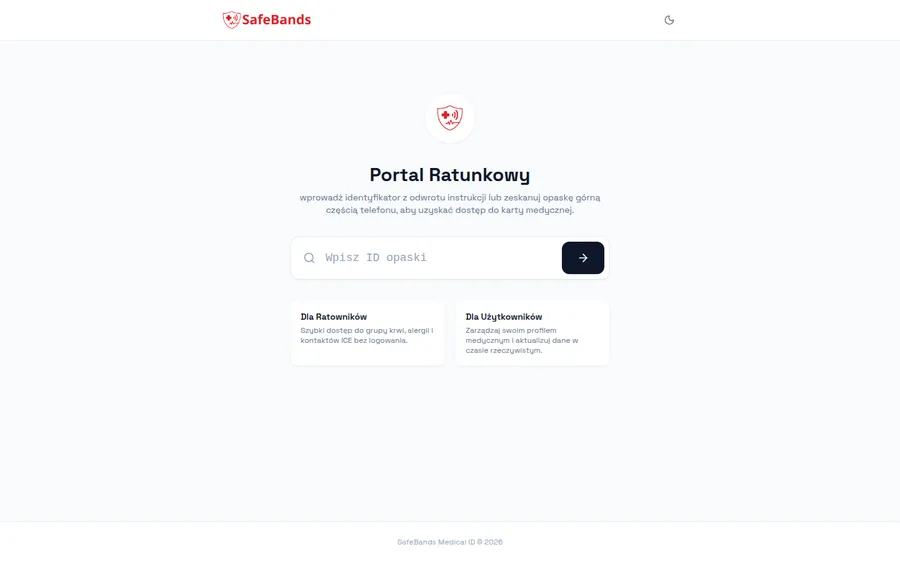
SafeBands
Delivery time: 2 weeks
The SafeBands system took two weeks because the scope was clear from the start.Industry: medtech
Real-time device monitoring and alerts.Scope: the whole system
We built the operational core of the platform: device data management, user accounts, real-time monitoring and the infrastructure that keeps the whole system running.
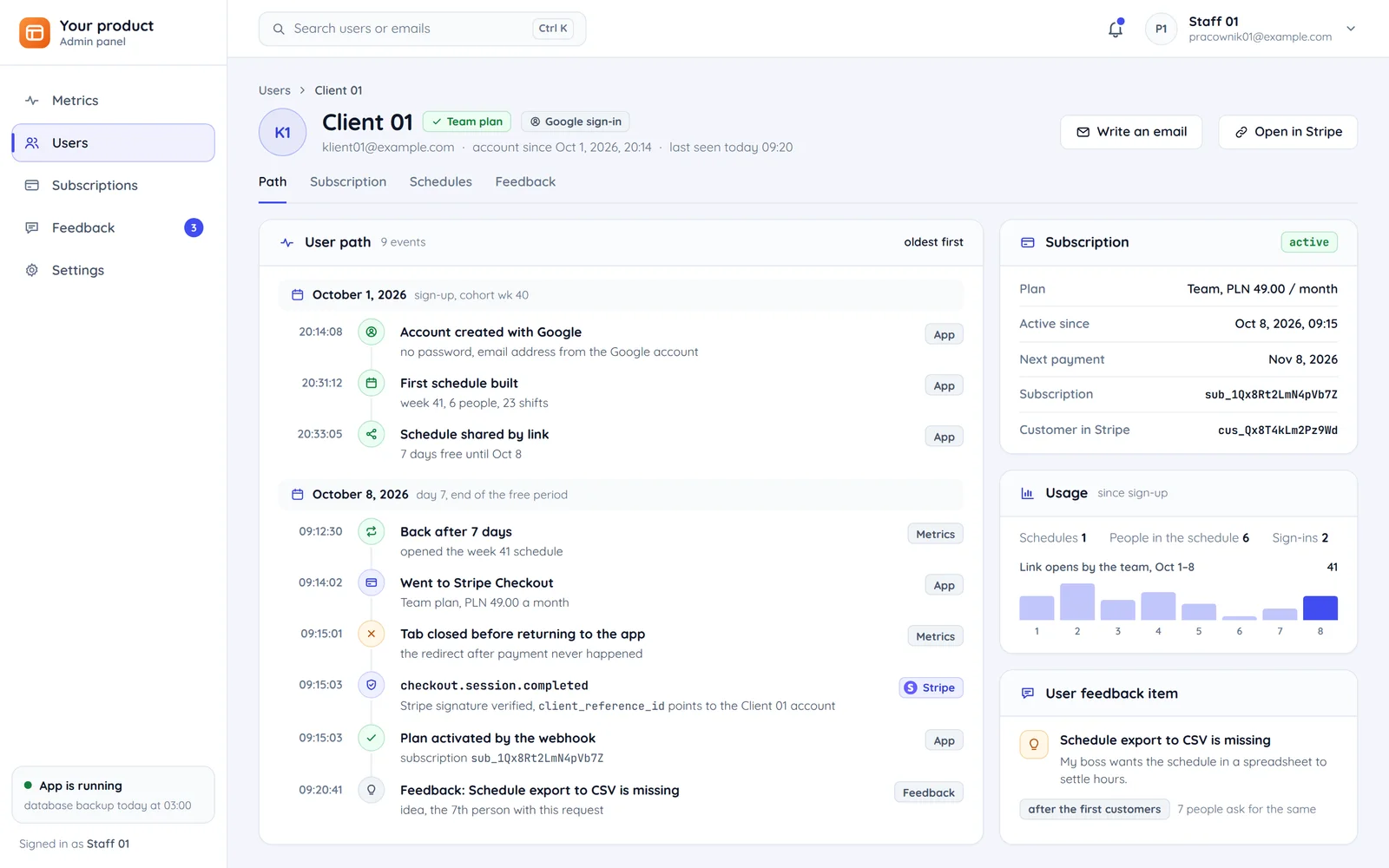
The user path in a first version
Four steps an MVP has to handle without you.
User: Sign-up
Email or Google sign-in. Every extra sign-up field means fewer users to test the hypothesis with.
Payment: Stripe Checkout
A subscription through Stripe with an invoice. Without payment you do not know whether anyone will pay.
Product: The app
The feature you are testing and nothing more.
Team: Panel and metrics
Who came back, who paid, who reported a problem. Sign-ups, payments and returns after a week, next to user feedback.
Payments that do not depend on the user coming back
The subscription is activated by a Stripe webhook, not by the redirect after payment. That is how we do it from the first version.
The user's browser
the tab can be closed
- The redirect back to the app
- Tab closed before returning09:15:01, the redirect never happened
The Stripe webhook
does not depend on the browser tab
- Stripe sends the event to the server09:15:03, checkout completed
- Stripe signature verifiedbefore anything changes
- Team plan active09:15:03, activated by the webhook
A renewal with a declined card
- Card declined at renewal
- The app asks for a new card
- Access still works
A signature instead of trust
The event is verified with Stripe's signature, so nobody activates a plan by sending a lookalike request.
Activation from the webhook
The user can close the tab after paying and the plan still activates.
A failed payment is a screen, not a ban
When a card is declined, the app asks for a new one before access ends.
A pre-launch MVP checklist
What we check before letting the first users in. Each of these has blocked someone's launch before.
Terms and privacy policy
A product that takes payments and data needs terms and a privacy policy from day one. What goes into it is covered in our article on GDPR on your website.
Payments in live mode
A verified Stripe account, webhooks pointed at the production address and a test payment with a real card.
Backups and monitoring
A database with a daily backup and an alert when the app stops responding, before users write in.
The code is yours
The repository on your account and code rights transferred in the contract, described in contracts and code ownership.
Questions startups ask
The most common questions before building a first version.

Read next
What comes after the MVP and what we build it from.
Tell us about your hypothesis
Tell us what you want to test and who the first customer should be. We will reply with an MVP scope and a free quote.