VulCode

Mobile Apps

VulCode, a software house from Kraków, builds custom mobile apps for iOS and Android from a single codebase, so you maintain one project instead of two. For startups and service businesses we build apps with push notifications, offline mode and biometric login, ready to publish on the App Store and Google Play.

from PLN 7,999

The figure for your scope comes in a free quote.

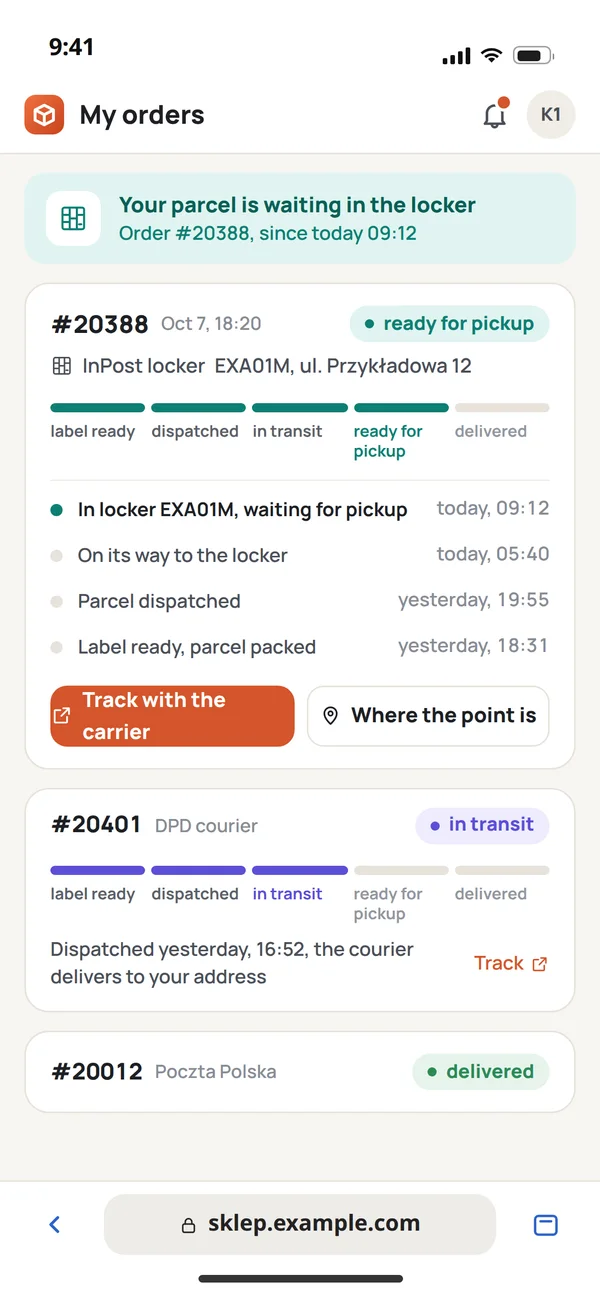
Parcel tracking in an app
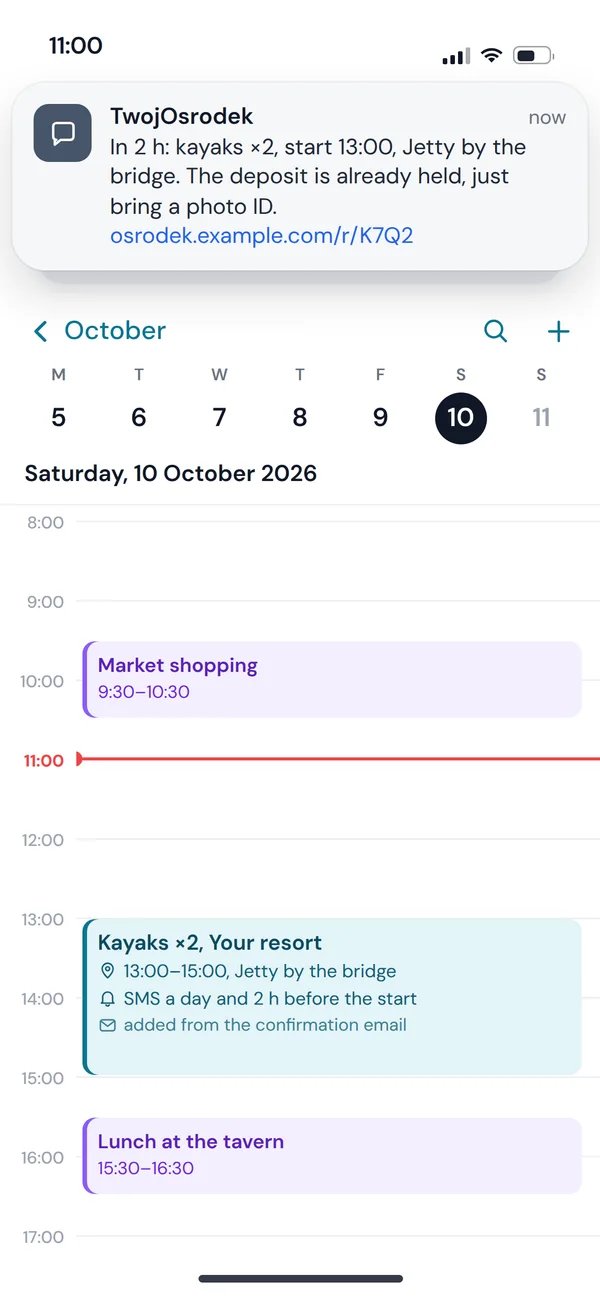
A push notification reminding of a booking
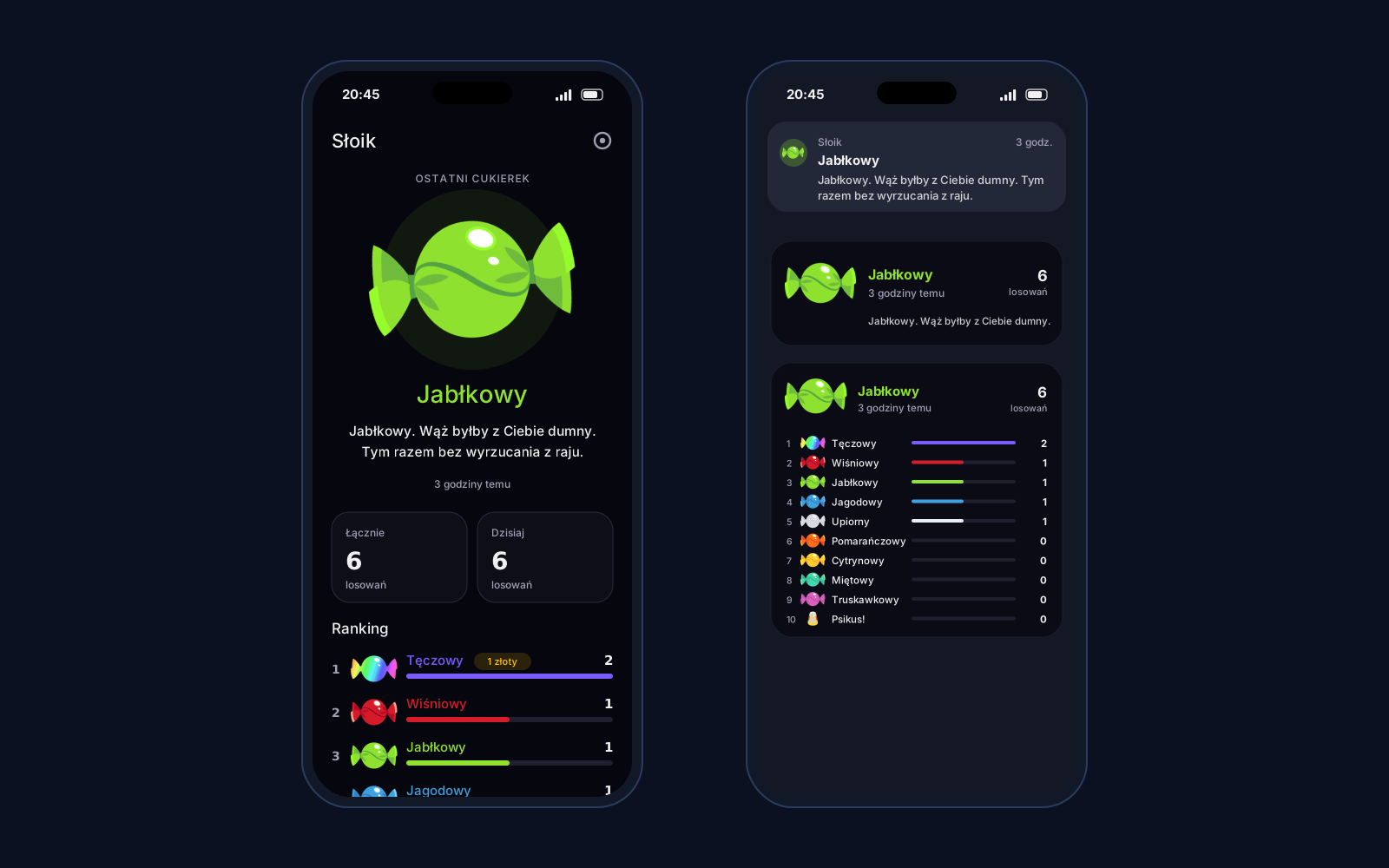
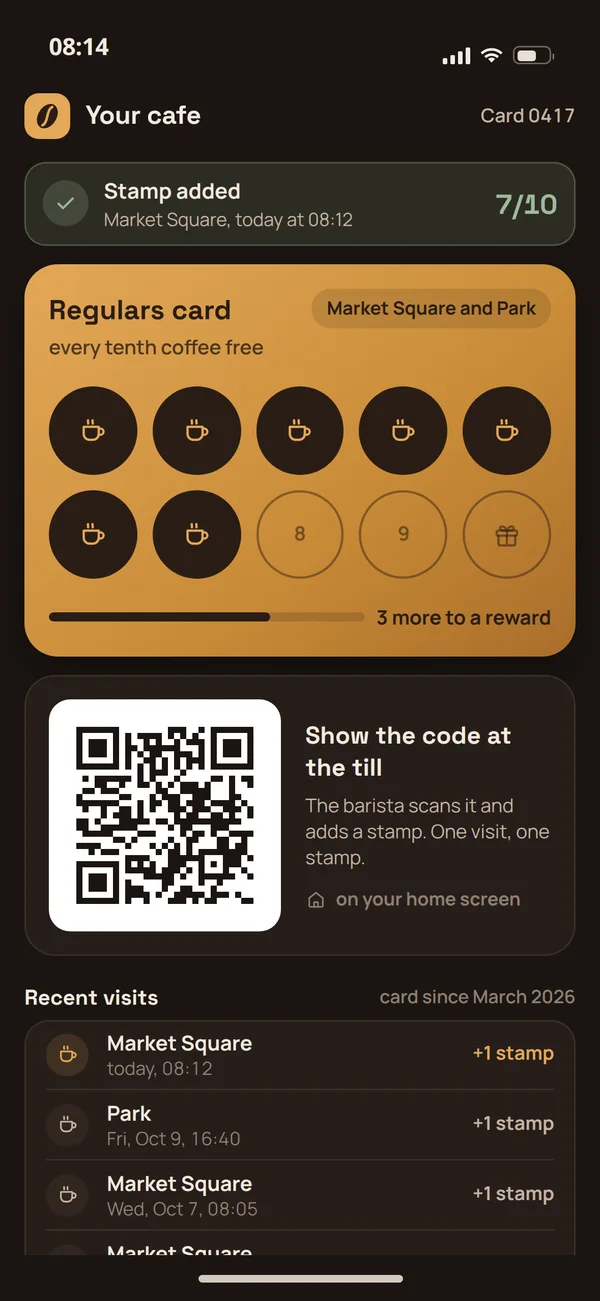
A café loyalty card in an app

What is a custom mobile app?

A cross-platform mobile app is an iOS and Android app built and maintained from one codebase as a single project, not two.

We build in React Native or Flutter, so a change to logic or layout lands on both systems at once. That is a real difference in maintenance cost versus two separate native apps. On top of that come things a website simply cannot do: push notifications, offline mode and biometric login (Face ID, fingerprint).

One codebase, two systems

A change written once runs on iOS and Android, with no duplicated work.

Offline and push

The app works without a connection and reminds users with a push notification once it returns.

Biometric login

Face ID and fingerprint instead of a password on every launch.

A café loyalty card in the app (iOS)
iOS
A café loyalty card in the app (Android)
Android

One app, two platforms

One codebase for iPhone and Android, so a change written once reaches both phones at once.

01Push and offlineThe app works without a connection and reminds users once it returns.
02Biometric loginFace ID and fingerprint instead of a password on every launch.
03Lower maintenance costOne codebase instead of two separate native apps.

What's included?

App foundation

We build iOS and Android apps in React Native or Flutter, so you maintain one project instead of two separate ones.

6 items
  • Shared iOS and Android codeWe write the app once in React Native or Flutter, and users on both platforms get the same features.
  • Face ID sign-inUsers create an account with email, Google or Apple, and every later visit is unlocked with a fingerprint or face scan.
  • Gestures and native animationsSwipe, pinch and long press behave exactly as they do in the system apps people use every day.
  • Offline mode with syncWithout internet the app saves data on the phone and sends it to the server as soon as the connection returns.
  • Deep links and universal linksA link from an email, text message or post opens a specific screen in the app, not its home screen.
  • In-app analyticsEvents such as sign-up or purchase go to your analytics tool, so you see which screen people drop off on.

Notifications

You reach users on the lock screen, inside the app, or by email and SMS, depending on how important the message is.

4 items
  • Push via FCM and APNsNotifications reach Android and iOS phone screens even when the app is closed at that moment.
  • In-app notificationsBanners, badges and alerts tell users about events while they use the app, without asking for system permission.
  • Transactional email and SMSOrder confirmations and verification codes also reach people who don't have the app installed.
  • In-app chat (optional)Users message each other or support inside the app, without switching to an external messenger.

Phone features

We connect the camera, location, NFC and mobile payments wherever they save users from typing data in by hand.

4 items
  • Camera and galleryUsers add a document scan, profile photo or their own content straight from the camera, after granting system permission.
  • Maps and geolocationGoogle Maps, Apple Maps or Mapbox show nearby places and guide users without leaving the app.
  • NFC, Bluetooth and QR codesWe handle IoT device pairing, warehouse code scanning and NFC tag reading through the native system APIs.
  • Apple Pay and Google PayUsers confirm a Stripe payment with a single tap, without typing a card number on a small phone keyboard.

App store publishing

We take the app through App Store and Google Play review, from setting up developer accounts to approval of the first version.

4 items
  • App Store and Google PlayWe prepare descriptions, screenshots and a privacy policy to store requirements and guide the app through review.
  • Developer accounts and certificatesWe create or configure Apple Developer and Google Play accounts and generate signing certificates.
  • OTA updatesYou ship small fixes and UI changes immediately, without waiting for another approval from Apple or Google.
  • Crash reportingSentry or Firebase Crashlytics records every error with a full stack trace, so we can react before users report it.

Bonuses on larger projects

With a wider scope or several specialists at once, we can include these items in the project price.

4 items
  • App UI/UX design includedWe design screens following the Human Interface Guidelines for iOS and Material Design for Android.
  • Backend API includedWe build the server, database and API for the app within the same project, so you don't need a separate backend contractor.
  • Backend hostingWe maintain the server running the app's API on our side, within the same project and a single contract.
  • App store ASOWe choose the name, description, keywords and graphics in the App Store and Google Play so the right users find the app.

How we build a mobile app

From brief to the app stores usually takes a few to several weeks, depending on scope.

First contact and a quote

You tell us what the app has to do and on which systems. We send back a price, a first-version scope and a date.

  • Features of the first version
  • iOS, Android or both
  • Price and date before we start

Onboarding and accounts

We collect the assets and set up the developer accounts in the stores. Without them the app cannot be published.

  • Apple Developer and Google Play accounts
  • Icon, name and store assets
  • Access to your server systems

User journeys

We settle what the user does most often in the app and shorten the road to that action.

  • The most common action up front
  • Sign-in and sign-up
  • Behaviour with no connection

Screen prototyping

Mockups of the key screens at real phone size, approved before any code.

  • Screens at real phone size
  • Gestures and navigation
  • Empty, loading and error states

Building the app

We build the app with notifications and device integrations. You get test builds on your own phone.

  • Push notifications
  • Camera, location and files
  • Test builds on your phone

Device testing and a buffer

We check the app across screen sizes and system versions. A buffer for your notes is in the deadline.

  • Screen sizes and system versions
  • Battery and data usage
  • In-scope fixes

Store publication

We submit the app to the App Store and Google Play, carry it through review and answer the reviewers.

  • Submission and passing review
  • Description, screenshots and privacy policy
  • Handover of accounts and certificates

Long-term support

We stay on for updates to new system versions and further features. Mobile systems change every year.

  • Updates for new system versions
  • Further features and releases
  • Care of the store accounts

Behind the curtain

Before you see the finished app, a lot of invisible work happens first.

Analysis before picking a framework

First we look at your specific case - what the app must reach, how much performance matters, the budget - and only then decide between React Native and Flutter. The technology choice is a decision you live with for years, so we make it deliberately, not on autopilot.

One codebase, two systems

We write a single codebase but test it separately on iOS and Android, so both systems feel equally solid. Shared code cuts cost and speeds up development, but it does not excuse us from making the app feel native on each, rather than like a compromise.

Offline and push designed in

We plan offline mode and push notifications at the data architecture stage, not patch them on at the end. A phone regularly loses signal in a lift, the metro or a basement, so the app must be able to wait and sync later instead of losing what the user just typed.

Tested on real devices

We test the app on older phones and weak signal, not just the newest flagship on a developer desk. Most of your users do not have the fastest hardware, so only testing in those conditions tells us whether the app is genuinely smooth, not just on paper.

The result: you stand out

All of this work happens in the background so the app works as well as it looks, because on an app store a single poor rating can throttle further downloads. Smooth, predictable behaviour is the baseline users now expect - and it is what earns good reviews.

Selected work

Native [Android and iOS apps](page:service-mobile): separate Kotlin and Swift code where native behavior matters, plus panels that behave like an app on a small screen.

Flaem

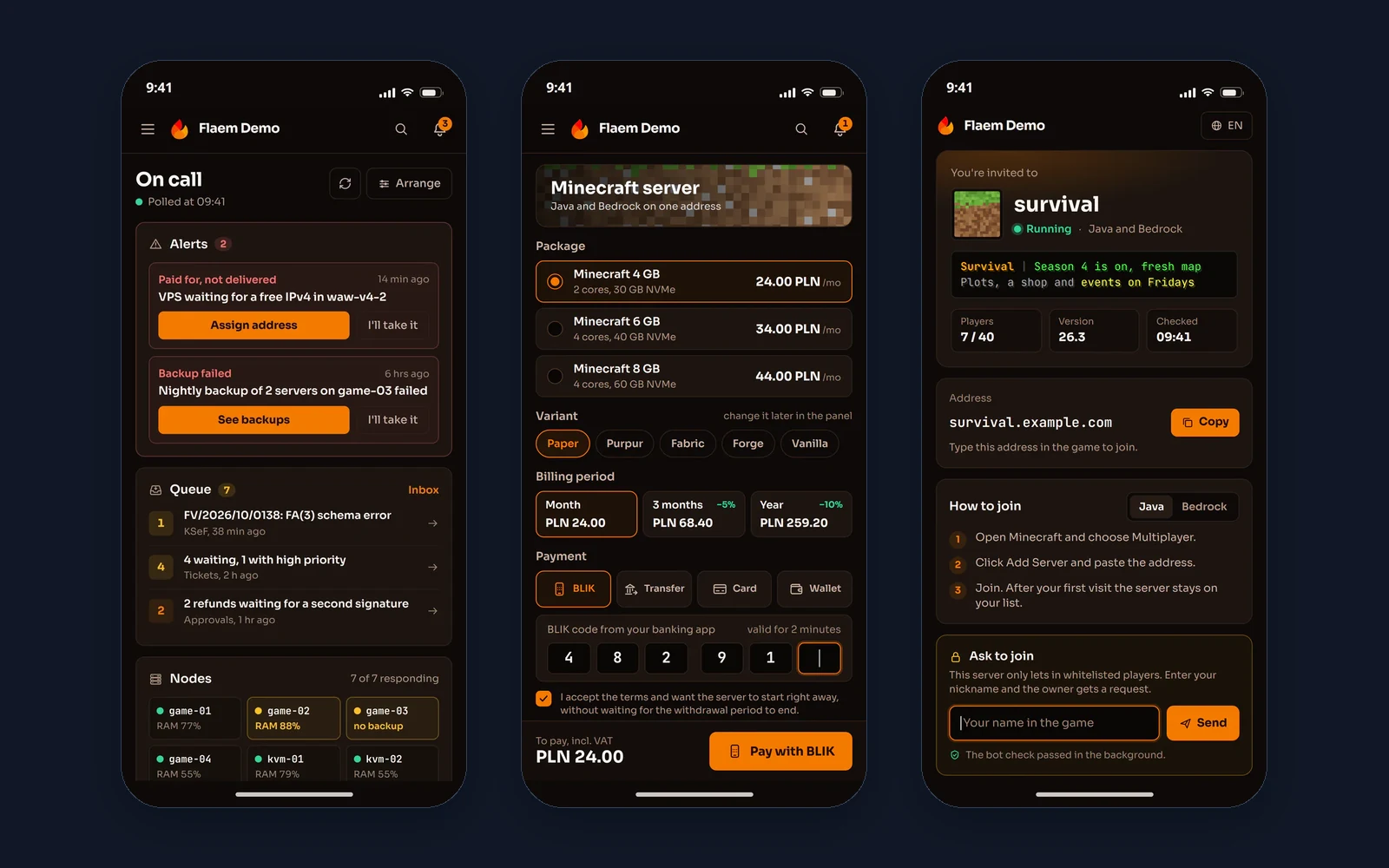
Native apps of the Flaem hosting platform, separately for Android in Kotlin and for iOS in Swift.

Plazer

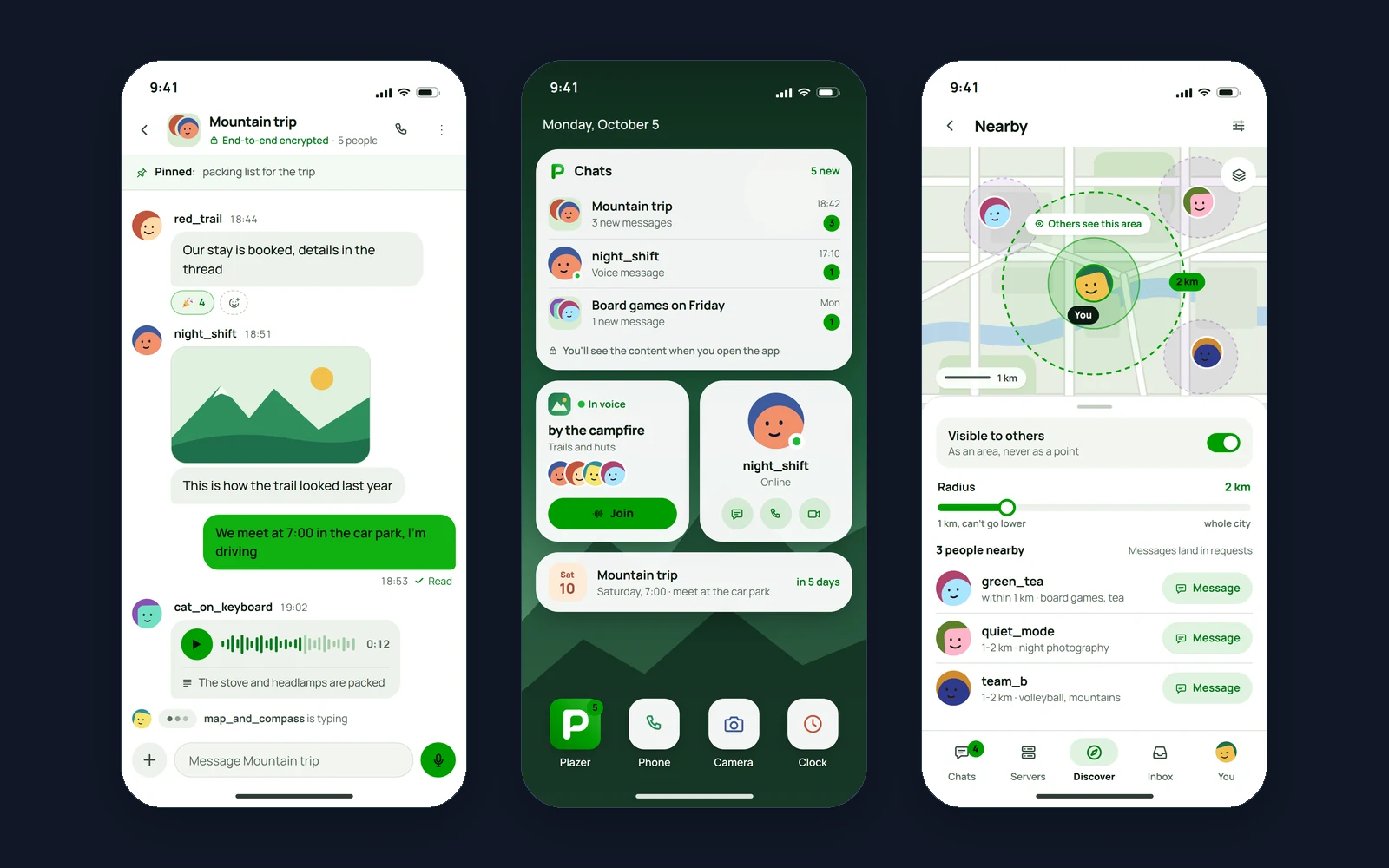
A native Android app of the Plazer messenger, in Kotlin and Jetpack Compose, that also runs on phones without Google services.

Gyred

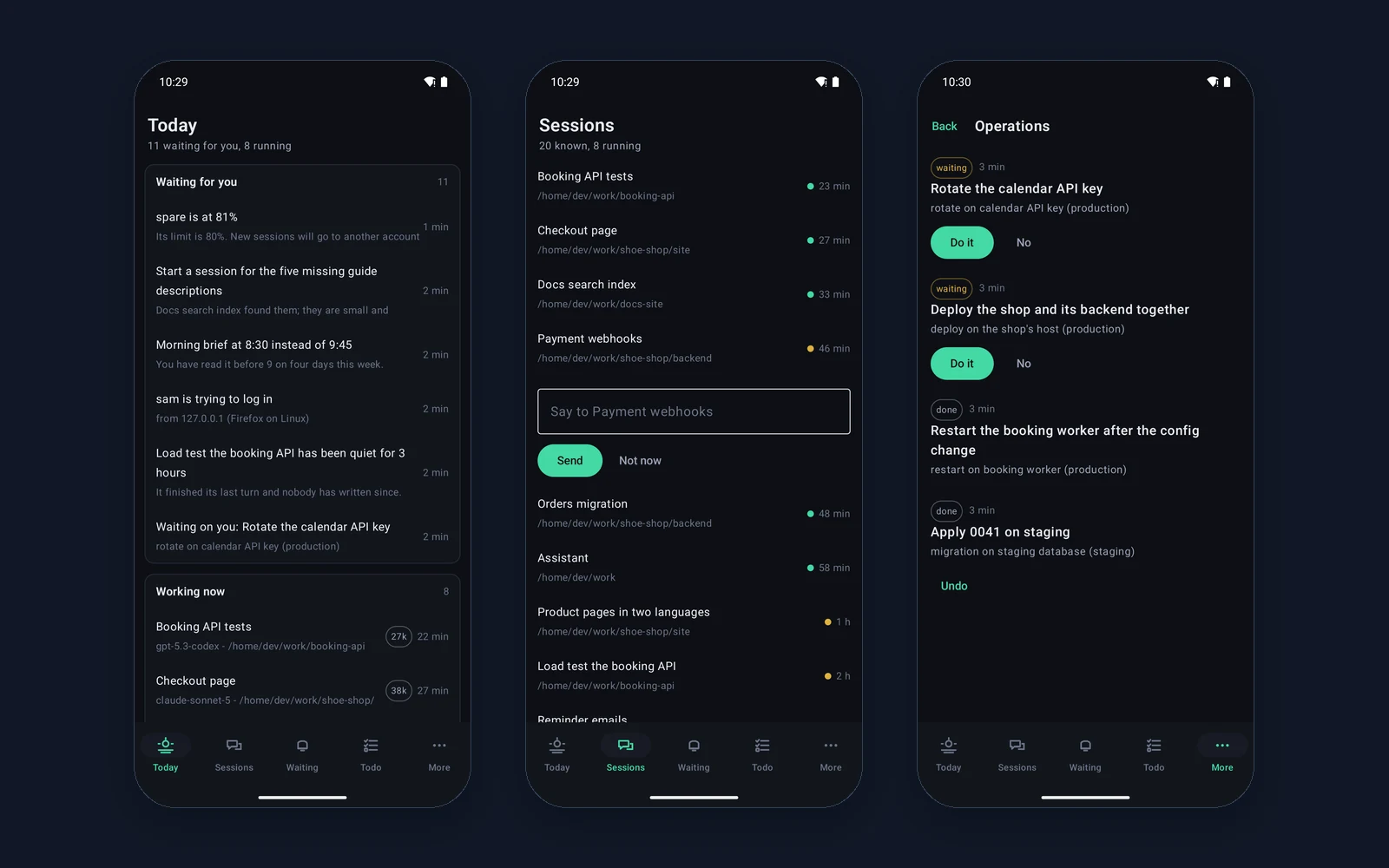
A native Android client for running AI agent sessions from a phone: a Today screen with what is waiting and what is running, a quick reply to a session straight from the list, operations to approve and undo, a conversation with the assistant by voice too, and a home screen widget with the number of things waiting.

Lokal

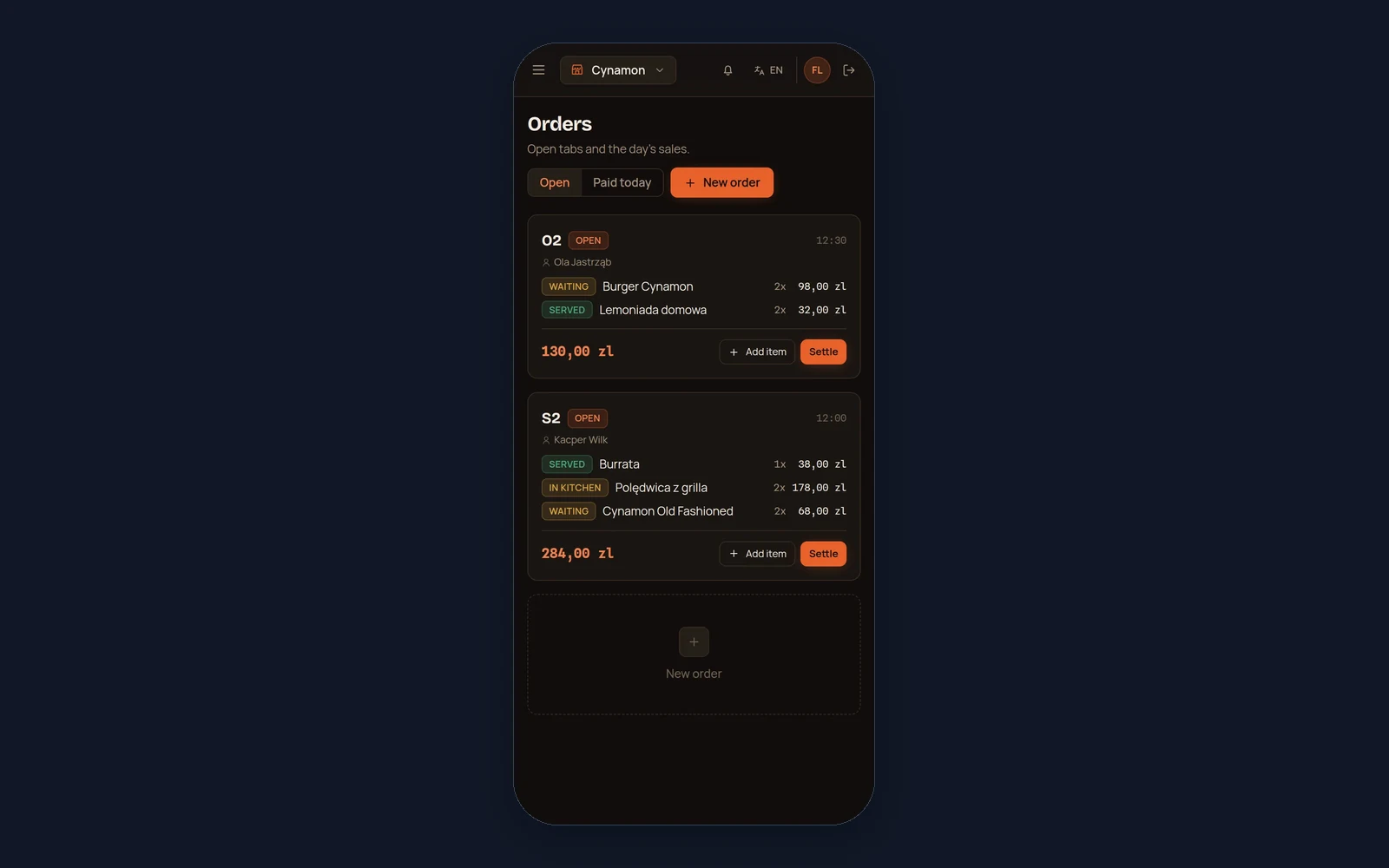
Lokal on a waiter's and an owner's phone: open table and takeaway tabs with the status of every item, adding dishes and settling the bill at the table, plus reservations, the kitchen screen and the day's dashboard laid out for a small screen.

Atrium

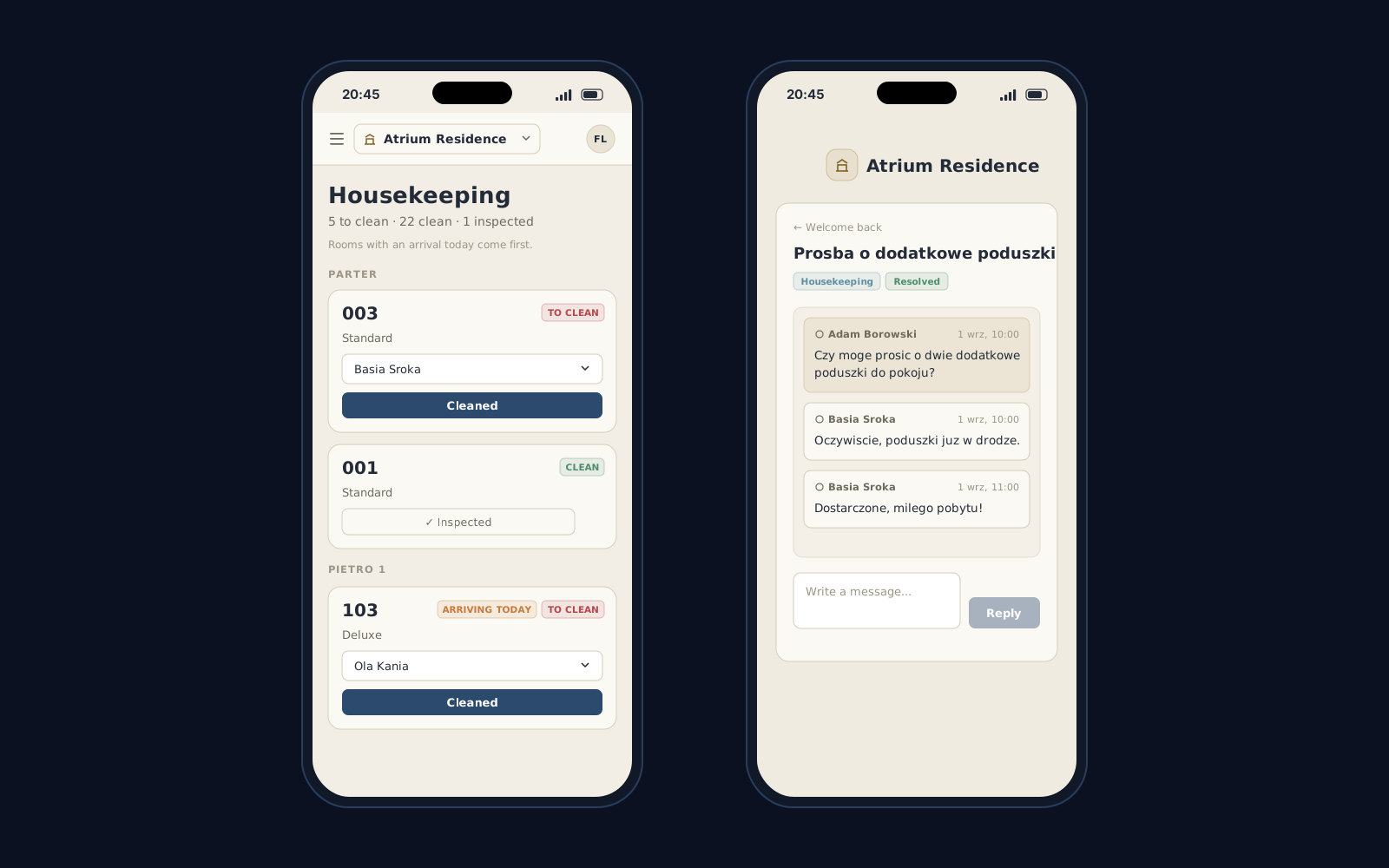
Atrium on a phone: the same hotel panel laid out for a small screen, with a side drawer menu, so the front desk, housekeepers and the owner carry arrivals, housekeeping, repairs and bookings with them instead of leaving them at the desk.

Three ways to get the same project

The same project can be bought three ways. Below, the same eight things checked against each of them.

A template from an AI builder
a builder subscription

Cheapest and fastest, until the page actually has to sell.

  • A fixed monthly fee.
  • The page is up the same day.
  • The same set of blocks as a thousand other companies.
  • Generic copy, written for nobody in particular.
  • Heavy builder code slows things down and pushes the Google ranking with it.
  • Only whatever the builder happens to offer.
  • A help chat and a knowledge base.
  • The first serious change means starting over.
VulCode
from PLN 7,999

We price the actual scope and hold that number to the end.

  • Quoted before we start and unchanged to the end.
  • A launch date comes with the quote.
  • Design and code written for this one page.
  • You write straight to the person who runs your project.
  • We write for your audience and the questions it asks.
  • Loads in about a second, on a phone too.
  • Included, with no separate line on the invoice.
  • We stay on for fixes and further sections.
A full-process agency
a big budget upfront

A big team and a big budget, much of which pays for the process itself.

  • A design made from scratch.
  • A copywriter on the agency side.
  • Optimization usually fits inside the scope.
  • In scope, often as a separate item.
  • Continued work on a retainer.
  • Every scope change means an annex and a new number.
  • A schedule counted in months.
  • Contact goes through an account manager, not the team.

Tell us what your page has to do. A quote with a number and a date comes back within an hour.

Why choose VulCode?

Five things you see from the first message to the work after launch.

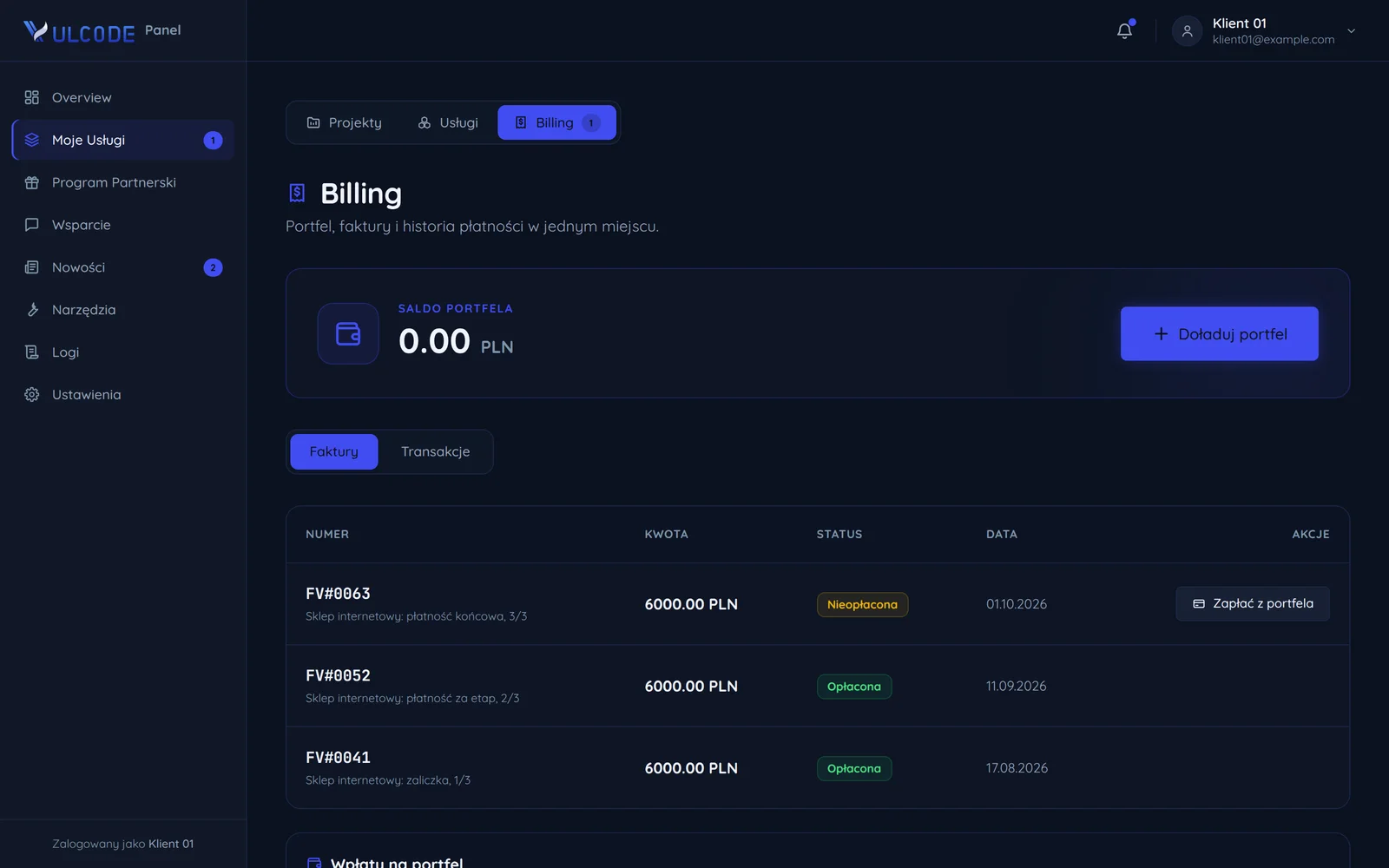
Payment stages with amounts and dates
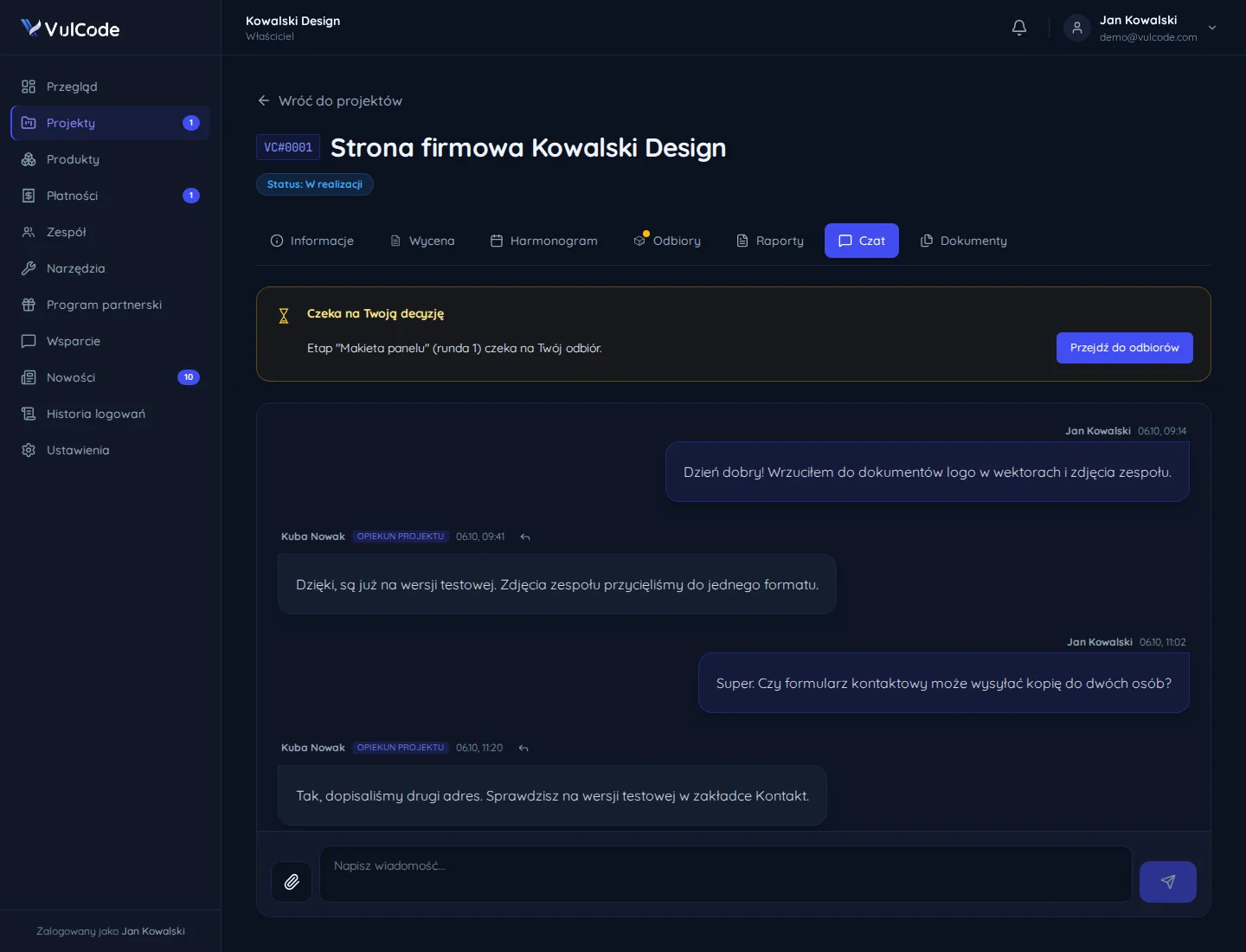
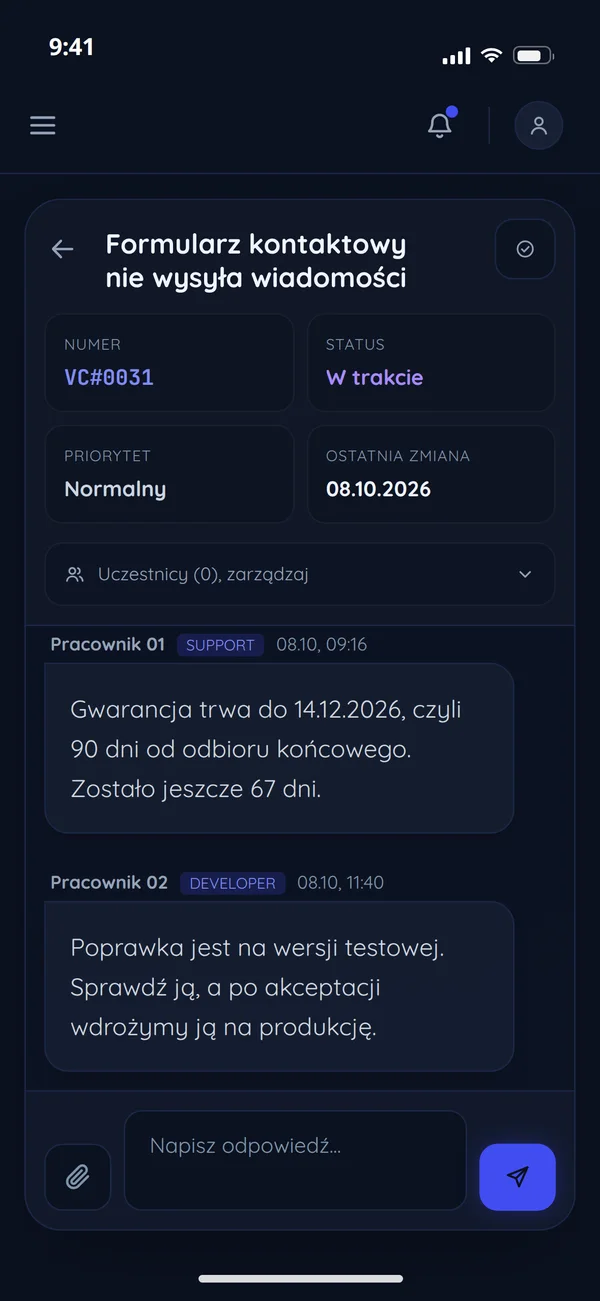
A ticket in the client panel on a phone

Frequently asked questions

Common questions about this service and working together.

Read next

Services and pages related to this offer, and blog articles on the same subject.

Want to discuss your project?

Every project is quoted individually - regardless of scale, technology or stage. Contact us and we will reply within an hour. The quote is free.