WaveHost: new brand website
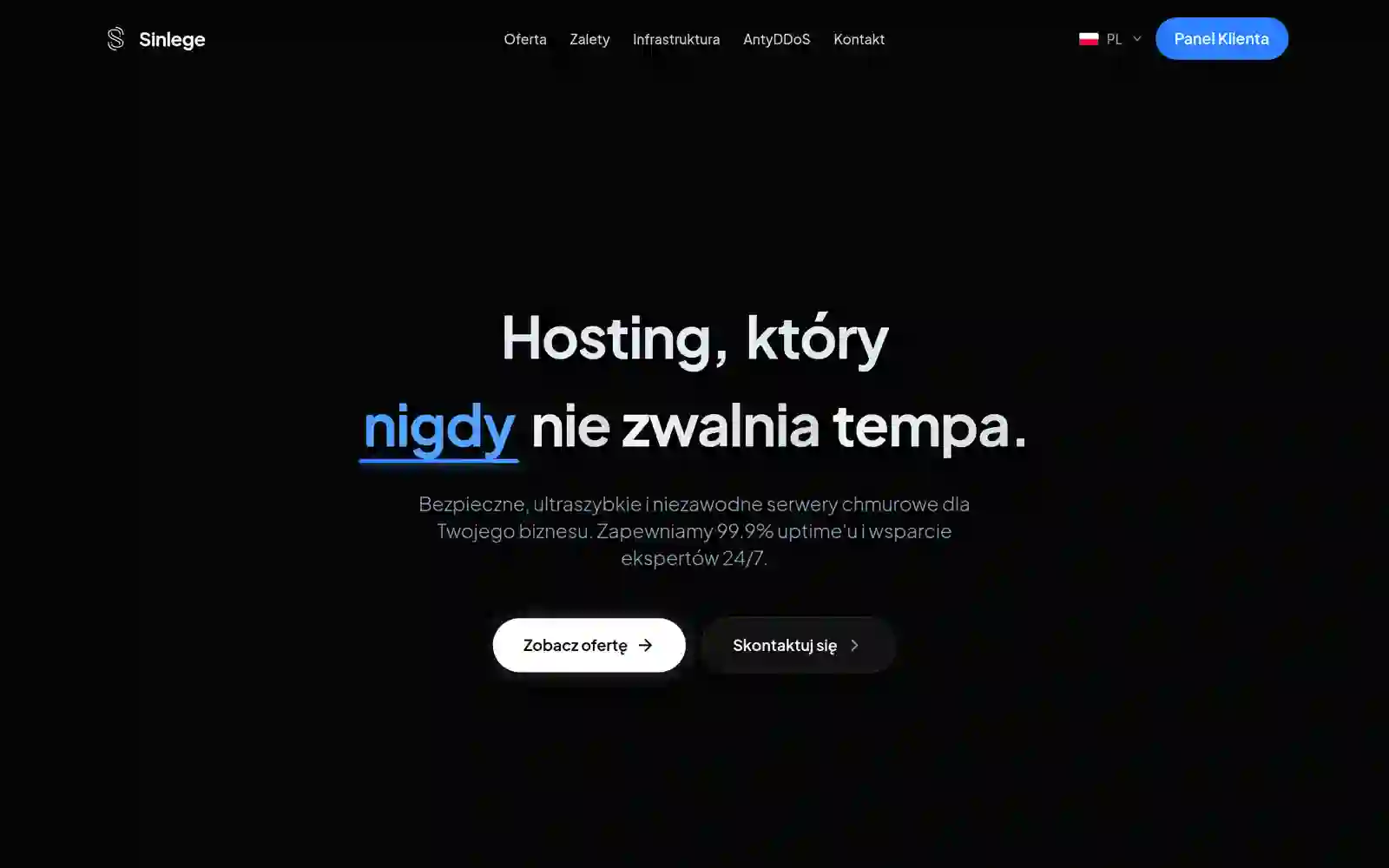
Delivered in three weeks and shaped around one goal: conversion.
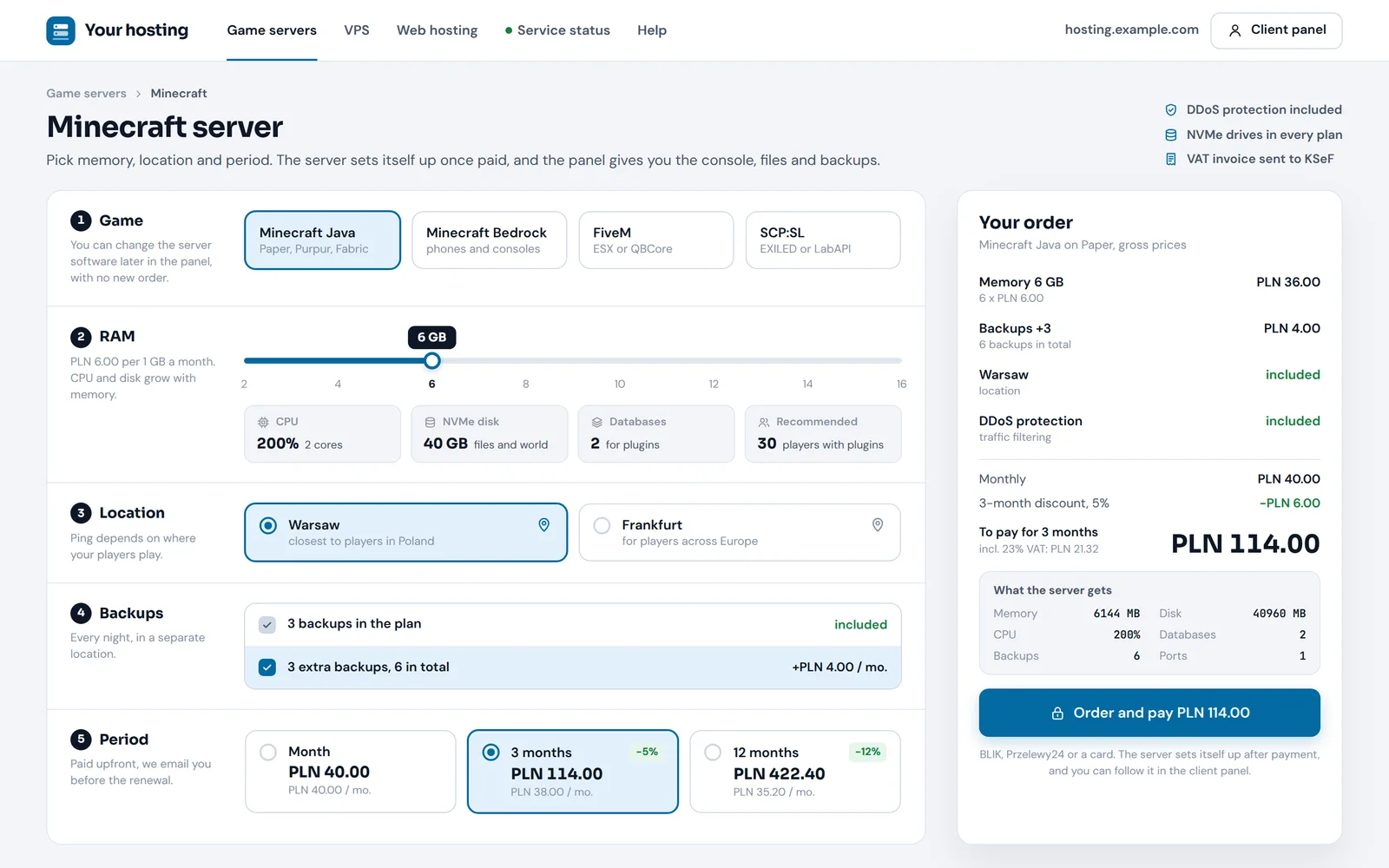
A price table with package comparison
Trust-building sections
Core Web Vitals with LCP under 1.2 s
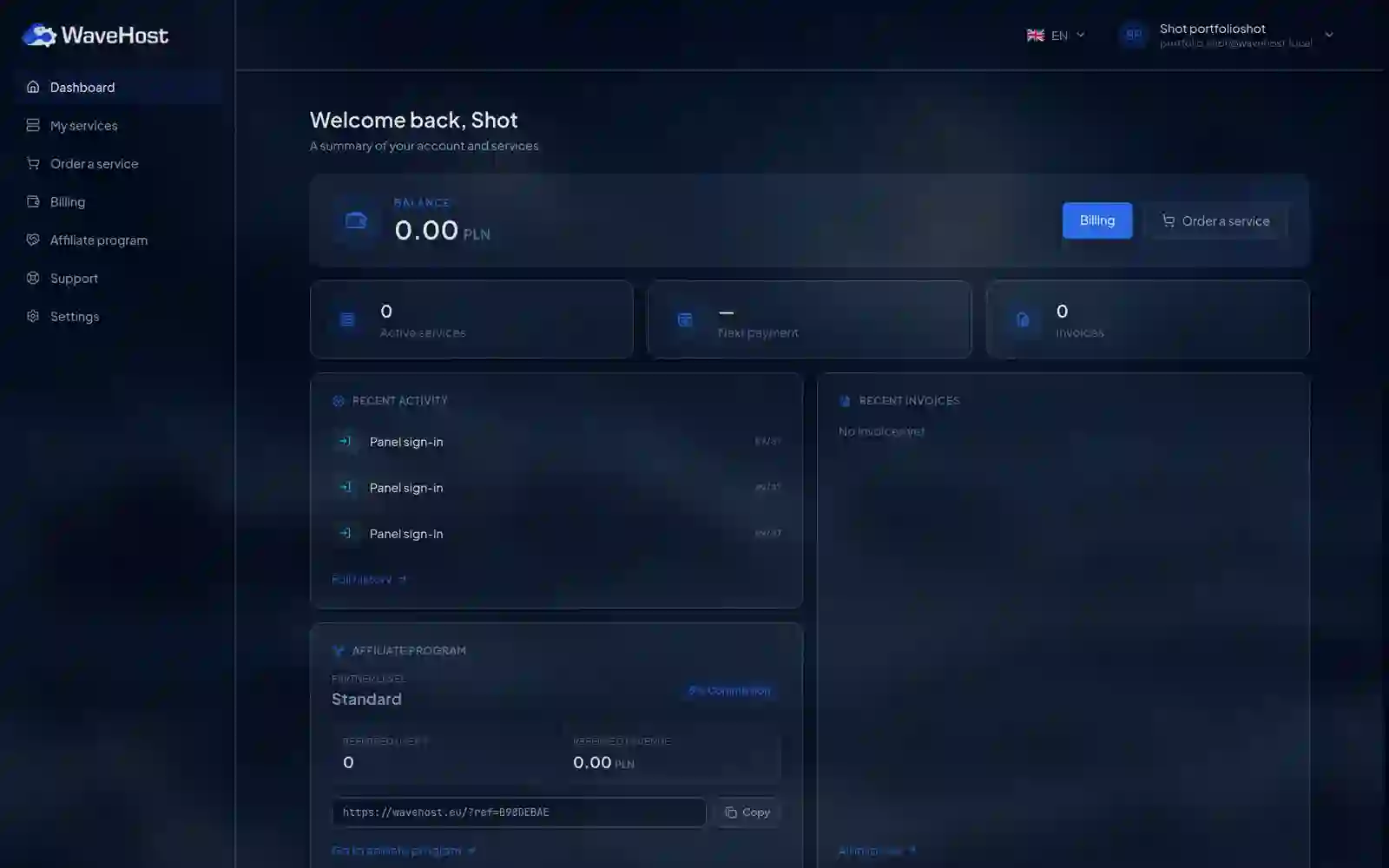
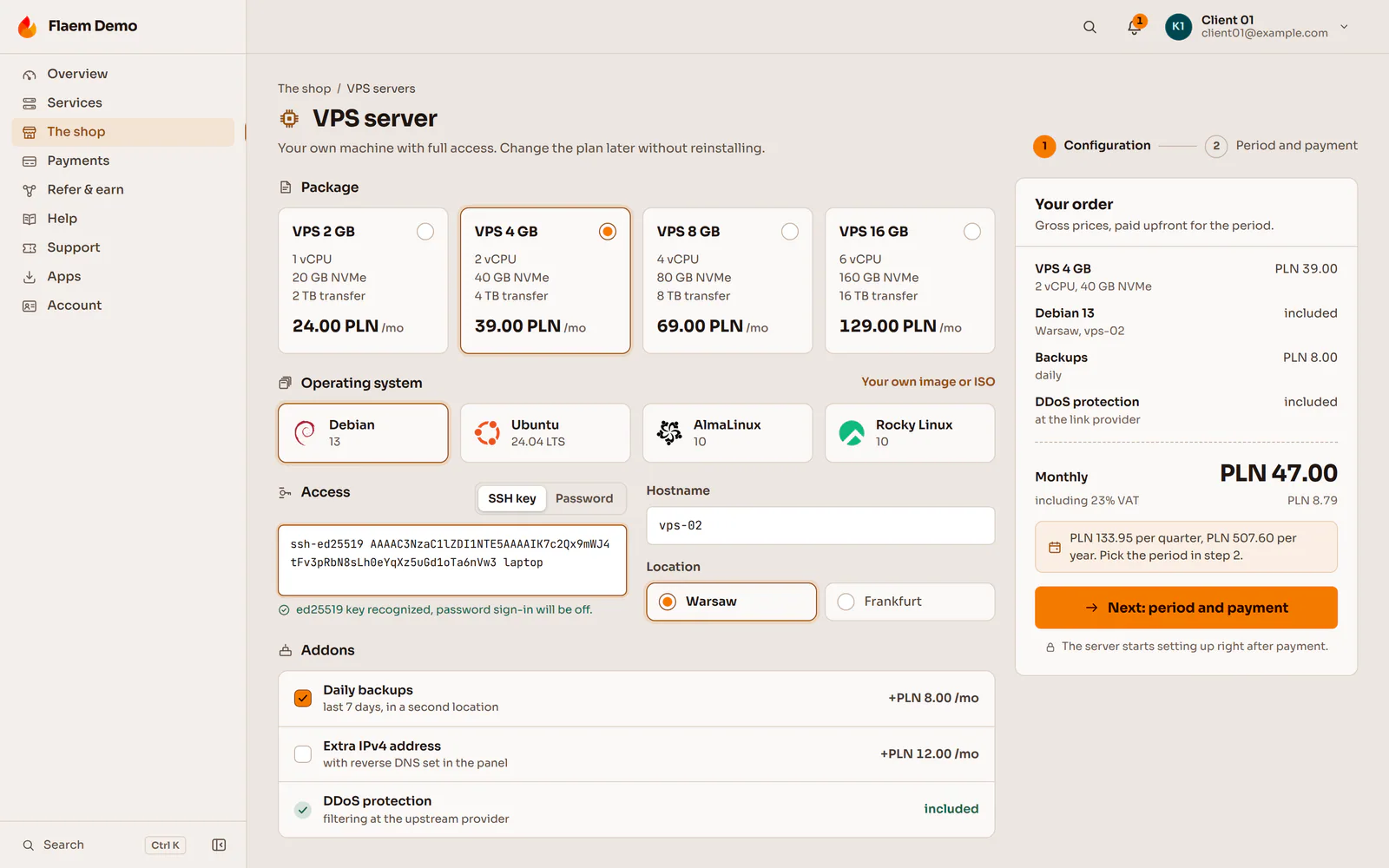
A website with pricing, a panel where clients buy and manage a VPS or game server, billing with invoices and automatic provisioning through Proxmox and Pterodactyl. We built this for WaveHost and Sinlege, and our ready-made panel is Flaem.
Three projects: two marketing websites and a client panel. Each links to the full project write-up.
Delivered in three weeks and shaped around one goal: conversion.
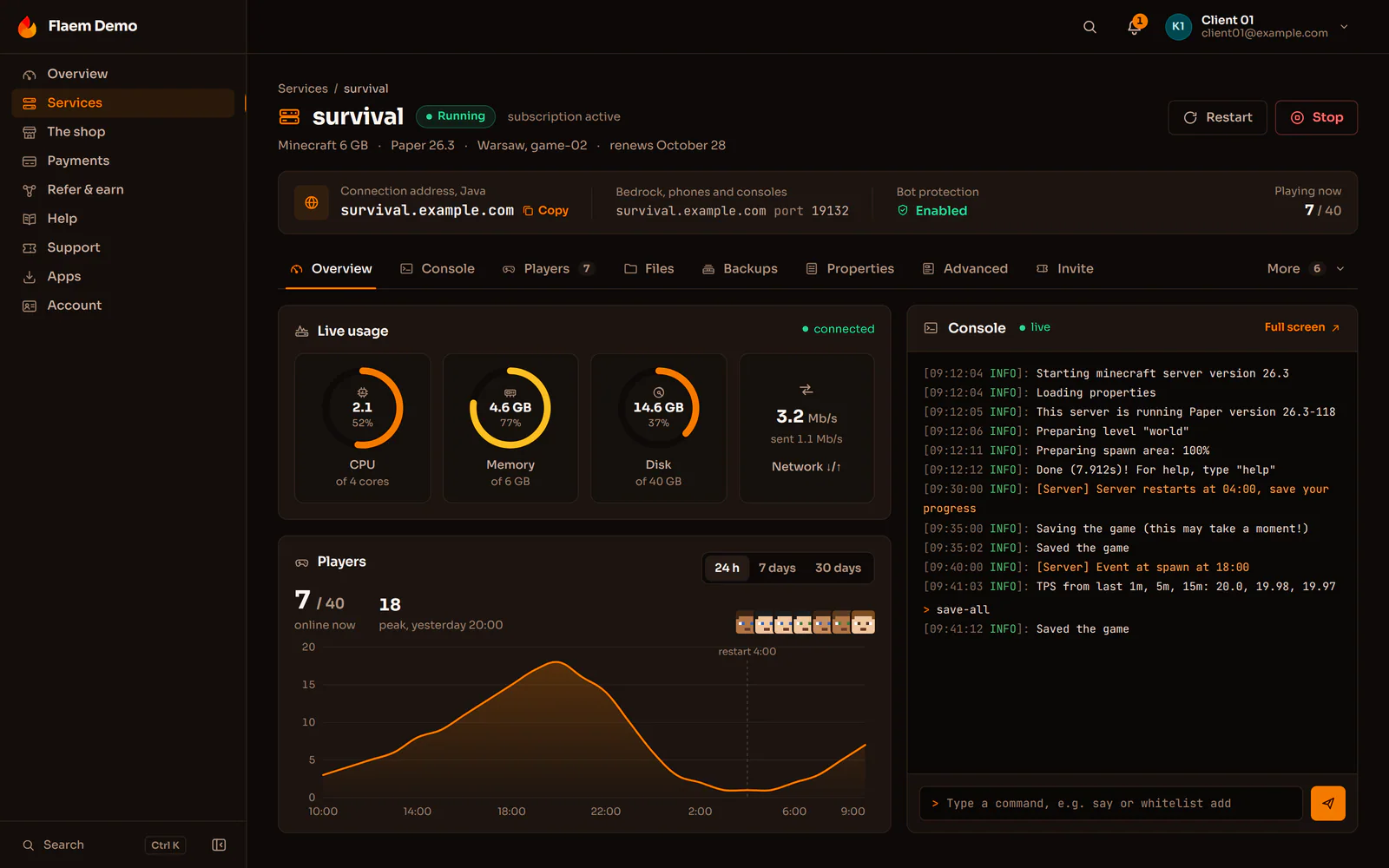
One place for the host's clients: they order a server, pay and refer others.
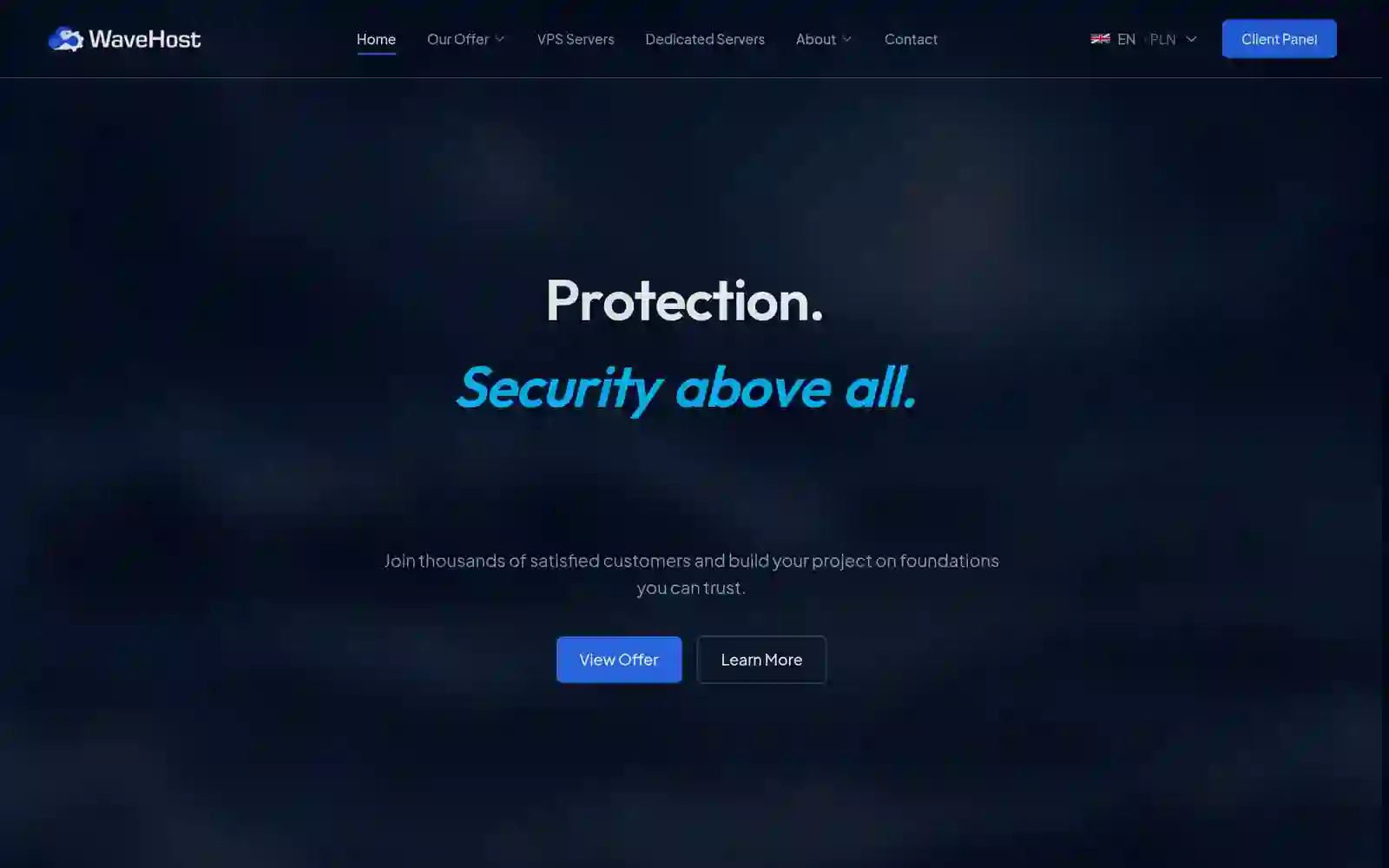
A VPS and Minecraft hosting website, with no compromise on code quality despite the express pace.
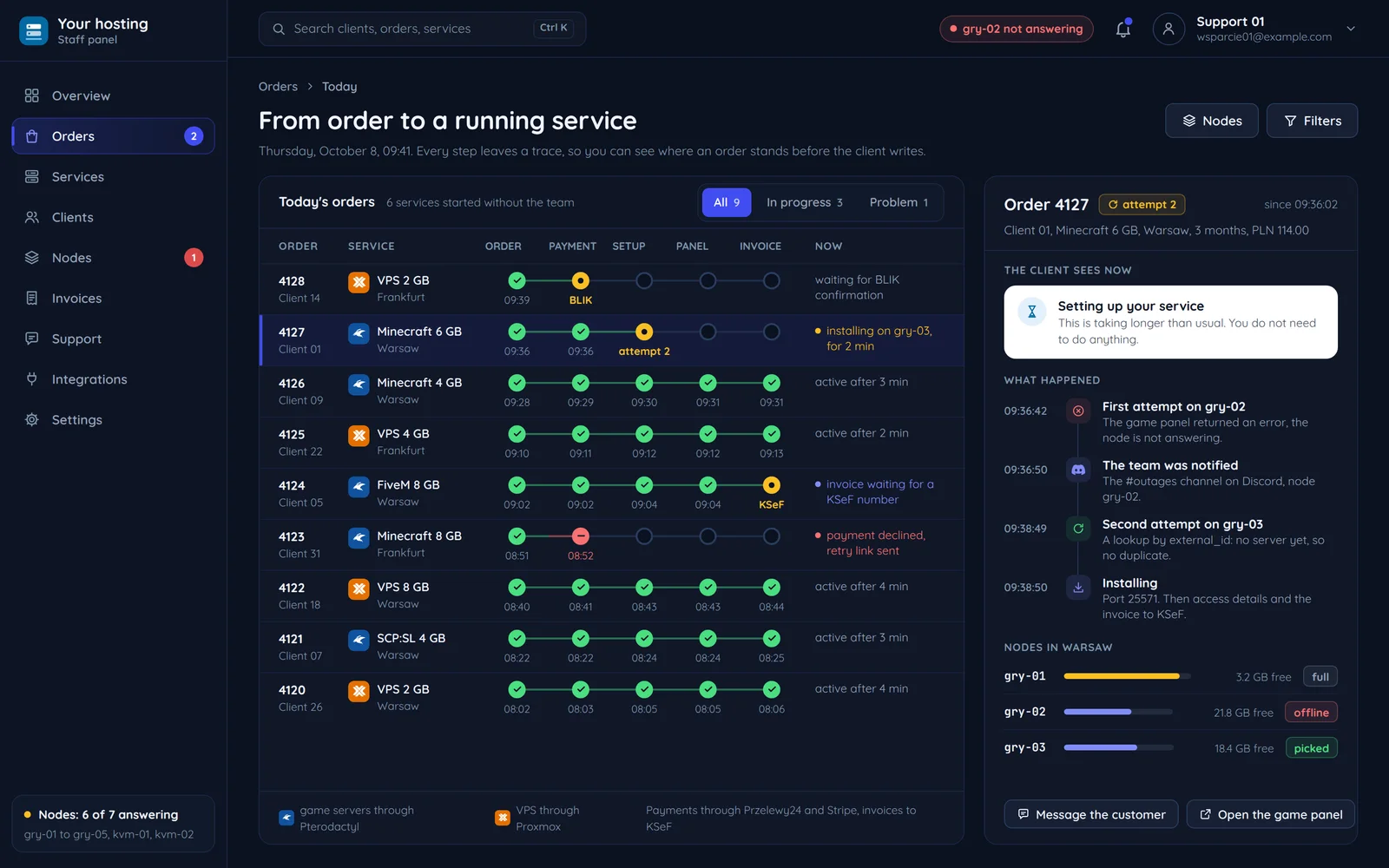
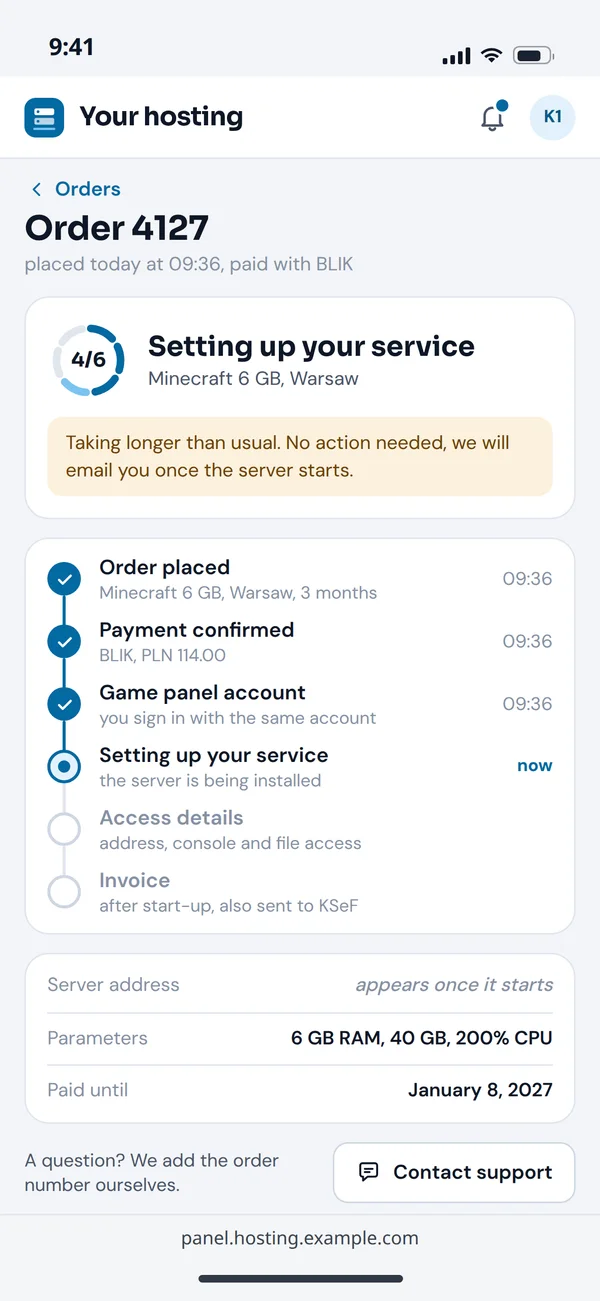
Every step leaves a trace in the panel, so support knows where an order got stuck before the client writes in.
Package, location and billing period on the hosting website.
Payment through Stripe or Przelewy24, balance in the wallet.
Game servers through Pterodactyl, VPS through Proxmox.
Access details, console, metrics and renewals.
Issued and sent to KSeF for Polish clients.
Setting up a game server through the Pterodactyl Application API after a paid order, step by step, and what happens when a node does not respond.
Package, location and billing period on the hosting website.
Linked to the client panel account.
An allocation from a node with resources.
The Application API creates it with the plan's limits.
Access details, console, metrics and renewals.
The client logs in once and sees the access details, console and metrics in the panel right away.
When a node does not respond, the order goes back to the queue and the client sees "setting up your service".
The client sees "setting up your service", not an error, and the order waits in the queue for the next attempt.
The game panel user is linked to the client panel account, so the client logs in once. For WaveHost we did it with a secure HMAC handshake.
Provisioning takes a free allocation from a node with resources instead of waiting for someone to assign one.
The server gets its memory, disk, CPU and number of databases and backups from the plan the client paid for.
When a node does not respond, the order goes back to the queue and the client sees "setting up your service".
If you do not need a panel from scratch, start with our product. It runs the whole service lifecycle under your brand.
The client buys and the service sets itself up on your infrastructure.
Sales, payments and limits in the same panel, with your brand and domain.
Clients manage their game server or VPS without writing to support.
CPU, memory and network live, for the client and for you.
Three routes we see at hosting companies. Honestly: each makes sense in a different situation.
Time to launch: shortest, a ready product
Your own sales processes: within the product. Game servers and VPS in one panel. Your own branding.
A Flaem subscription
Time to launch: depends on the modules
Your own sales processes: through modules and hooks. Game servers and VPS in one panel: through separate modules. Your own branding: through templates.
A paid WHMCS licence
Time to launch: longest, built from scratch
Your own sales processes: exactly yours. Game servers and VPS in one panel. Your own branding.
The code handed over to you
A typical host runs several systems that have to speak one language. We describe each connection separately.
Your hosting company
The most common questions before switching panels.
Hosting clients are often game servers and communities.
Tell us what services you sell and what your panel runs on today. We will tell you whether Flaem is enough or a build is worth it, with a free quote.