
Plazer
A native app of the Plazer messenger for Windows, macOS and Linux, written in Rust on Slint, with no browser underneath and the encryption core built straight into the program. A single-file installer, in-app updates, a desktop widget with your chats and system notifications that never show the message. A new device joins the account with a QR code, and the chats move over to it encrypted, bypassing the server.
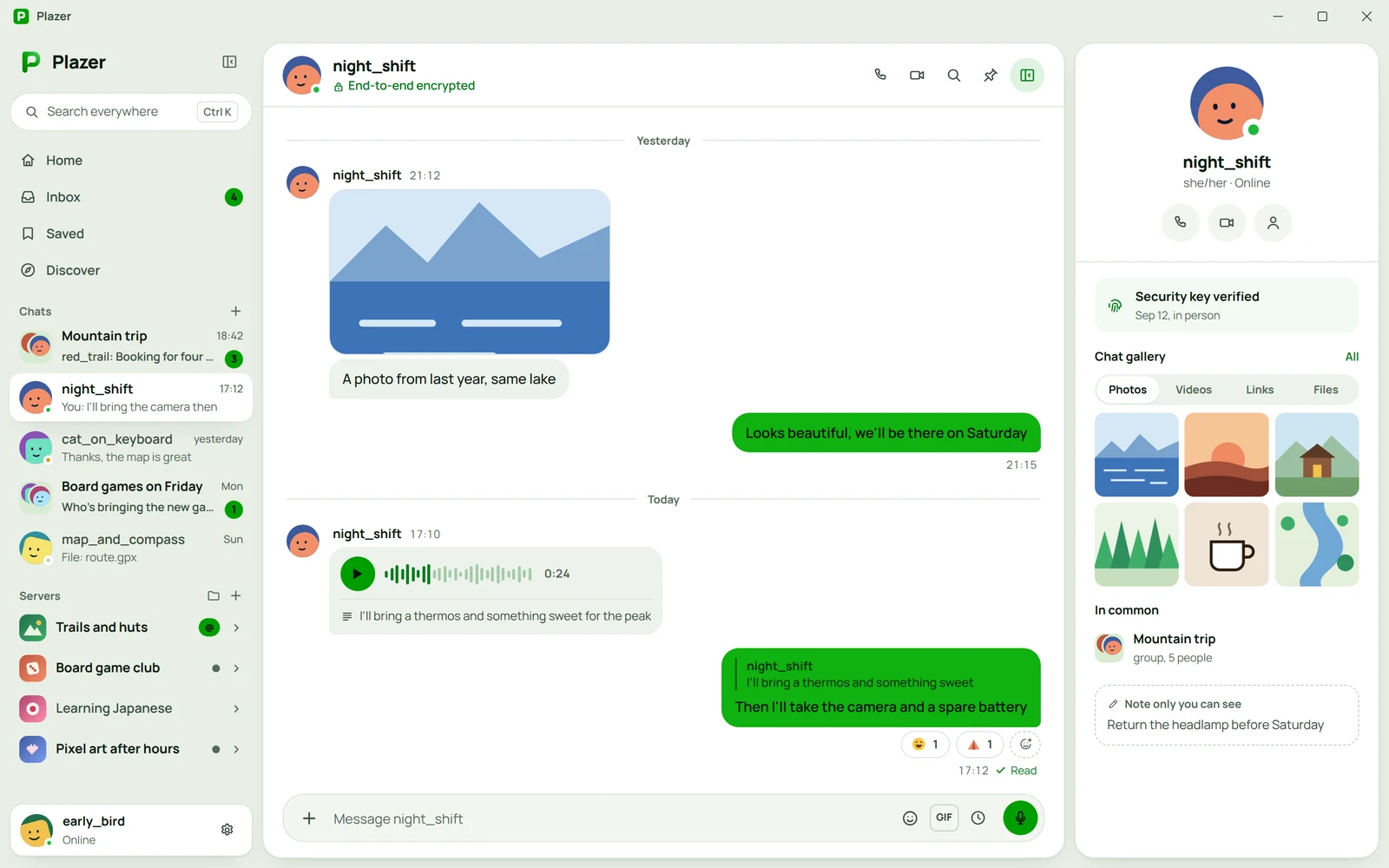
Overview
A messenger is a program that stays open all day, next to a game, an editor, a browser and whatever you are working on. That is why the Plazer desktop app is native: written in Rust on Slint, with software rendering and no browser underneath. It runs on Windows, macOS and Linux, on the same account as the phone and the browser.
Native, with no browser
The choice of stack came after prototypes in three technologies, compared on the same computer for idle memory, memory under load and package size. Slint came out lightest on every one of those measures, so that is what the app was built on.
The Rust encryption core is an ordinary dependency for the client, with no layer translating between languages. Encrypting chats on the desktop runs the same code as the browser version, not a copy written a second time.
The same code for everyone
An encrypted client should run the same code for everyone, not code fetched again on every launch. The app is installed once, from a single file, with no extra runtimes or libraries, and it downloads new versions by itself, so nobody has to look for an installer on the website.
App and browser
| What | App | Browser |
|---|---|---|
| Installation | Once, from a single file | No installation |
| App code | Installed once, the same for everyone | Comes from the server on every launch |
| Updates | Inside the app | On every page load |
| Widgets | On the desktop | Not applicable |
Desktop, voice and notifications
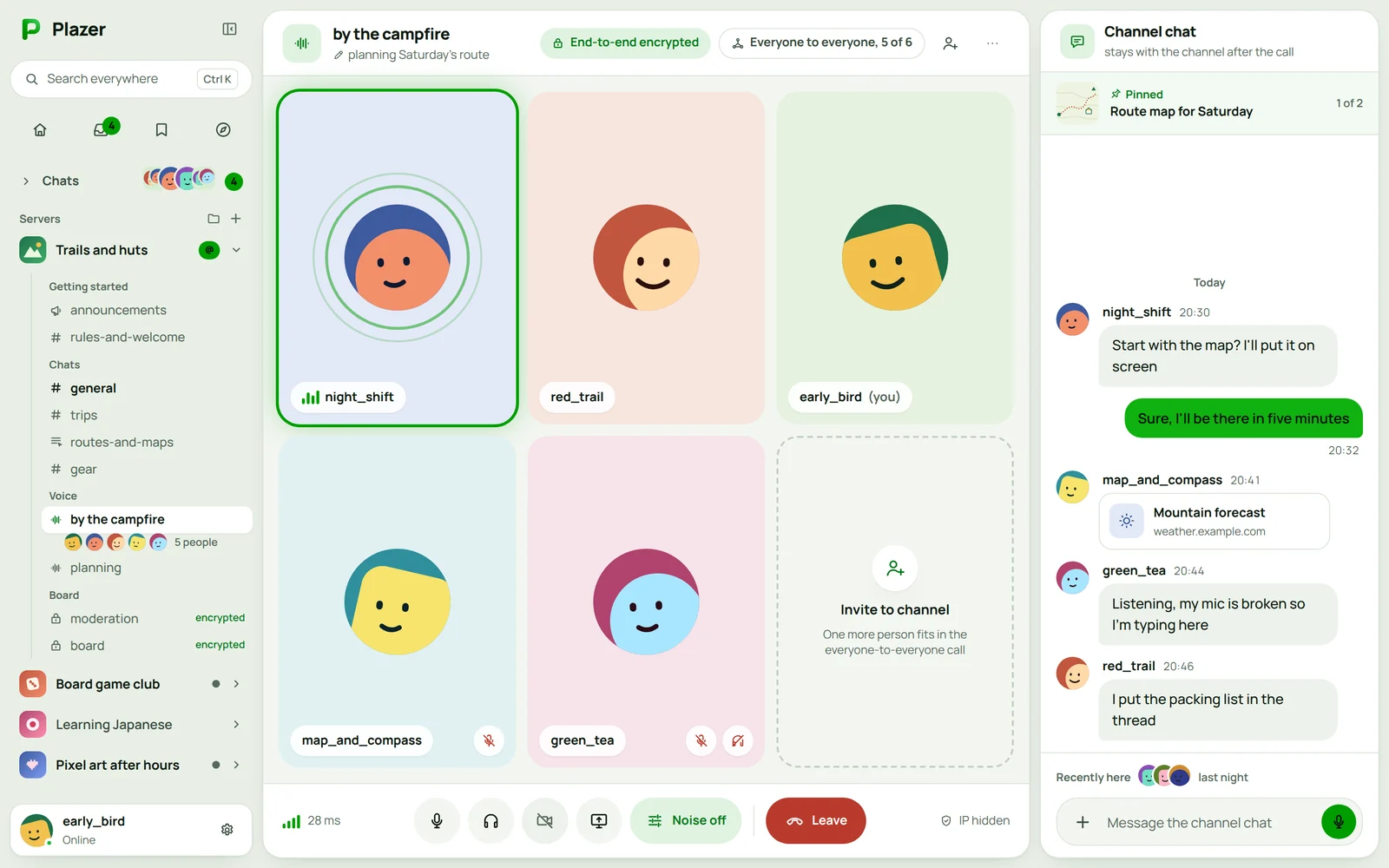
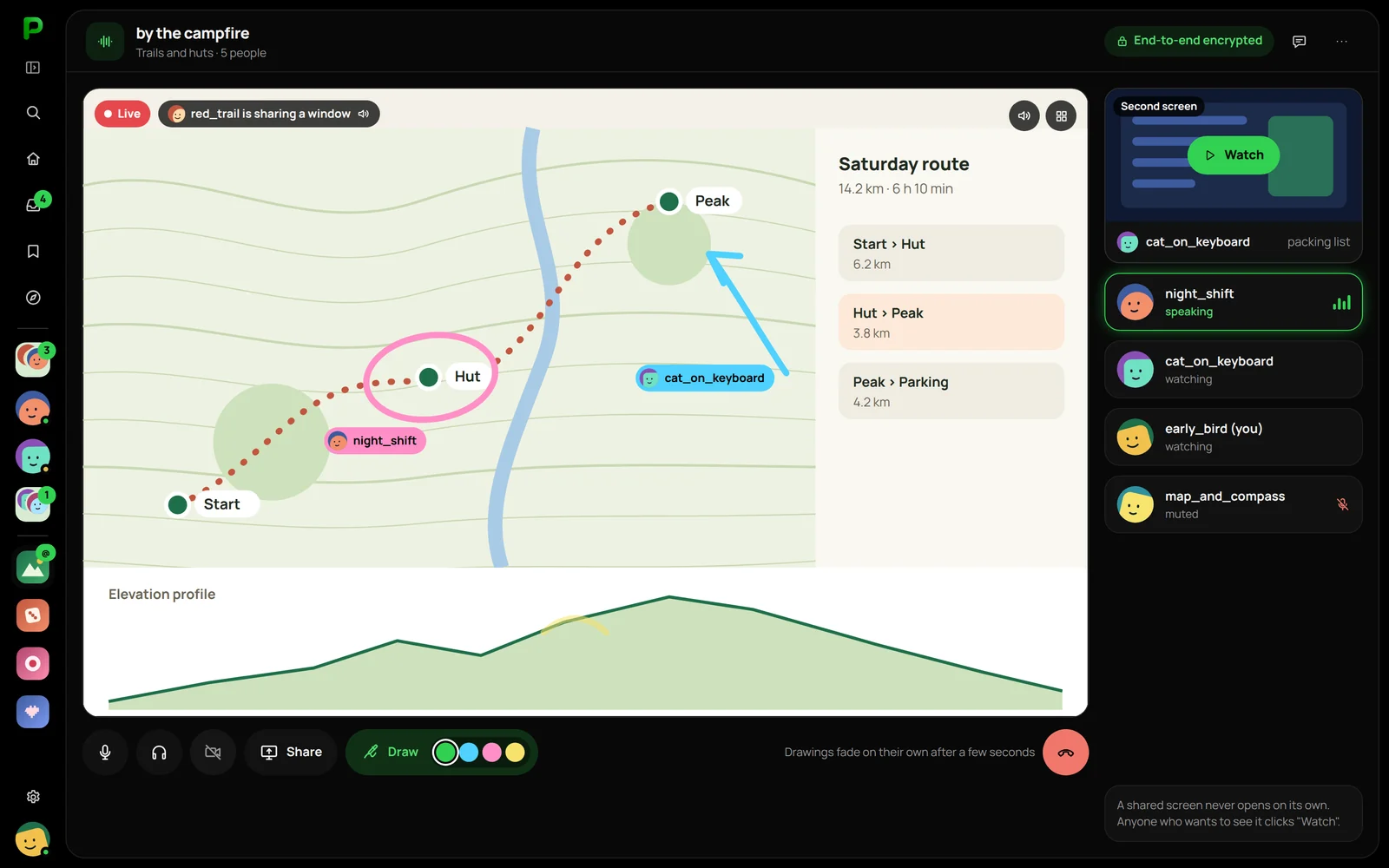
The desktop has every conversation, servers with channels, roles and a forum, voice channels with screen sharing, and appearance and accessibility settings. A desktop widget shows your chats at a glance, and system notifications on Windows, macOS and Linux never contain the message content.
One account on every device
on the computer you choose to add it to an existing account.
you scan the code with a phone you are already signed in on, or type in a numeric code.
the history comes straight from the other device, encrypted, bypassing the server.
When the old device is gone, you sign in with your password and recovery key and restore the history from an encrypted backup.
Questions about Plazer

More projects
More work from the same category - see how we tackle similar challenges.
Have a similar project?
Get in touch - a quote is free and comes back within an hour.