
Security at VulCode: how we protect code, access and client data
Instead of generalities: where your code lives, how the client panel is protected, what our website collects and what you receive at project handover.
The path of code from the first change to your server
Code does not go to production straight from someone's laptop. Every change takes the same path.
Private repository
The project code lives in a private Git repository, not in files sent by email.
Change review
Every change is reviewed before it goes into the project.
Test version
It runs first on a test environment you can see in the client panel.
Launch
The server gets the version you checked, with an HTTPS certificate.
Handover
Once paid, you receive the repository or an archive with the code and documentation.
The client panel up close
This is written in the panel's code, not in a statement. If anything changes, this list changes too.
- PasswordsStored only as bcrypt hashes. The minimum length is 8 characters.
- Password resetThe link is valid for one hour. The form does not reveal whether an account with that address exists.
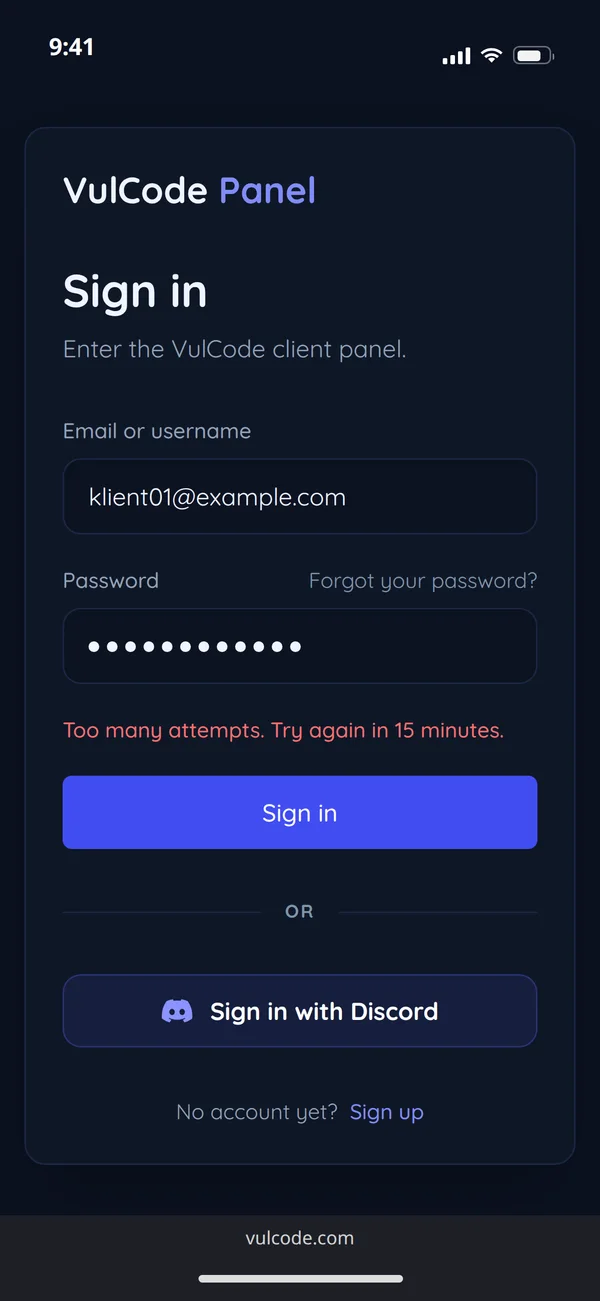
- Sign-inUp to 30 failed attempts in 15 minutes from one address, then a block. Up to 5 sign-ups an hour from one address.
- Sign in with DiscordYou can sign in with a Discord account instead of a password.
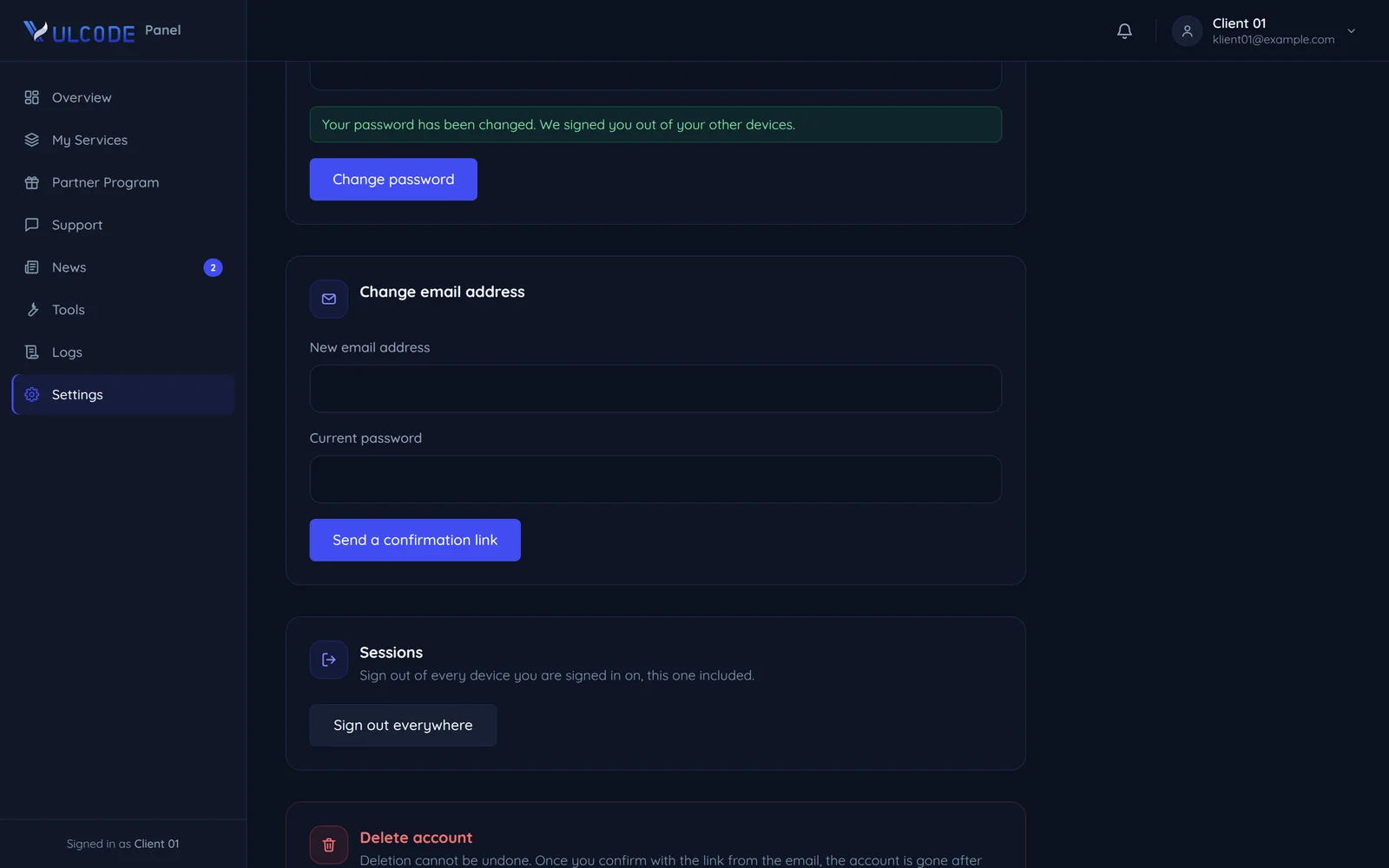
- SessionsA session expires after 7 days. Changing the password or "Sign out of all devices" ends every other session.
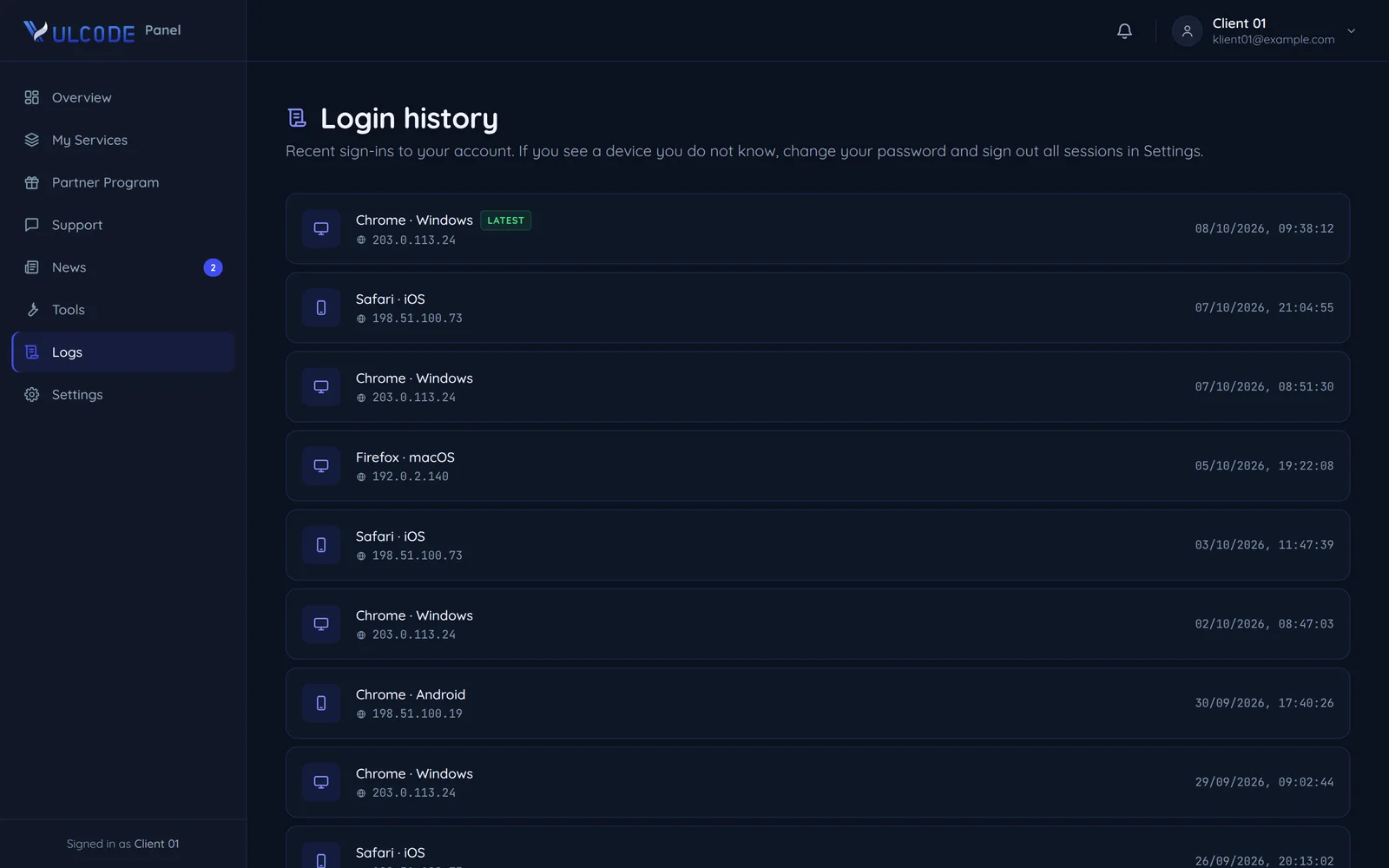
- Login historyRecent sign-ins are listed in their own panel tab. Signing out everywhere does not erase it, so the trail stays.
- Changing your emailRequires your current password and confirmation from the new mailbox; the link is valid for one hour.
How to give us access safely
Every project needs some access. This is how you give it without risk to yourself.
- HostingHowa separate VulCode accountScopedeploying the site, not your mailboxWhen it endsyou remove the account
- Store adminHowa separate VulCode accountScopecontent, no access to paymentsWhen it endsyou remove the account
- ServerHowa VulCode SSH key instead of a passwordScopedeploying the projectWhen it endsyou remove one line with the key
- Domain panelHowthe password in a panel ticket, apart from the loginScopethe project's domain recordsWhen it endsyou change the password
- A separate account instead of your passwordIf your hosting, store or domain panel lets you add a user, create one for us. When the work is done, you simply remove it.
- Only the permissions we needTo edit content we do not need access to payments, and to deploy a site we do not need your mailbox.
- Passwords outside the usual messageDo not send passwords in the same message as the login. On a project you can pass them through a ticket in the client panel.
- A key instead of a server passwordFor a server, add our SSH key. Removing one line cuts our access without changing anyone else's password.
- Change passwords after handoverWhen the project is finished, change the passwords you gave us. That is basic hygiene, not distrust.
- One list of who has accessWrite down who you gave access to and to what. At handover it then takes a minute to see what to close.
What vulcode.com collects and how long it keeps it
Per our privacy policy, section 7. This covers our website, not the projects we build for you. A site that sells security should not collect more than it needs.
- A message from the contact formAnswering your question or a quoteUp to 12 months from the last contact
- Client data for an orderPerforming the contract and accountingThe contract term and 5 years after it ends
- An address signed up to the newsletterSending the newsletter with your consentUntil you unsubscribe
- Analytics dataVisit statistics, no profilingUp to 24 months
The length of a bar is the period from the privacy policy, section 7, counted from the moment that period starts.
- No cookiesThe site sets not a single cookie; what it stores in the browser is listed in the cookie policy.
- Our own analyticsNo Google Analytics; our own system counts the statistics, with IP addresses anonymised.
- Turnstile at the formCloudflare Turnstile only checks that a human is writing and is not used for tracking or profiling.
What you receive at project handover
A project should be possible to take over without calling us. This is what handover looks like. The warranty fixes our mistakes. Updates and server care are covered by a separate maintenance agreement.
- Source codeA private Git repository or an archive, with no licence locks and no tie to our infrastructure unless that is part of the offer.
- Economic rightsFull rights to the code and graphics made for you pass to you once paid (terms, clause 6.1).
- DocumentationHow to run, deploy and develop the project, so another developer can take it over.
- AccessAccess to everything that makes up the project, such as the domain, hosting and third-party services.
- Library licencesOpen source libraries keep their own licences, which are part of the project (clause 6.3).
- When
- After final acceptance and payment in full
- Basis
- Terms, clauses 6.1 and 6.3
- Source codea Git repository or an archive
- Economic rightspass to you once paid
- Documentationrunning, deploying and developing
- Accessdomain, hosting, third-party services
- Library licencesopen source on its own licences
The order of steps from the first message to handover is on the How we work page.
After handover: the warranty, then maintenance
- Final acceptance
- Payment in full
the rights to the code and graphics pass to you
- Handover
code, documentation and access
- Warranty
90 days, bugs in our work
- Maintenance
a separate agreement: updates and the server
Security questions

Read next
The documents and pages this one leads to.
Found a security flaw?
We describe how to report it, what not to test and what happens next. The address is also in our security.txt file.
How to report a vulnerability