VulCode
Blog

How to host an SCP: Secret Laboratory server on Linux, step by step

You install the server with SteamCMD on Debian 13 or Ubuntu 26.04, run LocalAdmin in tmux, open the UDP port, set config_gameplay.txt and submit the server for verification. Following the Northwood tech wiki, including its two traps.

VulCodeVulCode11 min read
How to host an SCP: Secret Laboratory server on Linux, step by step - VulCode
What you will buildBash, 9 steps
  1. Packages and a userLinuxSteamCMD, tmux, .NET 9 and a separate account.
  2. App 996560SteamCMDThe server downloaded anonymously.
  3. Server in tmuxLocalAdminKeeps running after SSH closes.
  4. VerificationNorthwoodThe server on the verified list.

The guide at a glance

You will set up an SCP: Secret Laboratory server on Linux that keeps running after the SSH session closes, has its own name and description in the server browser, an open port, and updates with one script. At the end you submit it for verification so it appears on the verified server list.

An SCP:SL server from scratch

Group
Servers and hosting
Level
beginner
Reading time
about 11 min
Code
Bash

Files: config_gameplay.txt, aktualizuj.sh; plus commands in the terminal.

Steps
9 steps

9 of them with code or commands to copy.

Check
Public SteamCMD data from api.steamcmd.net

App 996560 matches the guide; we did not start an SCP:SL server

Documentation
4 official documents

Northwood tech wiki: How to create a Dedicated Server; Northwood tech wiki: Gameplay Config Setup; Northwood tech wiki: How do I verify my server?; LocalAdmin V2 (northwood-studios)

From our code
Flaem

frozeggs/eggs/scp-sl/dedicated.json
Before you start

We follow the Northwood tech wiki. It has two traps that stop you halfway when you copy its commands: writing a file with sudo echo, and a typo in the user name. We fix both in the steps below.

What you need
An SCP:SL server from scratch
Debian 13 or Ubuntu 26.04 on an x86 CPU
The wiki requires at least Debian 13 (Trixie) or Ubuntu 26.04 LTS. ARM CPUs are not supported and cannot run an SCP:SL server.
Resources
The minimum is 3 GB RAM, 2 cores and 4 GB of storage for a full 25-player server without plugins. For verification Northwood expects at least two physical cores, 4 GB of memory and 20 GB of storage.
Root or sudo access
You install packages as a sudo user and run the server from a separate account without admin rights.
A server outside your home, if you want verification
Northwood strongly advises against a verified server on a home connection: an open port and the verified list expose you to DDoS and doxxing. Use a VPS or a dedicated server.

What lives where on the server

ItemValueNotes
Steam app996560SCP: Secret Laboratory Dedicated Server Tool, anonymous login
Server directory/home/scpsl-server/steamcmd/scpslRun LocalAdmin from this directory
Game config~/.config/SCP Secret Laboratory/config/<port>/separate for each port
Game port7777UDP, not TCP or TCP/UDP

Step by step

9 steps with commands and files to copy. The contents beside them show where you are.

Install the packages

SteamCMD lives in the non-free repository and needs 32-bit libraries, hence the i386 architecture. tmux keeps the server alive after SSH closes, and libicu76 is needed by the .NET runtime.

The wiki writes the repository file with sudo echo "..." > file. That fails: your shell performs the redirect, without root rights, and you get Permission denied. Below is the same entry written through sudo tee.

bashbash, 5 lines
sudo apt updateecho "deb http://ftp.uk.debian.org/debian trixie main non-free" | sudo tee /etc/apt/sources.list.d/non-free.listsudo dpkg --add-architecture i386sudo apt updatesudo apt install lib32gcc-s1 steamcmd tmux libicu76

Install the .NET runtime

The wiki heading says .NET 4.8, but the commands install dotnet-runtime-9.0 from Microsoft's Debian 13 repository. On Linux that package is what you need.

bashbash, 5 lines
wget https://packages.microsoft.com/config/debian/13/packages-microsoft-prod.deb -O packages-microsoft-prod.debsudo dpkg -i packages-microsoft-prod.debrm packages-microsoft-prod.debsudo apt-get updatesudo apt-get install -y dotnet-runtime-9.0

Create a user for the server

The server runs from the scpsl-server account, not root. In the wiki the second command is sudo passwd scpsl, a password for a user that does not exist. The right name is scpsl-server.

You add /usr/games to PATH because that is where Debian installs the steamcmd command.

bashbash, 7 lines
sudo useradd -m scpsl-serversudo passwd scpsl-serversudo -u scpsl-server -scd ~echo 'export PATH="/usr/games:$PATH"' >> ~/.bashrcsource ~/.bashrcmkdir -p ~/steamcmd/scpsl

Download the server with SteamCMD

App 996560 is a vanilla server with the Northwood Plugin API plugin framework built in. No Steam account is needed: you log in anonymously. The same command with validate is what you use for updates later.

bashbash, 1 line
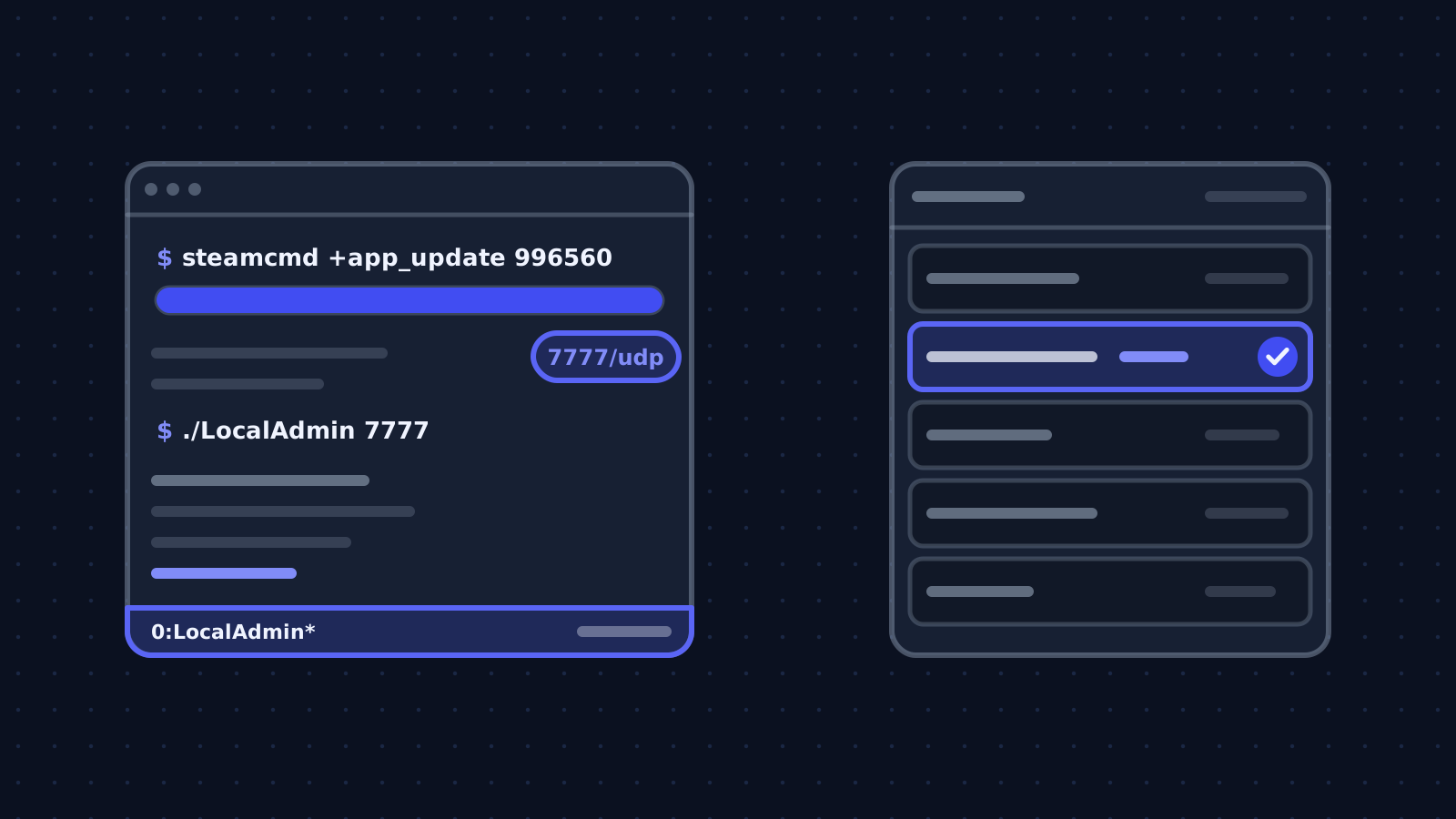
steamcmd +force_install_dir /home/scpsl-server/steamcmd/scpsl +login anonymous +app_update 996560 validate +quit
Note
You install a beta with app_update 996560 -beta <name> validate. Northwood announces available beta branches on the official SCP:SL Discord.

Open the UDP port

An SCP:SL server takes players over UDP. The Northwood wiki stresses it: open the port for UDP, not TCP or TCP/UDP. The example uses port 7777, which you also pass to LocalAdmin as its argument.

bashbash, 5 lines
# z ufwsudo ufw allow 7777/udp # albo z nftables / iptablessudo iptables -A INPUT -p udp --dport 7777 -j ACCEPT

Run LocalAdmin in tmux

LocalAdmin is the program that starts the server and gives you its console. It takes the port as the first argument and looks for the server files in the current directory, so cd first, then ./LocalAdmin. On first start it asks a few configuration questions.

bashbash, 5 lines
tmux new -s scpslcd ~/steamcmd/scpsl./LocalAdmin 7777# odłącz się od sesji: Ctrl+B, potem D# wróć: tmux attach -t scpsl

Set the name, description and contact

config_gameplay.txt lives in the home directory of the user running LocalAdmin, separately for each port. Verification needs four fields: server_name, serverinfo_pastebin_id with the id of a Pastebin entry holding your rules and contact, contact_email, which you have to add by hand, and max_players (20 by default; a verified server can normally have at most 60 slots).

config_gameplay.txtyaml, 5 lines
# ~/.config/SCP Secret Laboratory/config/7777/config_gameplay.txtserver_name: Serwer testowy VulCodeserverinfo_pastebin_id: TwojIdZPastebincontact_email: admin@twojadomena.plmax_players: 20

Update with one script

After every game update the server has to match the clients' version. The script stops the server in the tmux session, runs SteamCMD with validate and starts LocalAdmin again.

aktualizuj.shbash, 6 lines
#!/bin/bash# ~/aktualizuj.sh: zatrzymaj serwer w tmux, zaktualizuj, uruchom ponownietmux send-keys -t scpsl "stop" Entersleep 15steamcmd +force_install_dir /home/scpsl-server/steamcmd/scpsl +login anonymous +app_update 996560 validate +quittmux send-keys -t scpsl "cd ~/steamcmd/scpsl && ./LocalAdmin 7777" Enter

Submit the server for verification

Verification is a commitment: the verified list is for servers that are up almost all the time and follow the Community Server Guidelines. The preferred method is a command in the server console that checks the connection from Northwood's servers.

If that fails, email safety.compliance@scpslgame.com from the contact_email address with your public IPv4 address, whether it is static or dynamic, and the port. The answer takes 3 to 7 business days, and at the end a link to sign the guidelines appears in the console.

konsola LocalAdminbash, 2 lines
!verify static     # serwer ma stały adres IP!verify dynamic    # serwer ma zmienny adres IP

Check that it works

We did not run an SCP:SL server for this guide. On 6 October 2026 we checked the public SteamCMD data of app 996560: it is the SCP: Secret Laboratory Dedicated Server Tool for Windows and Linux, with the public, experimental and early-server-build branches. We compared every command with the Northwood wiki and noted where the wiki is wrong.

terminal6 October 2026Public SteamCMD data from api.steamcmd.net
$ curl -s https://api.steamcmd.net/v1/info/996560
name: SCP: Secret Laboratory Dedicated Server Tool
oslist: windows,linux
branches: early-server-build, experimental, public
public buildid: 24893701 (2026-08-23)
App 996560 matches the guide; we did not start an SCP:SL server
What the output lines mean
  1. lines 2App 996560

    This is the SCP: Secret Laboratory Dedicated Server Tool, the one you download in step 4.

  2. lines 3-4Systems and branches

    The server is for Windows and Linux, with the public, experimental and early-server-build branches.

  3. lines 5The public branch build

    On the day of the check the public branch had build 24893701 of 23 August 2026.

How you know it works on your side

  • SteamCMD finishes with Success! App '996560' fully installed.
  • LocalAdmin starts without errors and the server shows up in the game's server browser.
  • After detaching from tmux and closing SSH the server keeps running.
  • The Pastebin description shows in the pause menu on the server.

The errors you will meet

The same path as "What you will build" at the top of the page, with the places where the work stops most often. For each error: the symptom, the cause and what to do.

Where it stops and why

Packages and a user

Linux

SteamCMD, tmux, .NET 9 and a separate account.

  • Stops here: Permission denied when writing the repository file

    sudo echo "..." > file: the shell performs the redirect without root. What to do: echo "..." | sudo tee /etc/apt/sources.list.d/non-free.list

  • Stops here: passwd: user 'scpsl' does not exist

    A typo in the wiki: the user is called scpsl-server. What to do: sudo passwd scpsl-server

App 996560

SteamCMD

The server downloaded anonymously.

  • Stops here: steamcmd: command not found

    No /usr/games in the scpsl-server user's PATH. What to do: Add export PATH="/usr/games:$PATH" to ~/.bashrc and run source ~/.bashrc.

Server in tmux

LocalAdmin

Keeps running after SSH closes.

  • Stops here: Nobody outside the network can join

    The port is open for TCP, or closed on the provider's firewall. What to do: Open the port for UDP, also in the server provider's panel if it has its own firewall.

  • Stops here: LocalAdmin cannot find the server

    Started outside the directory with the server files. What to do: First cd ~/steamcmd/scpsl, then ./LocalAdmin.

Verification

Northwood

The server on the verified list.

    How we do it in our own code

    The same topic in code we maintain: Flaem.

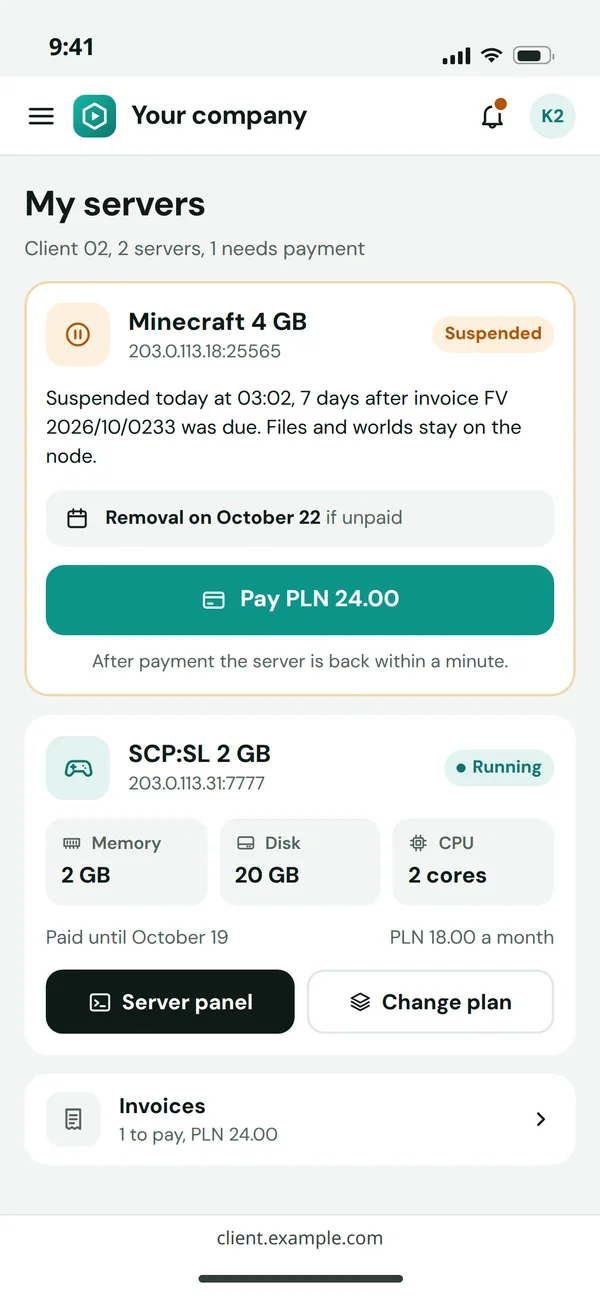
    A hosting client panel on a phone with an SCP:SL server

    The same server as an egg in Flaem

    In Flaem an SCP:SL server is installed from an egg, a server install recipe, from the frozeggs repository. It does what the guide does: SteamCMD with app 996560 and an anonymous login, then ./LocalAdmin started with the port assigned to the server.

    Two things are added in the container: copying steamclient.so into .steam/sdk32 and sdk64, as the community SteamCMD eggs do, and the panel rules: the server counts as started when "Waiting for players.." appears in the console, and stops with the EXIT command.

    frozeggs/eggs/scp-sl/dedicated.jsonjson, 14 lines
    {  "slug": "scp-sl-dedicated",  "name": "SCP: Secret Laboratory",  "docker_image": "ghcr.io/parkervcp/steamcmd:debian",  "startup_invocation": "./LocalAdmin ${SERVER_PORT}",  "process_configuration": {    "startup": { "done": ["Waiting for players.."] },    "stop": { "type": "command", "value": "EXIT" }  },  "install": {    "container_image": "ghcr.io/pterodactyl/installers:debian",    "script": "... ./steamcmd.sh +force_install_dir /mnt/server +login anonymous +app_update 996560 validate +quit\nmkdir -p /mnt/server/.steam/sdk32 /mnt/server/.steam/sdk64\ncp -f linux32/steamclient.so /mnt/server/.steam/sdk32/steamclient.so\ncp -f linux64/steamclient.so /mnt/server/.steam/sdk64/steamclient.so"  }}

    The SCP:SL server egg from Flaem, install script shortened.

    Related pages and sources

    The service, tools and terms this guide leads to, and more guides.

    Official documentation

    Rather have it done by someone who has done it before?

    Describe your system. We reply within an hour with an integration plan and a quote.

    Questions