
Websites for councils, schools, preschools and non-profits
Websites built to WCAG 2.1 and the Polish digital accessibility act, with an accessibility statement, the public information bulletin (BIP) and a panel where many people publish and the system enforces the rules. For foundations and clubs also donations, fees and member areas.
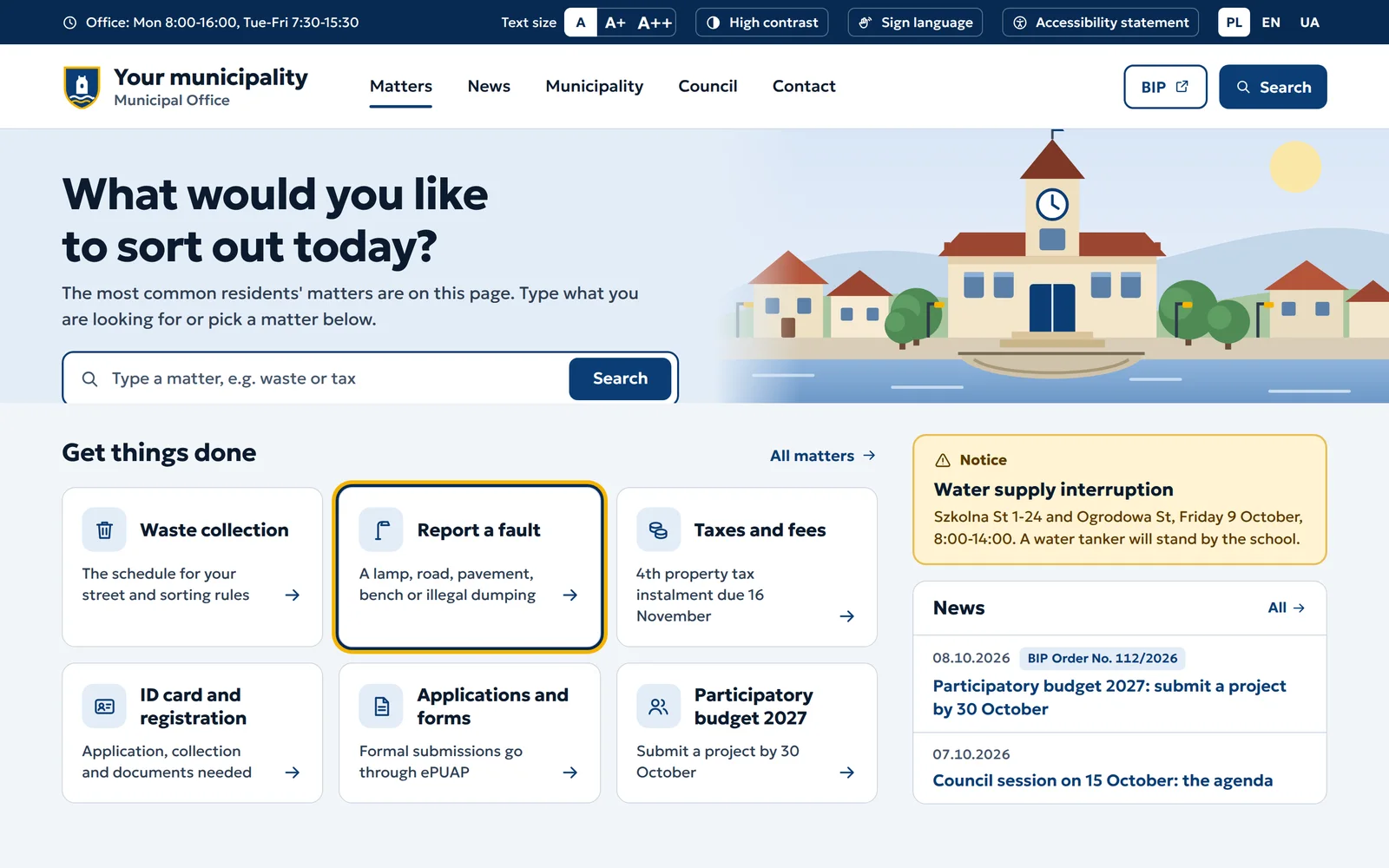
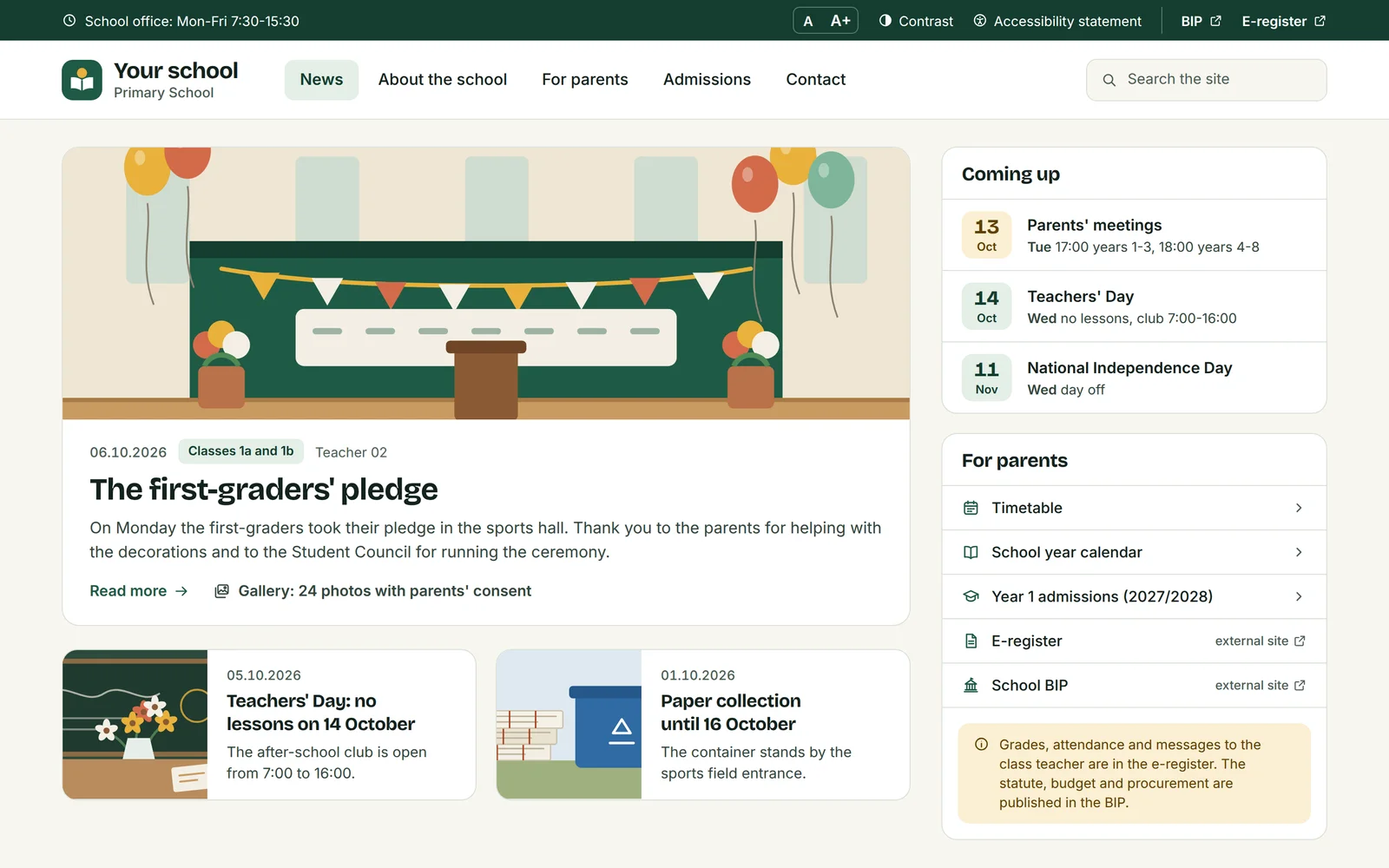
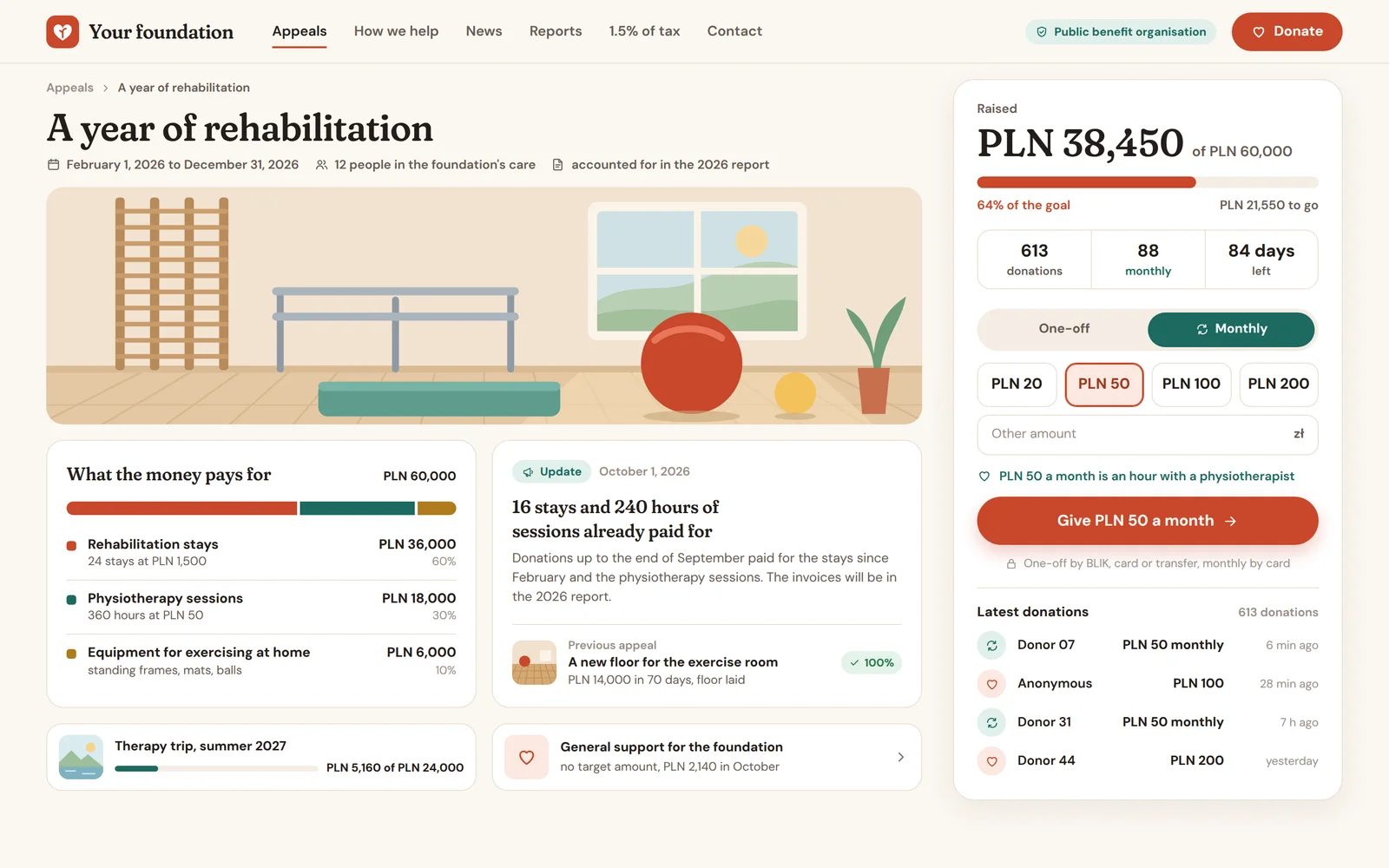
Institutions we build for
Each has its own page with a mockup, regulations, a rollout and a quote. Here in short: what they come with and what we build.
Poland's digital accessibility act in six points
The key rules for every institution in this group. Details for councils, schools and NGOs are on their pages.
Who it covers
Public finance sector units, including councils and schools and preschools run by local government, plus NGOs working in health, for people with disabilities and for people of retirement age (art. 2).
WCAG 2.1 at levels A and AA
The website meets the requirements in the act's annex, the WCAG 2.1 criteria (art. 5(1)). They are deemed met when complying with EN 301 549 V3.2.1 (art. 5(3)).
Statement and review by 31 March
An accessibility statement is prepared for each language version (art. 10(1)), and reviewed and updated by 31 March every year and after changes affecting accessibility (art. 11).
Older documents and recordings
The act does not apply to multimedia published before 23 September 2020 or to documents from before 23 September 2018, unless they are needed for current tasks (art. 3(2)(2) and (3)). That shortens archive migration.
Alternative access
When an element cannot be made digitally accessible, the institution provides alternative access, such as phone, mail or a sign language interpreter (art. 7).
Anyone can demand accessibility
Anyone may request that a website or one of its elements be made accessible (art. 18). The panel tracks such requests with the date received.
Which rules apply to which institution
A summary from the individual pages, with rules checked at the source. We write this as the website builder, not a law firm, so it is not legal advice.
| Council | Public school | Public preschool | OPP foundation | Association, club | |
|---|---|---|---|---|---|
| Digital accessibility and statement | Councilyes | Public schoolyes | Public preschoolyes | OPP foundation, Association, clubin parthealth, disability, seniors | |
| Public information bulletin (BIP) | Councilyes | Public schoolyes | Public preschoolyes | OPP foundation, Association, clubin partwith public tasks | |
| Image consent (art. 81) | Councilyes | Public schoolyes | Public preschoolyes | OPP foundationyes | Association, clubyes |
| Reports and 1.5% of tax | Councilno | Public schoolno | Public preschoolno | OPP foundationyes | Association, clubin partif it has OPP status |
| Public procurement from 170,000 PLN | Councilyes | Public schoolyes | Public preschoolyes | OPP foundation, Association, clubin partonly under art. 4(3) | |
A panel that enforces accessibility while you write
A website stops being accessible not at launch but at the hundredth post. So the check runs in the editor, before the post goes for approval.
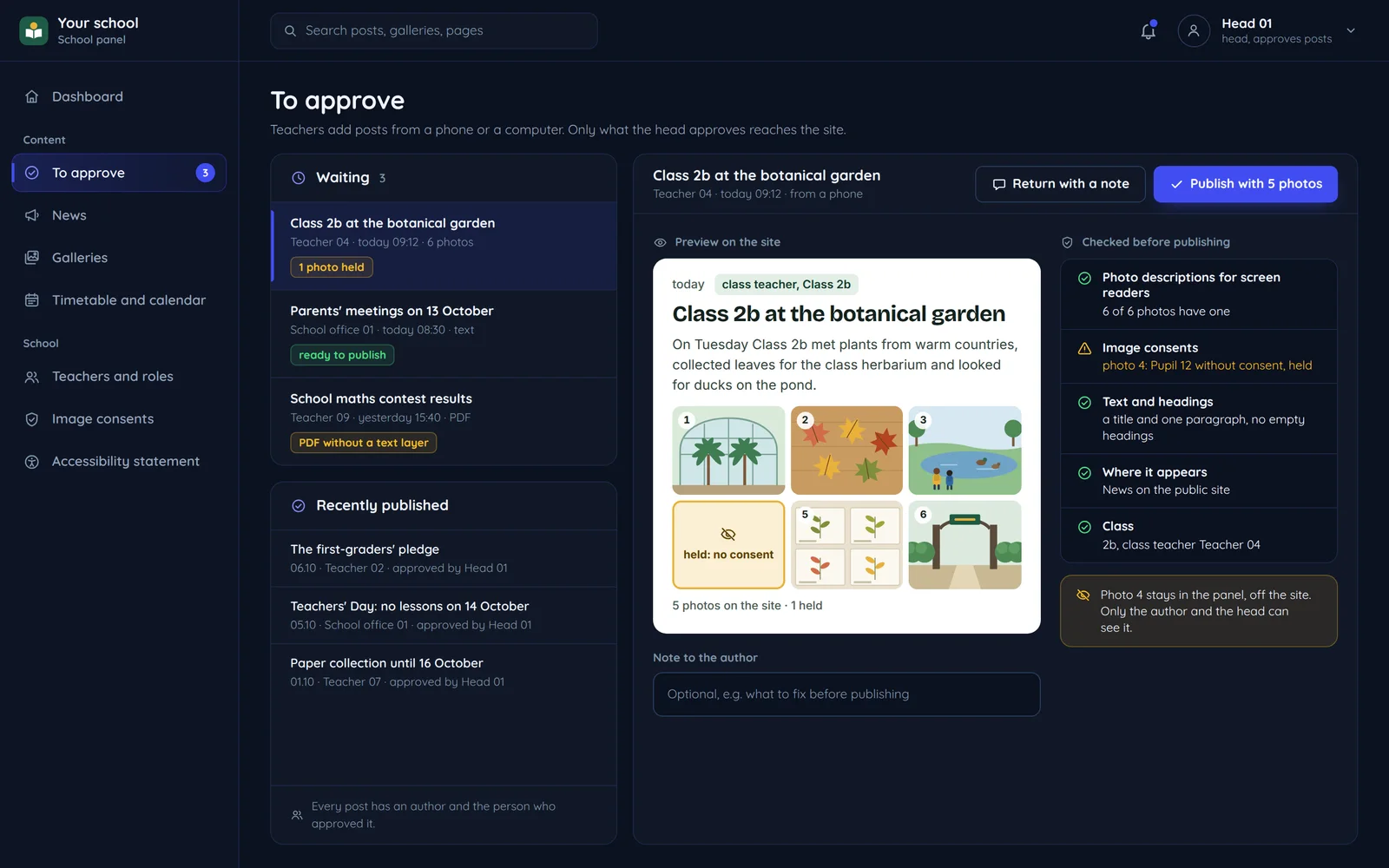
Image descriptions are required
A post with an image without alt text will not go for approval.
Headings in order
The editor does not let you jump from H2 to H4, so screen readers get a clear structure.
A warning for PDF scans
The panel detects a document without a text layer and asks for an accessible version.
Who and when
Every post has an author, an approver and a publication time, the data BIP requires under art. 8(6).
How a post moves through an institution
Many people write, one approves, and the history stays. The same flow works in a council, a school and a foundation.
- PostA post from a phone or computer
- CheckImage descriptions, headings, contrast, documents
- PublicationThe website, and public information in BIP
- HistoryWho created it, who entered it, when
- Sign-offApproval with one click
sent
Editor Panel. Image descriptions, headings, contrast and documents.
no issues
Panel Approval. The secretary, head or board approves with one click.
approved
Approval Panel. On the website, and public information in BIP too.
record
Panel Panel. Who created it, who entered it and when, with previous versions.
Questions institutions ask
Shared by councils, schools and organisations. Questions specific to each are on its page.

Read next
Accessibility, personal data and payments.
Not seeing your institution? Describe the problem
Tell us which institution you represent and what causes the most trouble on your website today. We will reply with a proposal and a free quote.