Offers
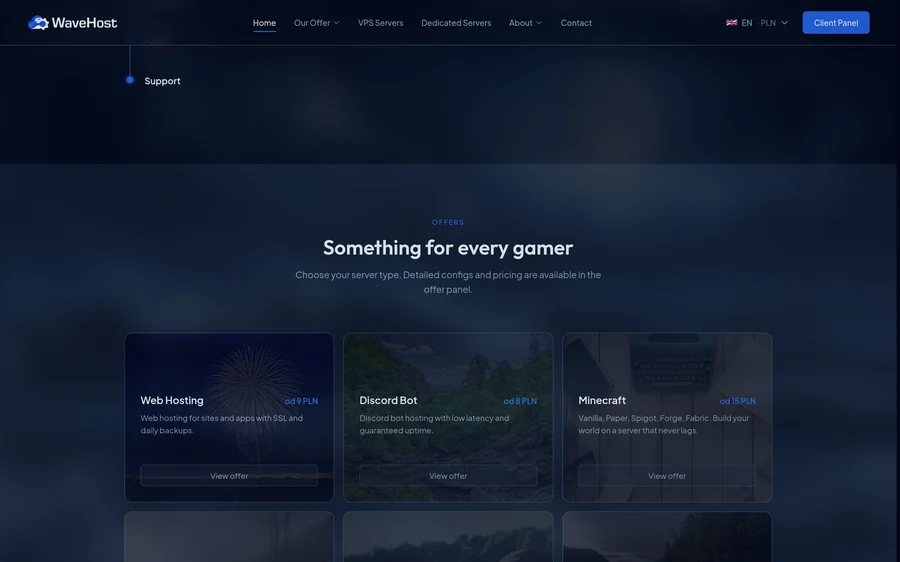
Every kind of service has a card with its starting price: web hosting, Discord bots, Minecraft, VPS, GTA and SCP:SL. The card leads to the packages, and prices convert to euro and dollars at the NBP rate.
WaveHost is a provider of game server, VPS and dedicated server hosting. We built it a new sales site with its own back end, a new client panel that provisions services automatically, and the move of accounts out of the old client panel.
The site, the client panel, the game panel and the team bot run separately, each with its own deployment. The customer moves through them in one brand: from the offer on the site, through the order in the panel, to their own game server.
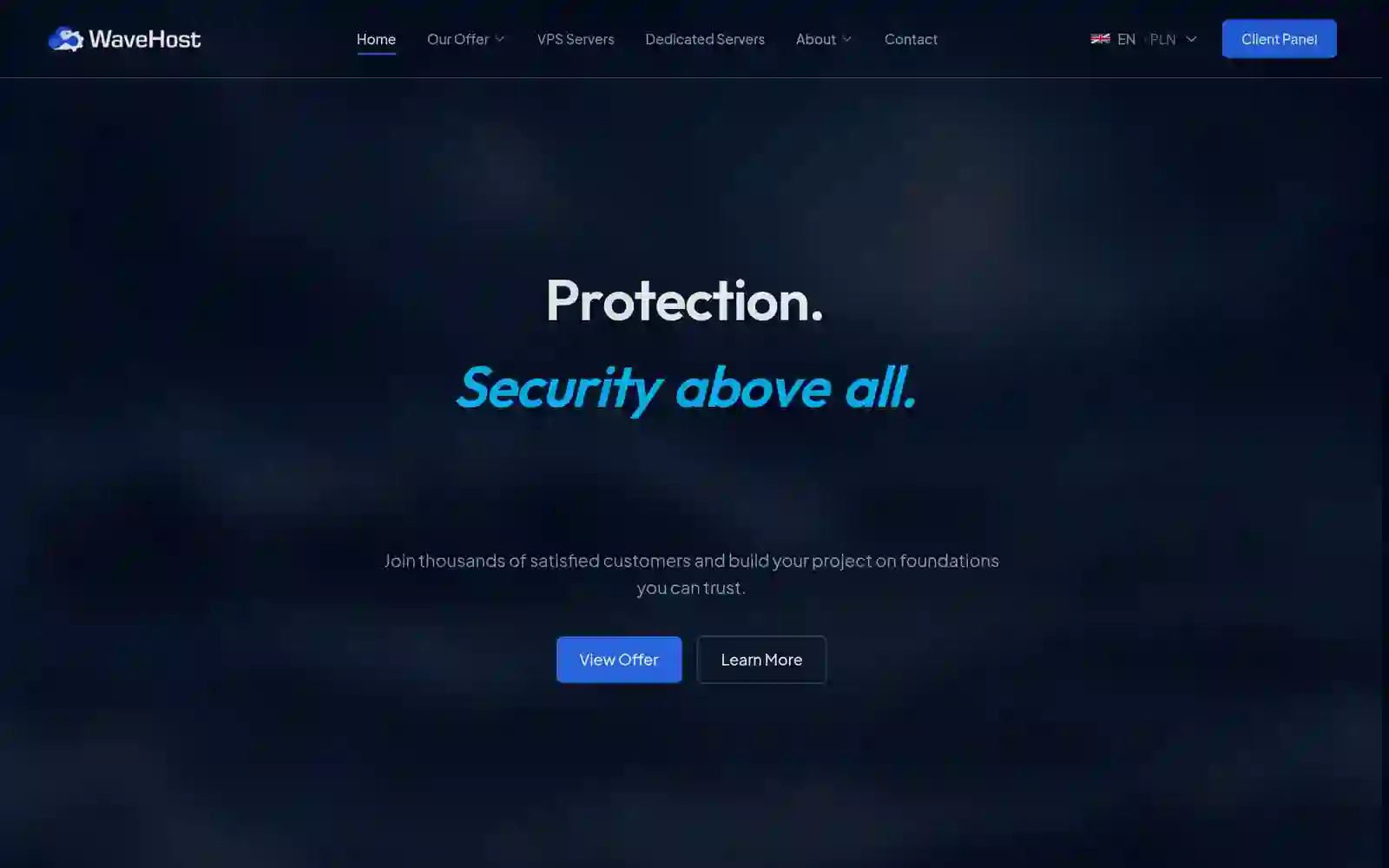
Game, VPS and dedicated server offers with a configurator, DDoS protection, reviews, questions and contact, in eight languages and three currencies. The WaveHost team changes the content and prices in the admin panel.
Orders, a wallet with invoices, services with a console, the affiliate programme, tickets and account settings, in six languages. A worker sets up every service that is ordered.
Pterodactyl in WaveHost colours. The client panel creates game servers in it through its API, and the customer also gets their console, power and settings in the client panel.
On the team's Discord it shows the site's stats: page views, clicks on offers, questions opened and traffic from referral links. It sends a report every day and says when a figure passes the next milestone.
It leads from the offer to the order in the client panel. The WaveHost team changes the texts in eight languages, the prices and all the content itself, in the site's admin panel.
Every kind of service has a card with its starting price: web hosting, Discord bots, Minecraft, VPS, GTA and SCP:SL. The card leads to the packages, and prices convert to euro and dollars at the NBP rate.
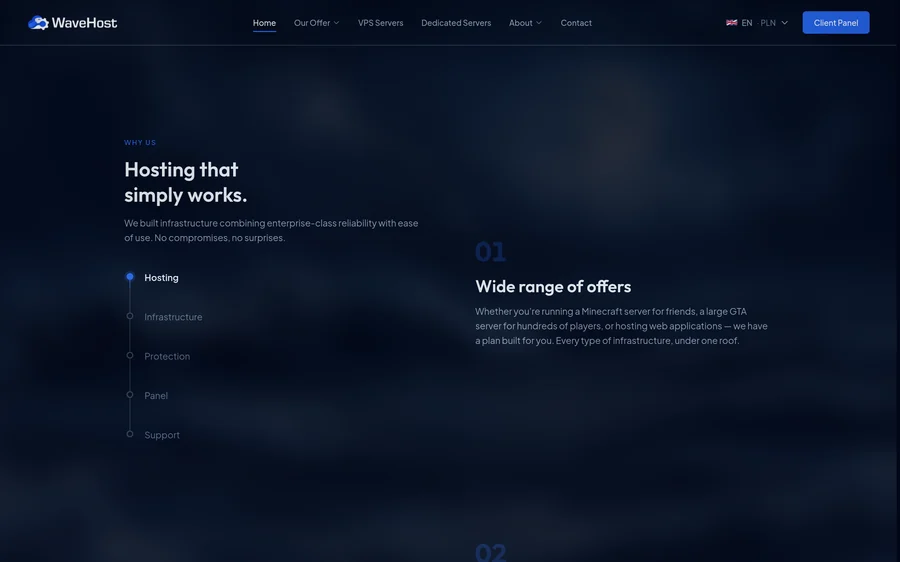
Five themes of the brand in one scrolling section. The list on the left stays in place and its progress line shows which theme the reader is at.
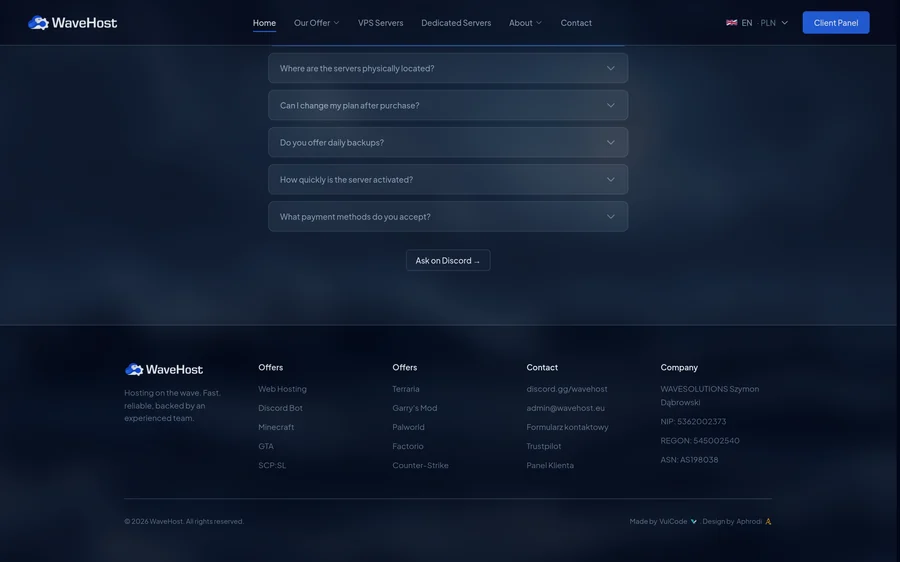
Questions open one under another, and the button under them takes the conversation to WaveHost's Discord. The footer gathers the game offers, contact and company details.
The WaveHost team enters prices, packages and the VPS configurator once, in the site's admin panel. The client panel takes them from there, and a worker makes sure only a package that fits on the servers is on sale.
The name, price, description, feature list, highlight and visibility of every package.
The steps, questions, options and surcharges a customer builds their own server from.
Questions, reviews, files, the about page and texts in eight languages, plus analytics, referral links and discounts.
A separate area with its own sign-in: users, customer servers, IP addresses, nodes, locations, support and email.
Categories and packages come from the site. A package removed from the site is only hidden, so running services keep their offer.
The panel reads the configurator from the site, so a new price or option works in it without a new deployment.
The team sets the node, game, cores, memory and disk, and the panel fills empty fields from the package's feature list.
The customer picks a location, and the panel puts the service on the least loaded node there with free IP addresses.
Every few minutes a worker checks each node's free memory and disk, with a margin, and its free IP addresses.
A package that no longer fits drops out of sale, and returns once resources free up.
The team can switch any offer's availability to manual and decide on it themselves.
An unreachable node leaves its offers as they are, instead of flipping them back and forth.
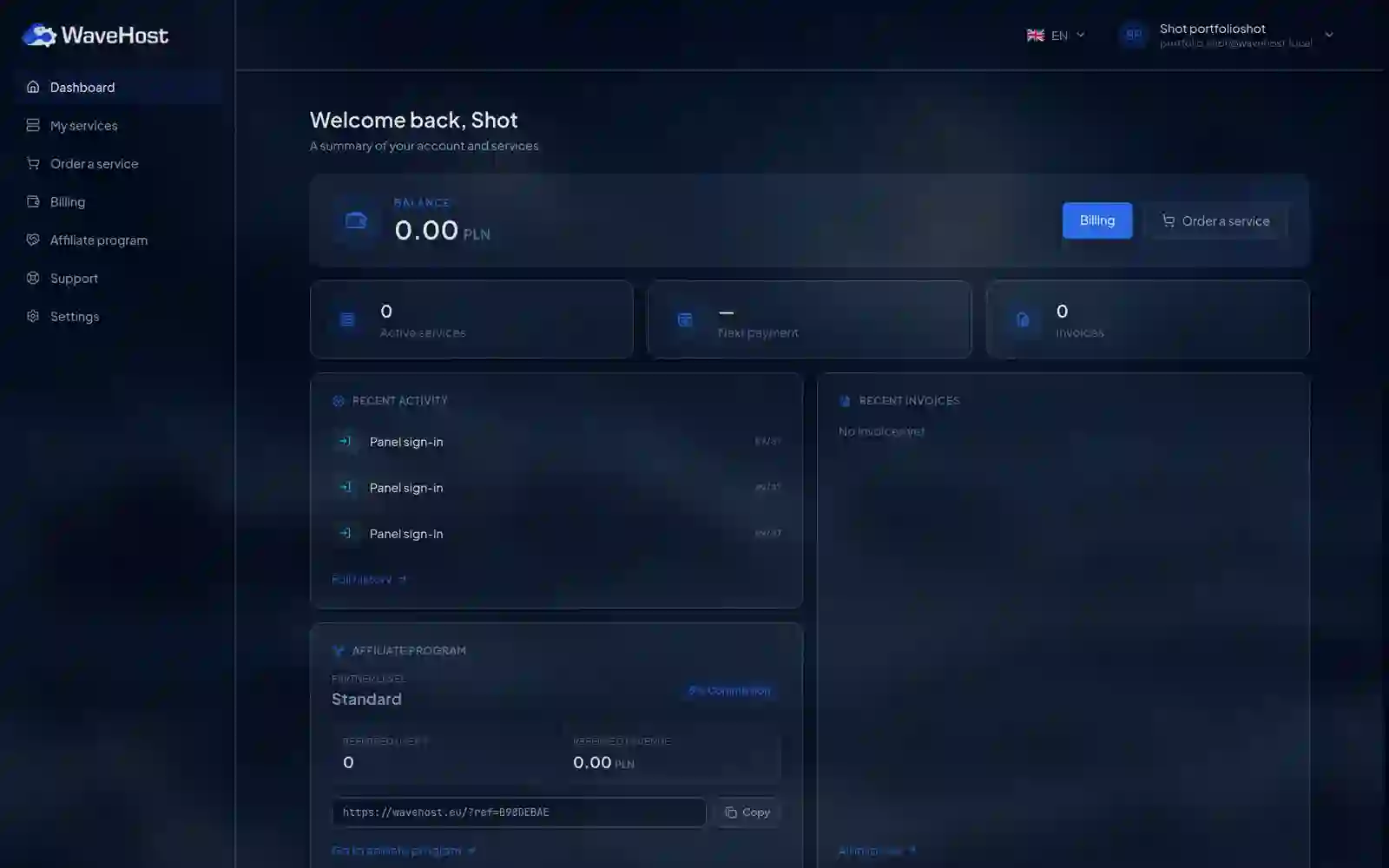
The customer orders, pays and runs a service from one account, in any of the panel's six languages. The dashboard shows the balance, services, the next payment, recent activity, invoices and the referral link at once.
A VPS as a ready package or built in the configurator, a game server with a choice of location and game version, Paper or Vanilla for Minecraft for example.
The customer tops up the balance through Stripe: BLIK, Przelewy24 or a card. The wallet pays for orders and renewals, and every payment comes with an invoice to print.
A VPS has a console, power, stats, backups, a firewall, reinstall and sub-users. A dedicated server powers on and shows its hardware over IPMI or Redfish.
A longer renewal period costs less, and moving to a bigger package costs only the difference for the days left in the period.
Once paid, the order goes into a BullMQ queue in Redis, and a separate worker sets up the service with nobody from the team involved. The panel API only adds the job, so the customer sees the service installing right away.
A virtual machine through the Proxmox API
The panel picks the least loaded node in the customer's location that has free IP addresses and a template of the chosen system.
The worker creates the machine from the system's template, with its IP addresses and the password or SSH key the customer gave.
The customer gets the address, port and user: SSH and root for Linux, or RDP and Administrator for Windows.
The panel marks the machine active and gives the console, power, stats and backups right away.
A server in Pterodactyl through its API
The worker creates the customer an account in Pterodactyl, or uses the one the customer already has.
With a location chosen, Pterodactyl picks the node itself; without one, the panel takes a free port on the node.
Memory, disk and CPU come from the package, and the game's empty passwords, RCON for example, get a random value.
Where the game needs it, the panel waits for the install to finish, uploads the start files, Minecraft's eula.txt for example, and only then starts the server.
A worker moves every service through its states by its expiry date, so the WaveHost team does not watch deadlines by hand.
Creates the machine or the game server. Until the install is done, the panel holds back actions that could get in its way, a renewal for example.
Runs the service and renews it from the wallet for one, two or three months. Every renewal comes with an invoice and an entry in the activity log.
Past the expiry date, it stops the VPS or suspends the game server in Pterodactyl. The data stays in place for seven days.
After seven days without a renewal, it removes the machine or the game server, so its room on the node goes back on sale.
Paying for a suspended service brings it back as active, with a new period counted from the day of payment.
The customer picks another system, the machine installs from scratch, and the new access details arrive by email.
Changing the package adds resources until the end of the paid period, and the customer pays only the difference for the days left.
The customer writes in the panel, and the WaveHost team answers where it works anyway: on its own Discord. A support bot joins the two sides of the conversation.
Step 1 of 5: A new ticket
The customer gives the subject, priority and first message in the Support tab, without leaving the panel.
Step 2 of 5: A private ticket channel (in the background)
The bot opens a channel only the team can see and pins a card in it with the subject, priority, first message and a button with the customer's details.
Step 3 of 5: A reply from Discord
A message written in the channel reaches the thread in the panel. The bot marks it delivered, and read once the customer opens it.
Step 4 of 5: The conversation goes on
The customer's replies appear in the channel under their name, and the team sees when the customer is typing. Replies can also be sent from the Support tab of the admin panel.
Step 5 of 5: Closing
The customer closes the ticket in the panel, or the team with a button in the channel after confirming. The channel locks and stays in the history as closed.
WaveHost's customers had their accounts, credit and payment history in the previous panel. We wrote a script that moves them to the new panel: it reads the old database with SQL queries and writes through the new panel's model, with its validation.
Partner levels, accounts with their wallet credit, referrals, payments, orders and commission history, in the order they depend on each other.
With the --dry-run flag the script only lists what it would move and writes nothing, so the team sees the result before the database changes.
Every moved row carries its identifier from the old panel, so running the script again skips what has already moved.
Old referral codes get a prefix so they cannot clash with new ones, and an order with no counterpart in the new catalogue waits for a manual check.
The panel holds customers' credit and access to their machines, so the protection covers sign-in, access to services and payments.
TOTP codes from an authenticator app, and passkeys the customer signs in with and no password.
An account works once its address is confirmed. A worker removes an account not confirmed within a day.
Cloudflare Turnstile on sign-up, sign-in and password reset, and separate attempt limits in Redis for sign-in, payments, purchases, reinstalls and the firewall.
The owner gives another person access to one service and chooses what they may do: power, console, backups, firewall or renewal. A co-manager can pass on only what they hold themselves.
Sign-ins, renewals and actions on services are recorded with their time, and in the settings the customer sees their signed-in devices and can sign them out.
The balance grows only after a Stripe event with a checked signature, and every payment from the wallet gets an invoice.
The other case studies and the services that draw on this work.