
Since February 2024 Gmail has required every sender to authenticate with SPF or DKIM, and a message with neither can be marked as spam or bounced with a 5.7.26 error. Outlook.com expects anyone sending 5,000 or more messages from one domain to Microsoft's consumer services to pass both checks and publish a DMARC record, and a domain that falls short is refused with code 550 5.7.515. All three mechanisms live in your domain's DNS records.
The four records behind email on your own domain
| Record | What it tells the receiving server |
|---|---|
| MX | which server takes incoming mail for the domain |
| SPF | which servers may send mail from the domain; an -all ending means every other sender fails the check |
| DKIM | how to verify the signature the sending server puts on each message, so tampered content is caught |
| DMARC | what to do with a message that fails the check: nothing (none), move it to spam (quarantine) or reject it (reject) |
What VulMail does for you
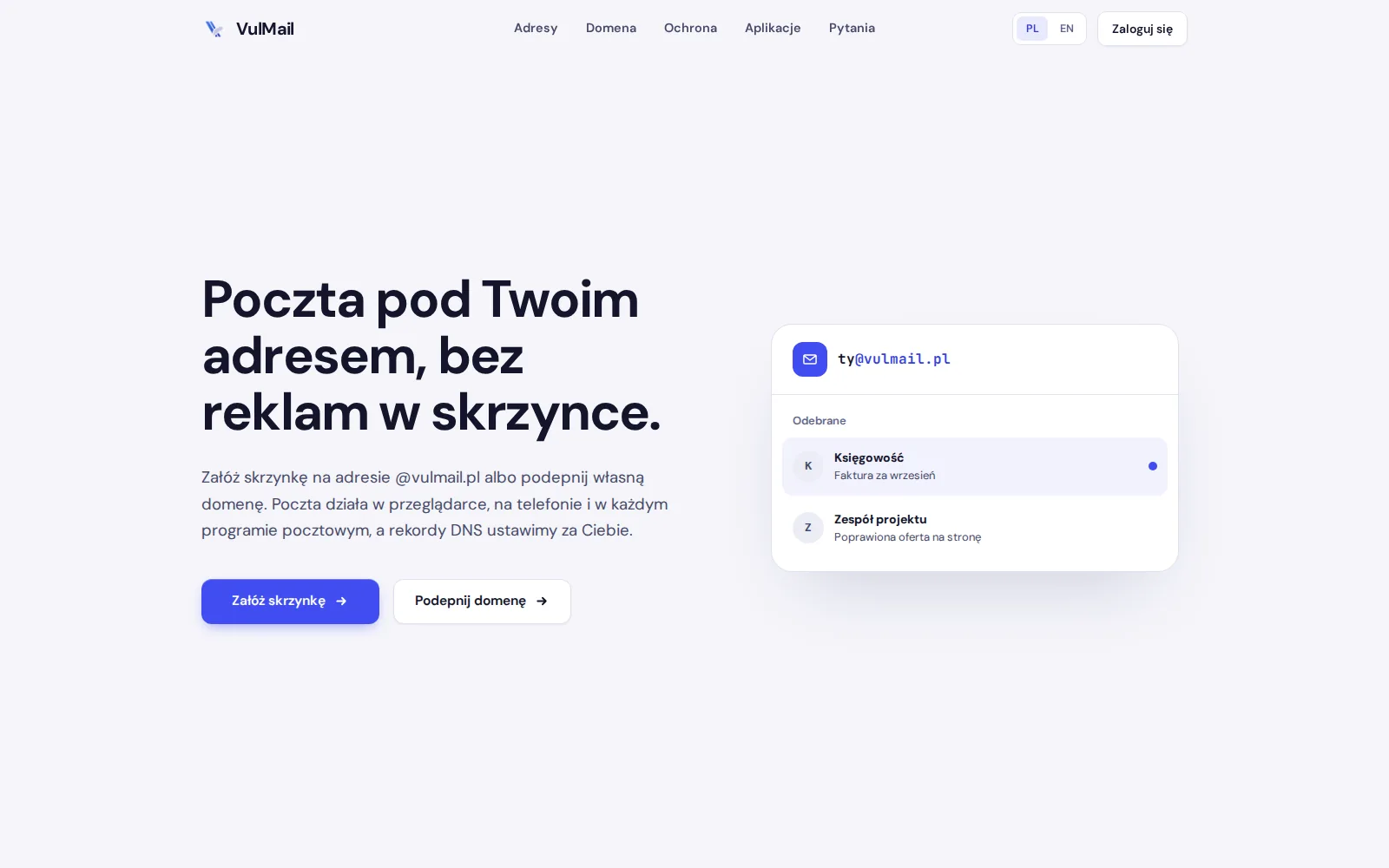
When you connect a domain, the VulMail panel generates the DKIM key itself and sets up the MX, SPF, DKIM and DMARC records for you. If you start on an @vulmail.pl address, you can add your own domain at any time, and the old address can keep working as an alias of the same mailbox. Incoming mail passes through a spam filter and an antivirus scan, messages with suspicious attachments wait in quarantine, and mail from your old mailbox is copied over folder by folder.
VulMail, with its webmail, calendar and contacts, is presented on the brand ecosystem page.
Was this post helpful?