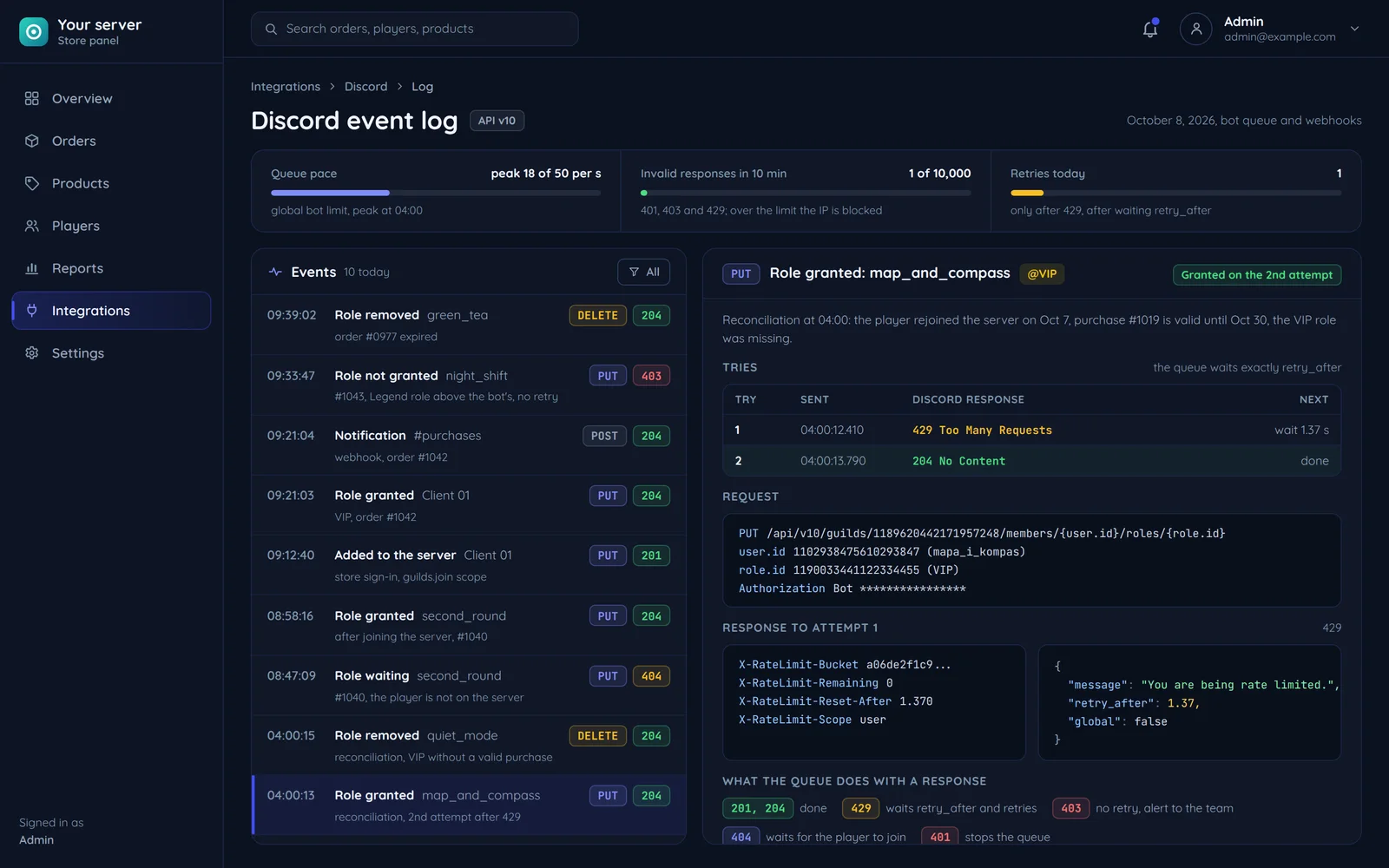

A webhook is an address tied to one Discord channel. A store or panel sends it a POST request with the content, and Discord posts the message in the channel. According to the Discord documentation, webhooks need no bot user and no authentication, so the address with its token works like a key: it stays on the store's server, not in the site's code, which any visitor can read.
How much one webhook message holds
| Element | Limit |
|---|---|
| Content above the embeds | 2,000 characters |
| Embeds | up to 10 per message |
| Embed title and description | 256 and 4,096 characters |
| Embed fields | up to 25, name up to 256, value up to 1,024 characters |
| All embeds together | 6,000 characters |
An order notification
A paid order notification fits neatly into an embed: the order number in the title, the amount, the delivery method and a link to the order in the panel as fields, and the bar colour set by status. In our Discord integrations, long reports are split across several messages, and a webhook that returns 404 is removed from the configuration with an alert to support, as Discord says it should not be used again.
The builder assembles an embed with a bar colour, title, description, footer, thumbnail and up to 25 fields, shows it as the channel will, and posts it straight to the webhook or gives you the JSON to paste into the store's code.
Build and send an embed with a preview in the Discord webhook builder, and see store and panel notifications on our Discord integration page.
Was this post helpful?